component
3D Can
By Mx. Bear
Details
- Mx. BearAuthor
- componentType
- $5.00Price
- 2026-07-15Published
- 2026-08-13Updated
- 2026-07-15Added
- InteractiveCategories
Summary
Mx. Bear
Description
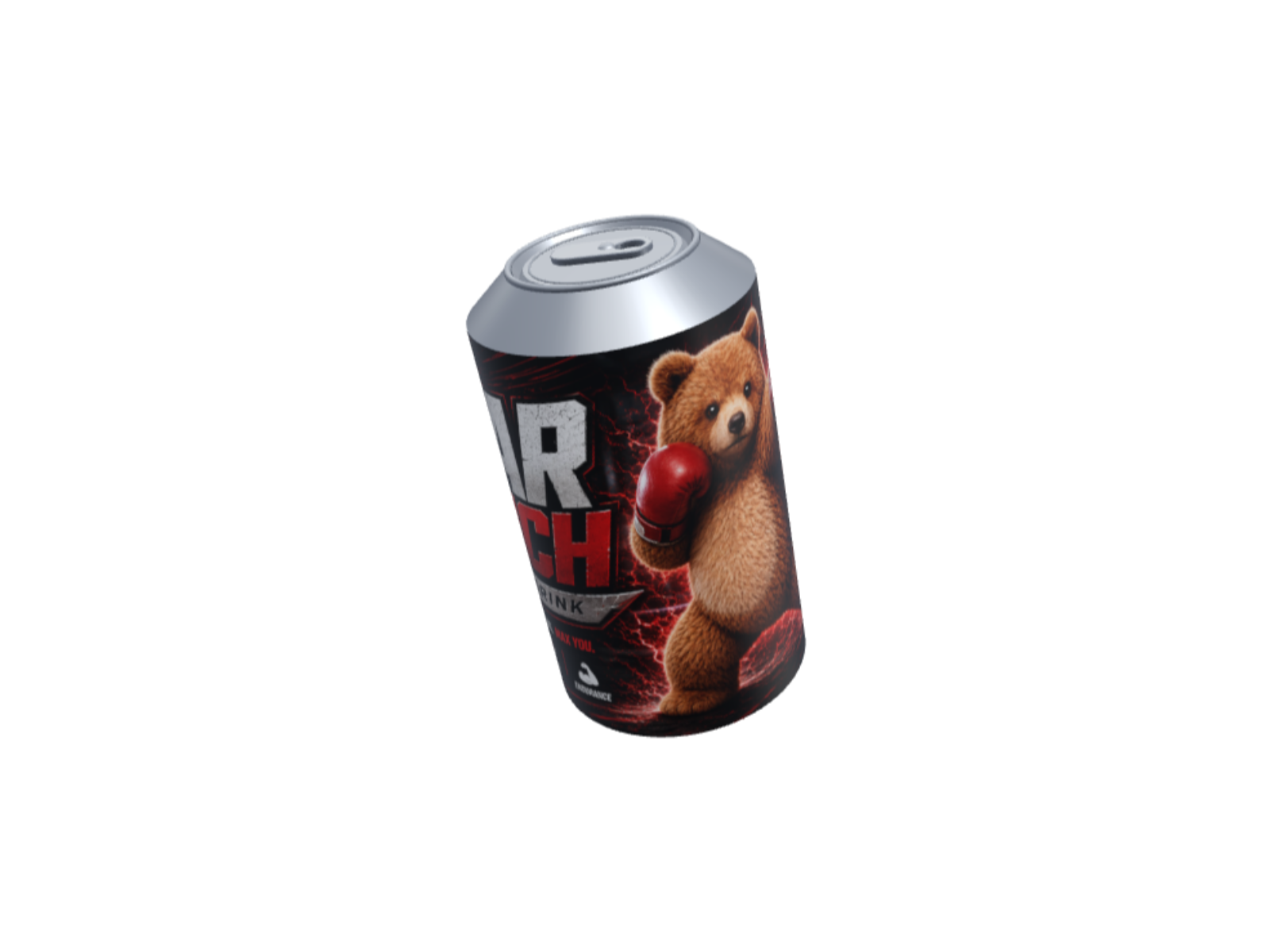
About this Component Wrap your artwork around a photorealistic aluminum can in seconds! Your uploaded image maps seamlessly onto the surface. Grab and spin it with smooth inertia, or let it rotate autonomously. The ultimate choice for beverage branding, merch drops, and standout product hero sections. Component Properties • Image: Wraps your photo around the can. A 2:1 ratio (e.g., 2000×1000) fits perfectly, while taller images auto-crop vertically with zero distortion. • Auto-spin: Keeps the can rotating slowly when the cursor is inactive (Default: On). • Tilt: Adjust the forward and backward pitch. • Tilt Sideways: Adjust the left and right roll for dynamic presentation angles. Use Cases • Product Mockups: Showcase beverage labels, custom merch, and pop-up store packaging in photorealistic 3D. Bring your products to life with a single image—no code required. • Interactive Heroes: Swap static thumbnails for tactile, "grab-and-spin" 3D elements that instantly hook your visitors' attention. How to Install To install the component, please copy and paste the component URL directly onto your Framer canvas. Important Note Please note that the animations only work in Preview mode. The component may appear paused or as an empty screen on the Framer canvas.
Introduction
Mx. Bear
Rank history
Daily rank per list, from the first snapshot — lower is better.
- All · #6981