component
3D Images Sphere
By Karim Saif
Details
- Karim SaifAuthor
- componentType
- 2026-07-27Published
- 2026-07-27Updated
- 2026-07-27Added
- GalleriesCategories
Summary
WebGL-powered 3D cloud gallery
Description
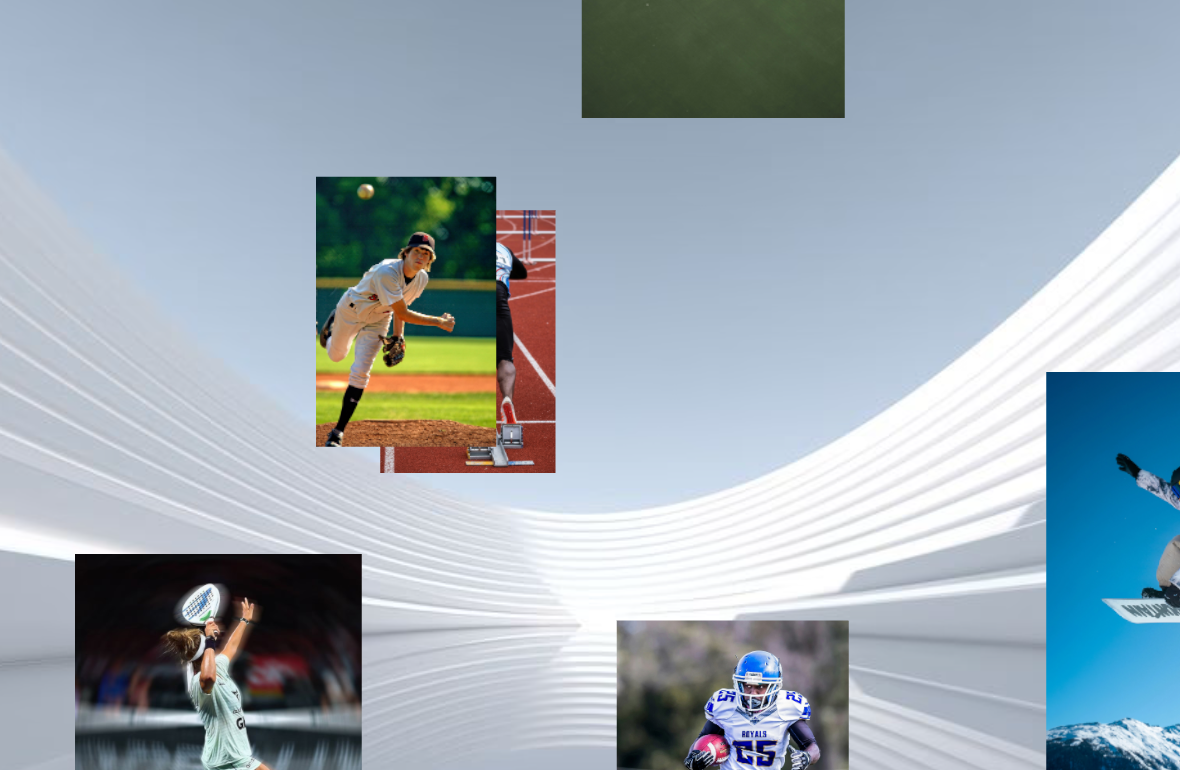
About 3D Image Sphere brings a dynamic, WebGL-powered 3D cloud gallery to your Framer websites. Built on Three.js and React, it projects your image collection onto an interactive spherical layout featuring physics-based inertia spin, smooth hover scaling, and click-to-focus lightboxing. With automatic billboard alignment, every image cleanly faces the viewer as the sphere rotates in space. What it does Interactive WebGL Sphere: Maps custom image arrays onto 3D coordinates with deterministic positioning for consistent canvas and live preview rendering. Momentum Drag & Physics: Features responsive pointer-capture dragging with customizable easing curves and smooth inertia decay on release. Click-to-Focus & Backdrop Dimming: Clicking any card smoothly interpolates it to the front-center focal point while dimming background planes for clean visual hierarchy. Camera-Facing Billboards: Dynamically syncs matrix quaternions so images remain parallel to the viewport during rotation. Canvas & SSR Safe: Automatically detects Framer’s static rendering engine ( useIsStaticRenderer ) to display optimized static snapshots without mounting WebGL animation loops during design editing. Performance & Display Optimization: Built-in anisotropy scaling, dynamic DPR adaptation via media queries, and complete WebGL context cleanup on unmount. What you can customize All properties are controllable directly through Framer’s Property Panel: Images: Upload or link custom images directly from the property array (defaults to placeholder stock images). Sphere Geometry: Tweak Radius , Image Size , camera Distance , and Field of View (FOV) to adjust depth and card density. Auto Rotation: Toggle automated spinning with fine-grained control over Rotation X and Rotation Y speeds. Drag Dynamics: Enable pointer rotation, adjust Drag Speed , and tweak Inertia decay physics. Hover & Focus: Adjust Hover Scale intensity, Focus Size , Connect Made with 💛 by @Karim Saif
Introduction
WebGL-powered 3D cloud gallery
Rank history
Daily rank per list, from the first snapshot — lower is better.
- All · #2016