Design Foundry
Pixel Flicker
$10premium animated pixel background
Searching…
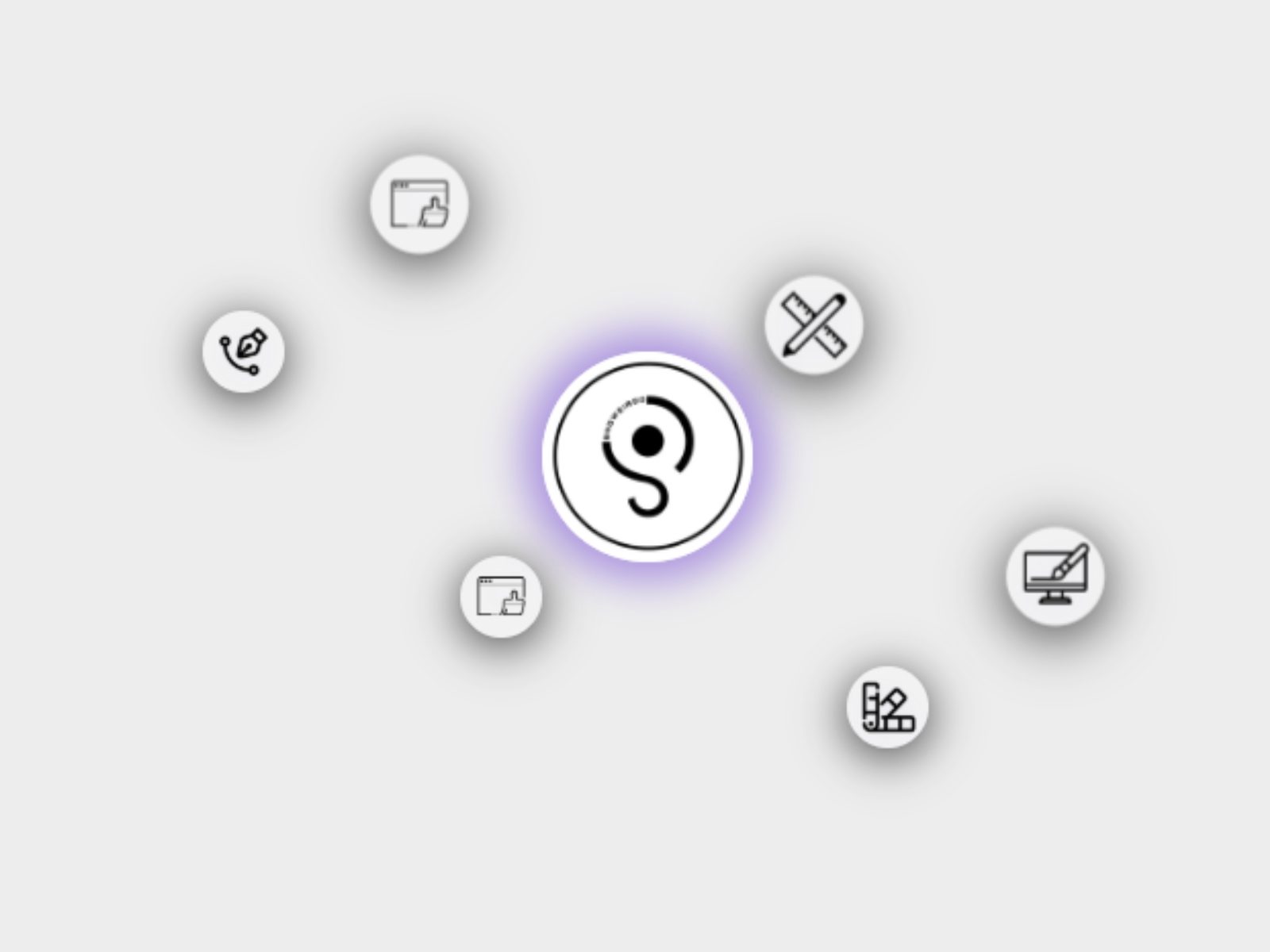
Add motion, depth, and visual intrigue to your designs with 3D Orbit.
Add motion, depth, and visual intrigue to your designs with 3D Orbit. This component animates your icons or images in a smooth elliptical orbit around a center object, giving you a dynamic way to showcase features, partners, tech stacks, or just pure visual flair.
Orbit Behavior
Radius X / Radius Y — Control the width and height of the elliptical path.
Tilt Angle — Tilt the entire orbit for a 3D-like effect.
Direction — Choose clockwise or counter-clockwise motion.
Speed — Fine-tune the animation speed via Speed (ms).
Easing — Pick from multiple easing options including a springy cubic-bezier.
Orbit Icons — Upload custom images or use built-in icon sets (emoji or Material Icons).
Number of Orbits — Set how many items appear around the center.
Visibility Toggle — Show or hide individual orbiting icons.
Slot Support — Use custom Framer content (text, emojis, components) in orbiting items.
Spacing in between orbits
Image Upload — Upload a central image or use a fallback URL.
Alt Text — Set descriptive labels for accessibility.
Size & Radius — Customize the central object’s size and border radius.
Adjust shadow of orbit
Icon Background — Add a semi-transparent background to icons.
Icon Shadows — Enable or disable and customize the shadow color.
Icon Size — Adjust orbiting icon size individually.
Responsive Layout — Built to work in fixed-width frames.
Feature highlights
Tech stacks
Partner logos
User avatars
Playful loading or intro animations