component
3D Viewer
By 584.studio
Details
- 584.studioAuthor
- componentType
- 2026-07-09Published
- 2026-07-09Updated
- 2026-07-09Added
- InteractiveCategories
Summary
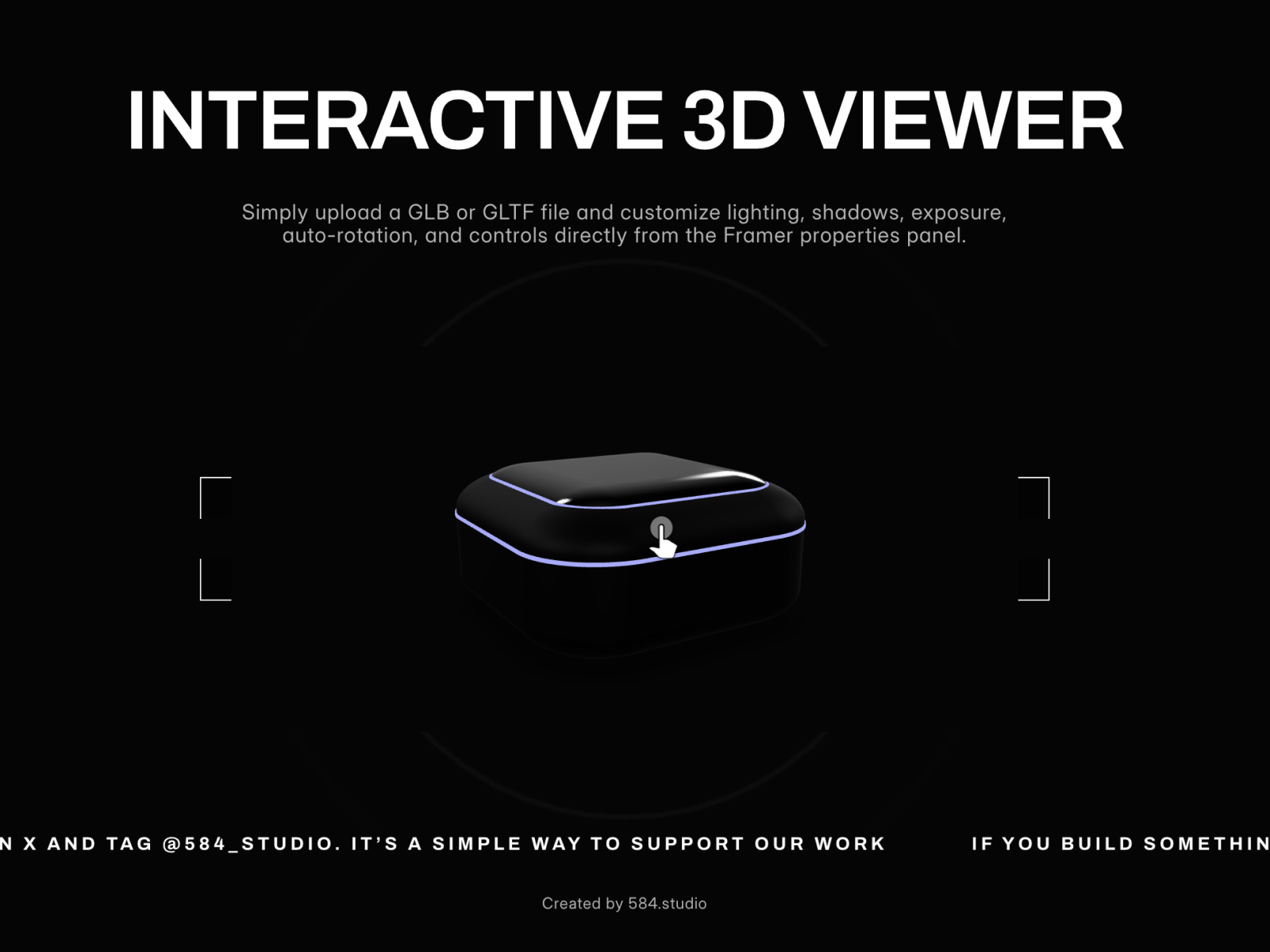
Description Interactive 3D Viewer lets you add real 3D models to Framer without using Lottie, embeds, or external preview links.
Description
Description Interactive 3D Viewer lets you add real 3D models to Framer without using Lottie, embeds, or external preview links. Upload a GLB or GLTF file directly into the component, just like an image or video, and display it instantly on your site. Perfect for product pages, e-commerce stores, portfolios, landing pages, and interactive showcases. You can control the full viewing experience from the Framer properties panel: auto-rotation, camera controls, background color, shadow intensity, exposure, and environment mode. Key features Upload GLB and GLTF models directly in Framer No external links or embed setup needed Auto-rotation on/off Camera controls on/off Adjustable background color Shadow intensity control Exposure control Neutral or legacy environment mode Full-width and full-height responsive display Easy to use in product pages, hero sections, and interactive showcases Share your build If you build something with it, share it on X and tag @584_studio. It’s a simple way to support our work.
Introduction
Interactive 3D Viewer
Rank history
Daily rank per list, from the first snapshot — lower is better.
- All · #170