component
AdaptiveImage
By Shiddiq Jawas
Details
- Shiddiq JawasAuthor
- componentType
- $3.00Price
- 2026-07-28Published
- 2026-07-28Updated
- 2026-07-28Added
- SectionsCategories
Summary
Switches images by light/dark mode
Description
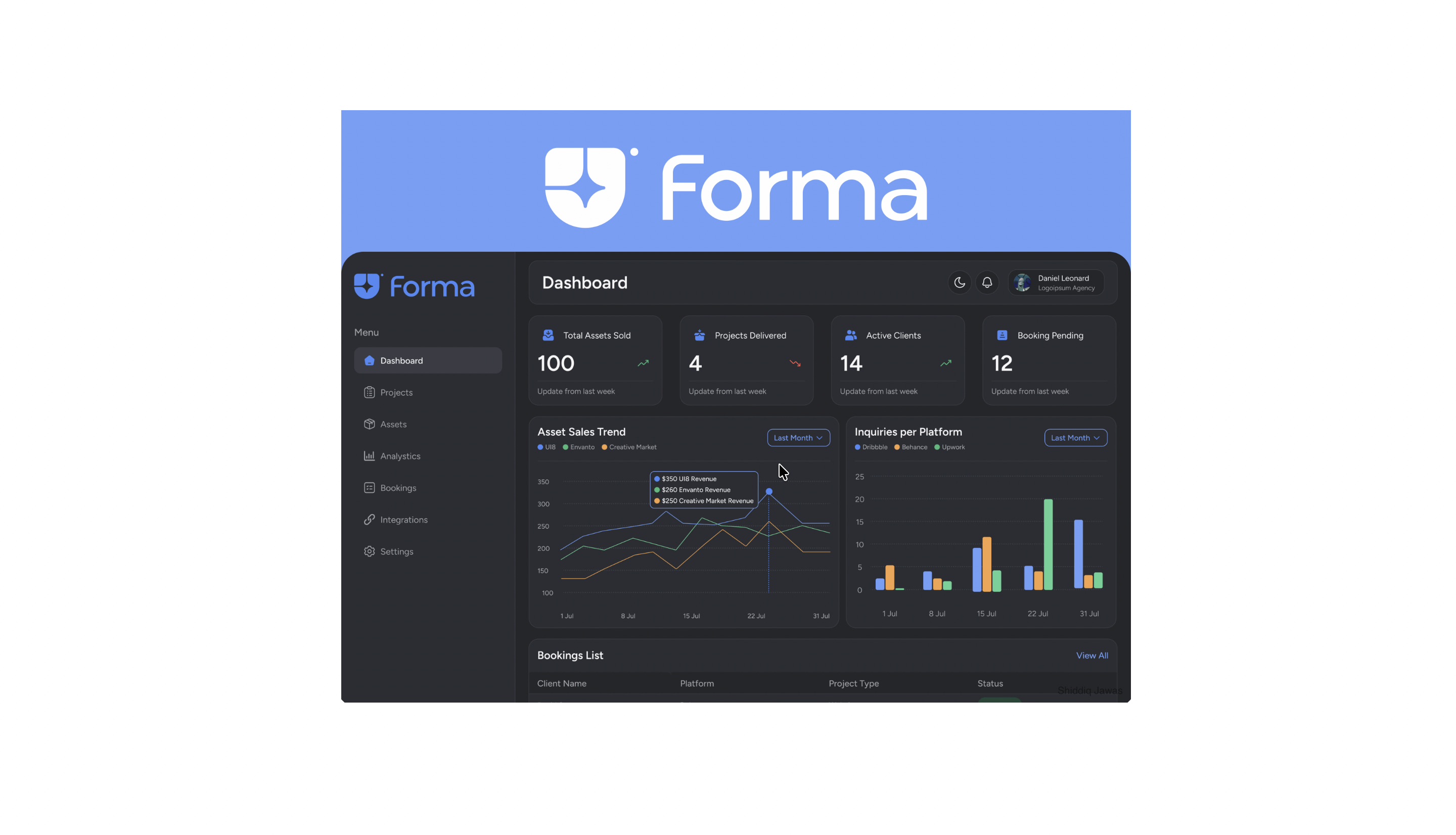
Adaptive Image — Auto Dark/Light Mode Component A drag-and-drop image component that automatically displays the right image for your visitor's system theme. Upload one image for light mode and one for dark mode — the component handles the rest, switching in real time based on your visitor's own device or browser settings. ✨ Key Features 🌗 True System Detection — Reads the visitor's OS/browser prefers-color-scheme setting directly, no manual toggle required ⚡ Real-Time Response — If the visitor changes their system theme while the page is open, the image updates instantly, no refresh needed 🧩 Drag & Drop Component — Just drag it onto your canvas like any native Framer element, no code editing needed 🎨 Two Image Slots — Separate upload fields for your light-theme and dark-theme image variants 📐 Adjustable Corner Radius — Fine-tune the image's border radius directly from the properties panel 📏 Resizable on Canvas — Freely resize the component's width and height like any other layer Perfect For Logos & brand marks with light/dark variants Hero images & banners Product screenshots & mockups Illustrations & icons Any visual asset that needs to feel native to the visitor's preferred theme Why You Need This Most Framer sites with dark mode support still show one static image regardless of theme, which often looks mismatched, like a light-background logo floating on a dark hero section. This component fixes that entirely. Upload your two image variants once, adjust the radius and size to fit your design, and every visitor automatically sees the version that matches their own system preference. How It Works Drag the "Adaptive Image" component onto your canvas Upload your light-mode image Upload your dark-mode image Adjust corner radius and size to fit your design Publish — done. The image now automatically matches each visitor's system theme
Introduction
Switches images by light/dark mode
Rank history
Daily rank per list, from the first snapshot — lower is better.
- All · #8973