component
AirDrop Effect
By Ali Çorak
Details
- Ali ÇorakAuthor
- componentType
- $5.00Price
- 2026-07-25Published
- 2026-08-16Updated
- 2026-07-25Added
- EffectsCategories
Summary
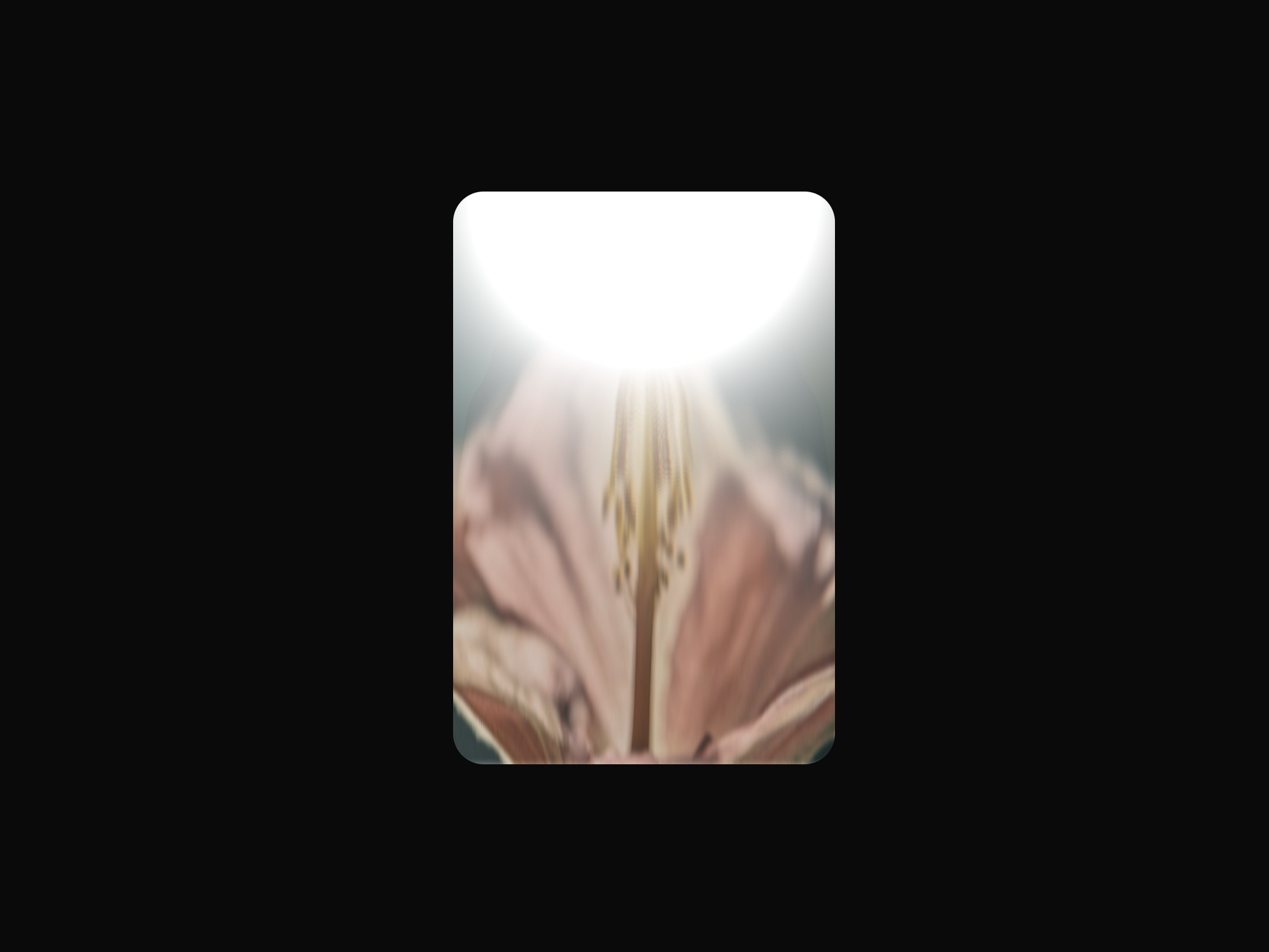
AirDrop Effect wraps any image with an animated, softly distorting light band that pulses from the edge you choose.
Description
Unlock entire Depth library for $149. One price. Lifetime. Get Depth A liquid glow that ripples along the edge of your image — the same satisfying energy as receiving a file on your phone. AirDrop Effect wraps any image with an animated, softly distorting light band that pulses from the edge you choose. Perfect for app screenshots, device mockups, feature cards, and hero images that deserve a little life. How to use Add your Image, set the Corner Radius to match your design, and pick the Edge the glow lives on: Top, Bottom, Left, or Right. Then shape the light: Size controls how far it reaches, Glow its brightness, and Distortion and Ripple how much it bends and waves the image beneath it. Blur Amount softens the band, Color Shift adds an iridescent tint, and Speed and Pulse set the rhythm. Turn on Play on Hover to keep the effect still until the cursor arrives. Features Animated edge glow with liquid distortion Four edge positions: top, bottom, left, and right Adjustable size, glow, and blur Distortion and ripple controls Iridescent color shift Speed and pulse rhythm controls Play-on-hover mode Corner radius matching your design Static-friendly rendering on the canvas and export Works on screenshots, mockups, and hero images Responsive across desktop, tablet, and mobile No setup or coding required Refund Policy: Due to the nature of digital products, all sales are final. Once purchased, this component is non-refundable. Please make sure it fits your needs before completing the checkout. Support: hi@alicorak.com
Introduction
Liquid glow that ripples
Rank history
Daily rank per list, from the first snapshot — lower is better.
- All · #7363