component
Aisol Countdown
By ulz song
Details
- ulz songAuthor
- componentType
- $6.00Price
- 2026-08-30Published
- 2026-09-07Updated
- 2026-08-30Added
- InteractiveCategories
Summary
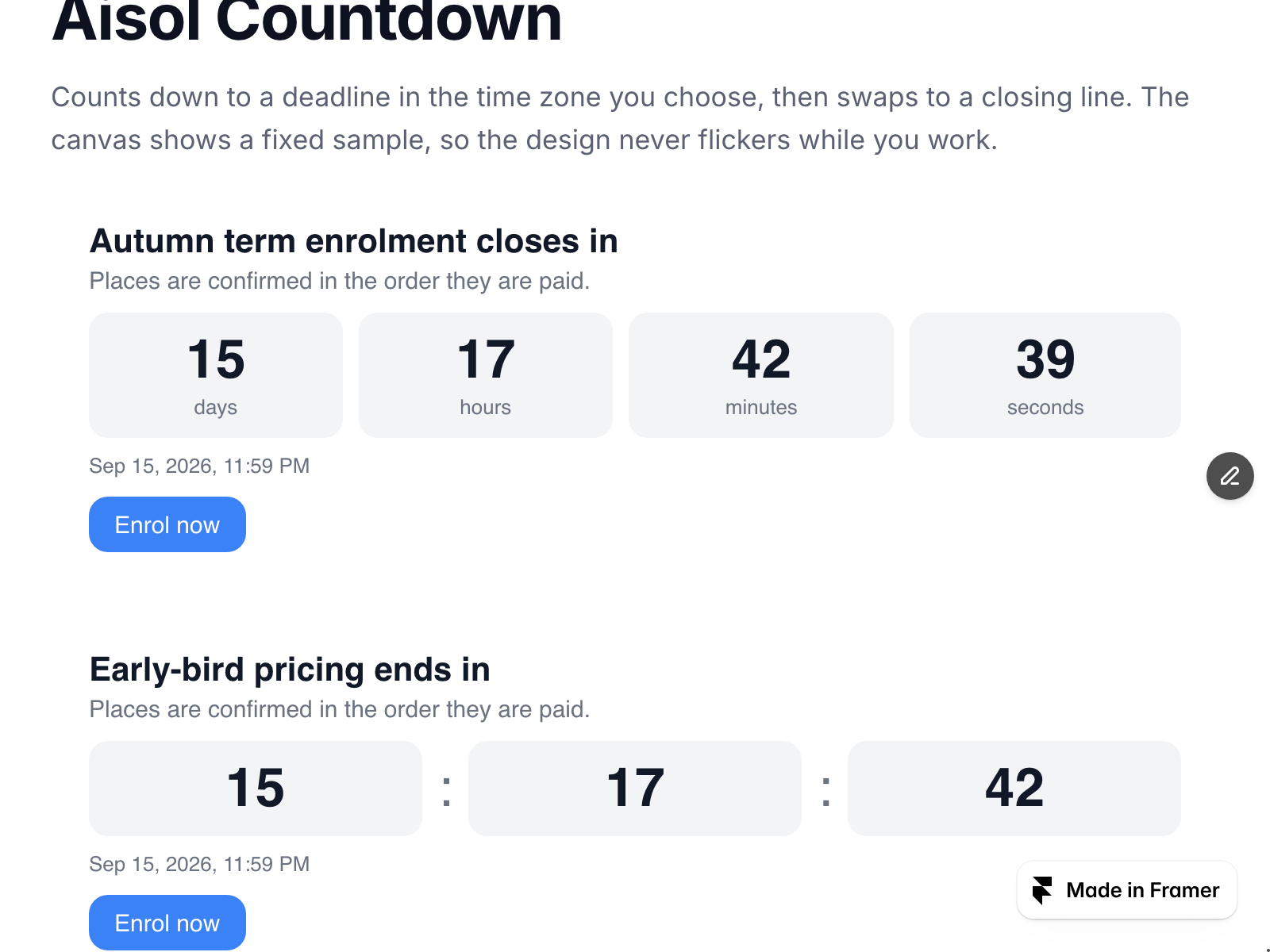
Aisol Countdown counts down to a deadline and then says what happens next.
Description
Aisol Countdown counts down to a deadline and then says what happens next. The deadline is read in the time zone you choose, so a 23:59 cut-off means 23:59 where the deadline lives, not wherever the visitor happens to be. - Choose the units - days/hours/minutes/seconds, or let it switch automatically to hours/minutes/seconds inside the last day. - After the deadline it swaps to your closing line, or disappears entirely. It never counts into negative time. - Built to be heard, not just seen: the digits are hidden from screen readers and a separate polite live region announces the time left - no reader is forced to hear a number every second. The deadline itself is a real . - On the canvas it shows a fixed sample instead of a running clock, so your layout never flickers while you design. - Two rows on narrow screens, one row on wide. The switch is CSS inside the component. - Content and colours come from property controls. Nothing outside the component is read or changed. For enrolment deadlines, early-bird pricing, class start dates, launches and registration windows. Part of the Aisol Course Site Kit - Curriculum accordion, tuition plan table, event list, hotspots and the free FAQ Fold for $19 instead of $31: https://payhip.com/b/W2hRH More components at Aisol Studio - https://www.framer.com/@ulz-song/
Introduction
Deadline countdown, then a line
Rank history
Daily rank per list, from the first snapshot — lower is better.
- All · #7317