component
Aisol Hotspots
By ulz song
Details
- ulz songAuthor
- componentType
- $7.00Price
- 2026-08-29Published
- 2026-09-08Updated
- 2026-08-29Added
- NavigationCategories
Summary
Aisol Hotspots puts labelled points on any image (a product shot, a screenshot, a floor plan) and keeps them in place at every screen size.
Description
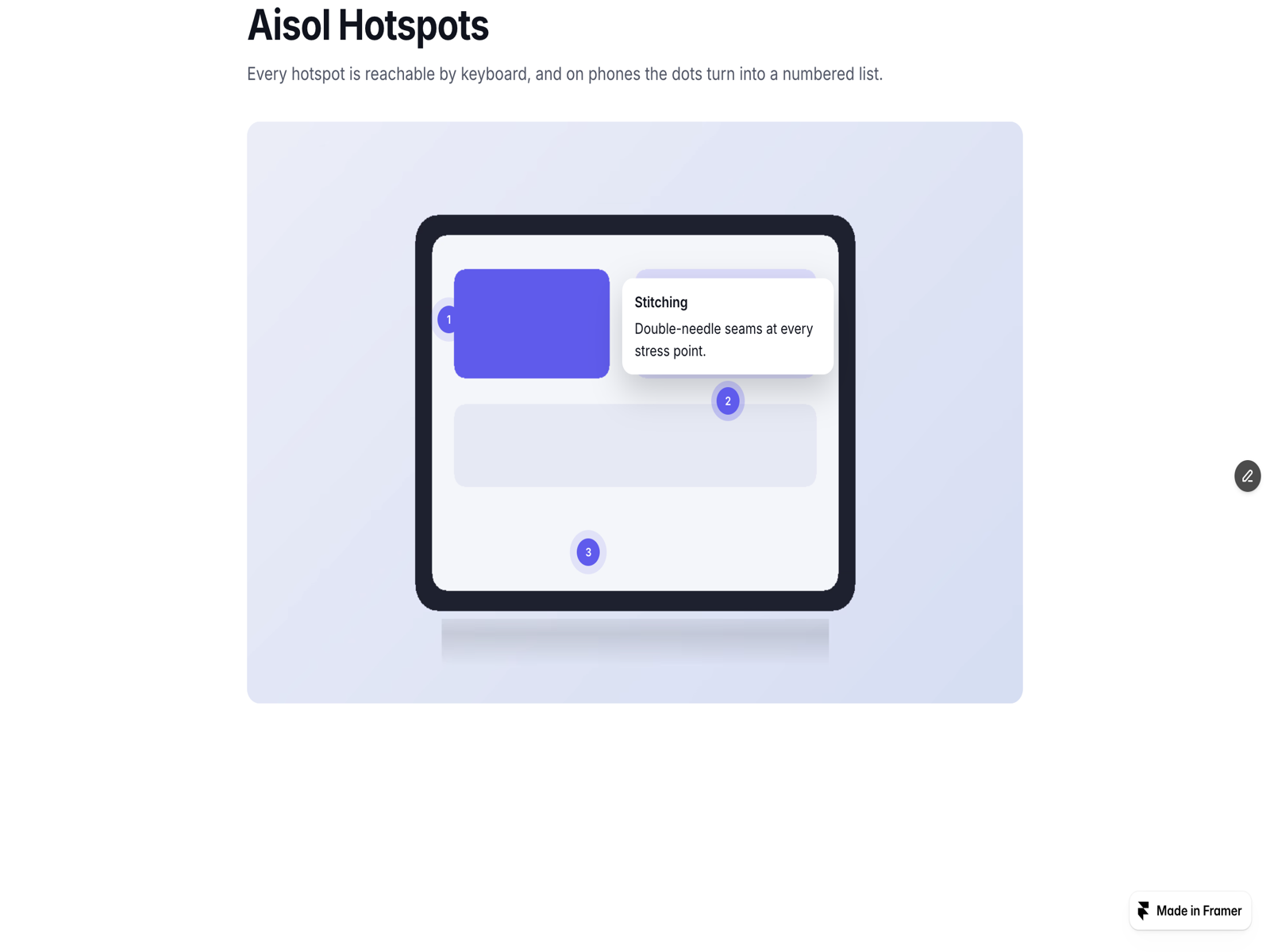
Aisol Hotspots puts labelled points on any image (a product shot, a screenshot, a floor plan) and keeps them in place at every screen size. The component works entirely inside its own frame: it never reads or changes the rest of your page. WHY IT IS DIFFERENT: Every hotspot is reachable by keyboard (tab to it, Enter or Space to open, Esc to close, with aria-expanded and aria-describedby wired up). On phones the dots turn into a numbered list, so a tooltip never falls off a small screen. Coordinates are percentages, so the points stay put across breakpoints. HOW TO USE: Choose an image (or bind the Image control to a CMS image field so every item keeps the same layout), then add hotspots in the Hotspots array: X %, Y %, Label, Body, and an optional Link or Link URL with your own link text. Pick Opens on (click or hover), the mobile mode (numbered list or tooltip), dot size and colour, pulse, numbers, tooltip width and colours, and the body line clamp. KEY FEATURES: Tooltips flip above or below and pull themselves back inside the image near an edge. Long text is clamped to a line count you choose. Each hotspot can carry a link. Respects prefers-reduced-motion and works on touch with a plain tap. Static-renderer safe (image and dots on the Framer canvas). More components by Aisol Studio: search "Aisol" in the Marketplace. Part of the Aisol Course Site Kit - Get this plus the curriculum accordion, tuition plan table, event list and the free FAQ Fold for $19 instead of $31: https://payhip.com/b/W2hRH
Introduction
Keyboard-ready image hotspots
Rank history
Daily rank per list, from the first snapshot — lower is better.
- All · #8228