component
Aisol Reading Nav
By ulz song
Details
- ulz songAuthor
- componentType
- $14.00Price
- 2026-08-29Published
- 2026-09-07Updated
- 2026-08-29Added
- NavigationCategories
Summary
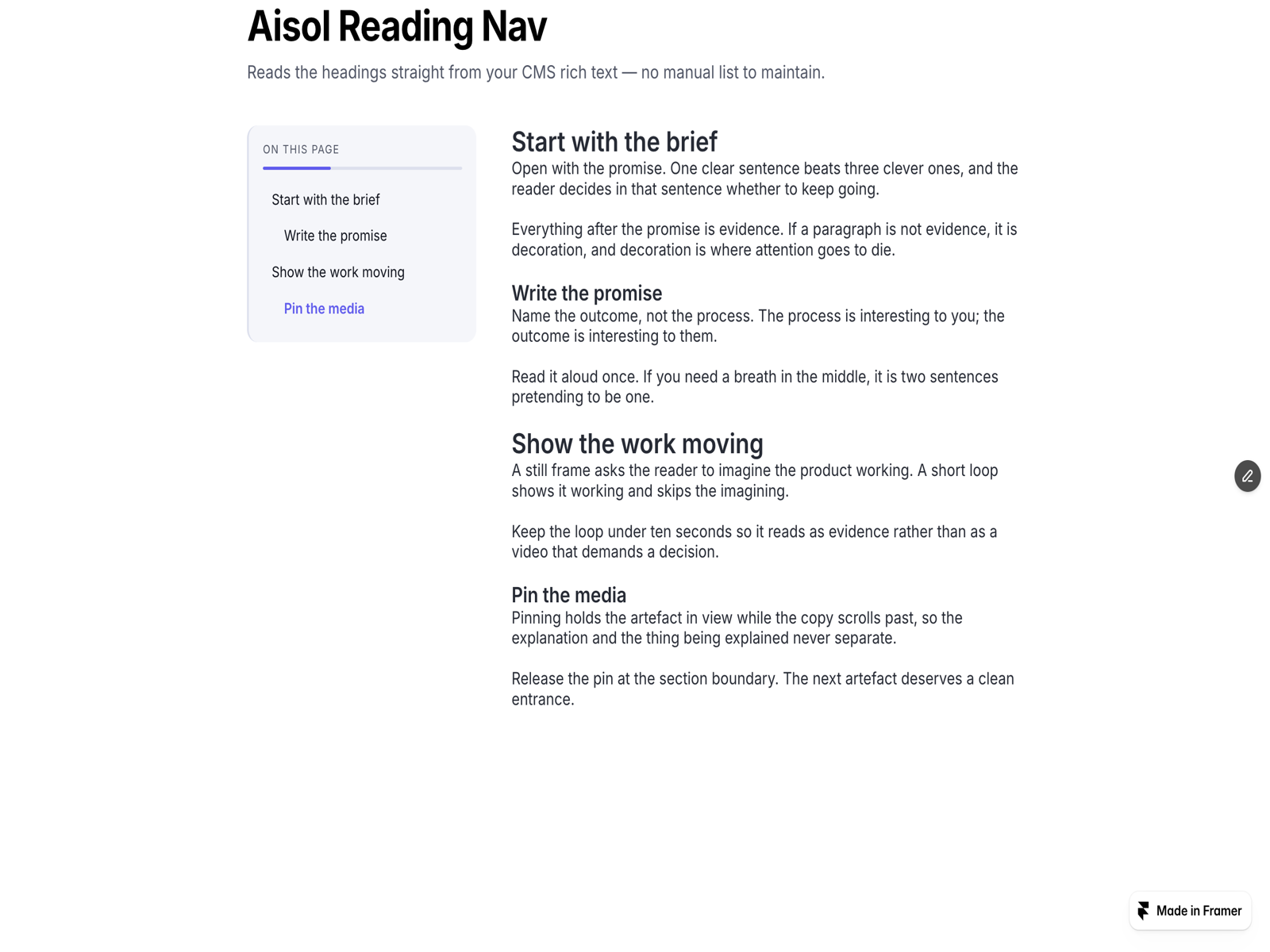
Auto table of contents for CMS
Description
Reading Nav builds a table of contents from the headings inside its own Content slot, including a CMS rich text field, and keeps it in sync while the reader scrolls. Nothing outside the component is read or changed, and no ids are written to your content. WHY IT IS DIFFERENT: Reads the headings straight from your CMS rich text, no manual list to maintain. Highlights the section being read and keeps the URL hash in sync, so shared links land in place. Turns into a bottom island on phones instead of disappearing. HOW TO USE: Drop your article (a rich text block, a CMS body field, or a whole section) into the Content slot. Pick the nav side (left, right, or above), Levels (H2 / H2+H3 / H2+H3+H4), sticky-header offset, indent, island breakpoint, and every colour (panel, rail, accent, progress bar, island) from the property controls. KEY FEATURES: Heading scan limited to the Content slot, with late CMS render support. Scroll-spy with a reading-progress bar. Click scrolls to the heading and sets the URL hash with replaceState (back button stays clean); hash links restore the section on load. Mobile island: an accessible toggle (aria-expanded, aria-controls) with the current section and a progress ring, tap to open the list. Static-renderer safe (canvas rows on the Framer canvas). See it on a CMS page: thistle-timing-694660.framer.app/story/start-with-the-brief. More components by Aisol Studio: search "Aisol" in the Marketplace.
Introduction
Auto table of contents for CMS
Rank history
Daily rank per list, from the first snapshot — lower is better.
- All · #8151