component
Aisol Stat Counters
By ulz song
Details
- ulz songAuthor
- componentType
- $12.00Price
- 2026-09-04Published
- 2026-09-07Updated
- 2026-09-04Added
- InteractiveCategories
Summary
Aisol Stat Counters counts up your numbers from a CMS collection, and stops being clever when it should.
Description
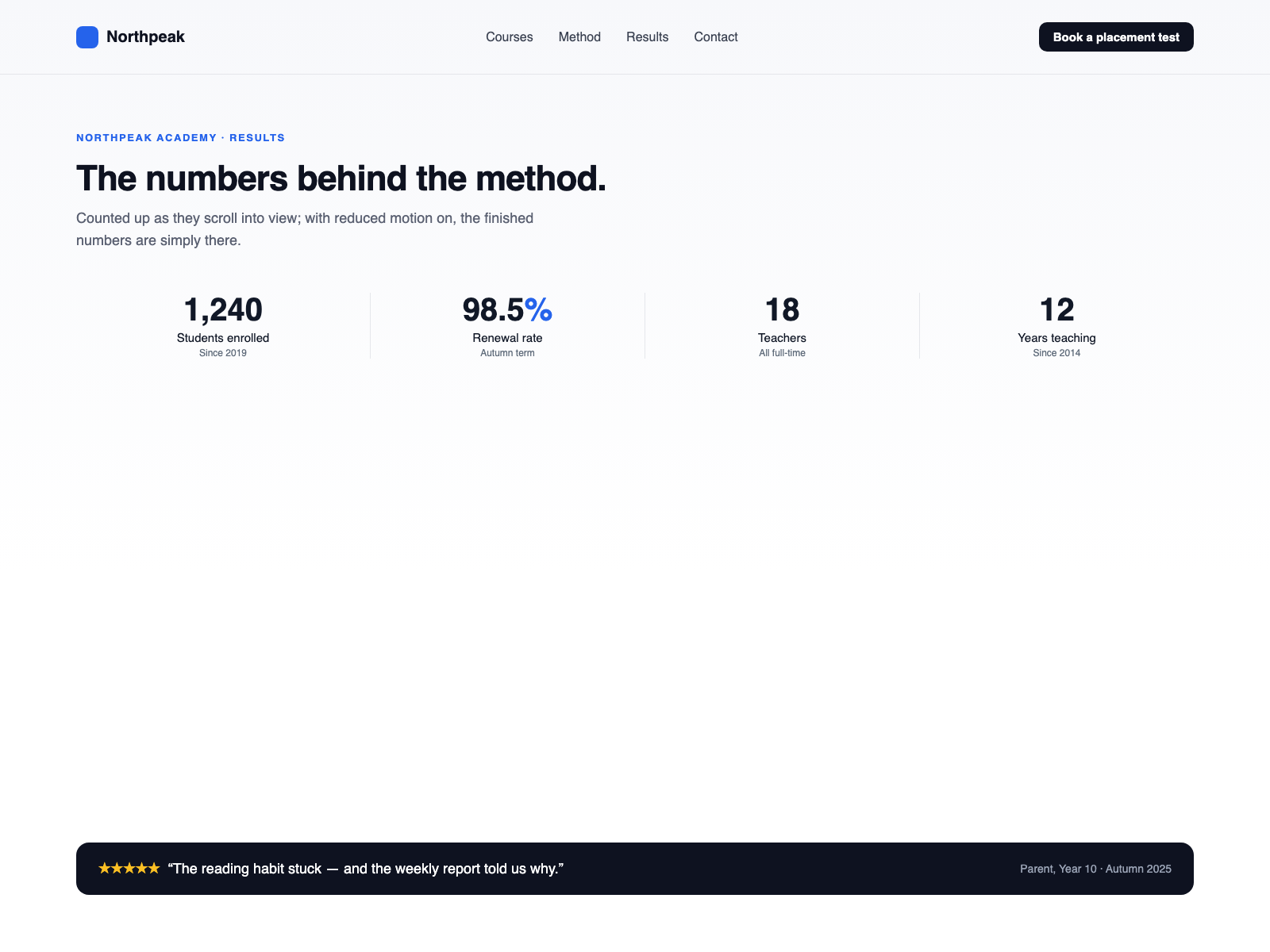
Aisol Stat Counters counts up your numbers from a CMS collection, and stops being clever when it should. Screen readers hear the final figure once, not every frame; the digits themselves are hidden from them. Reduced motion gets the finished numbers with no animation and no observer, and so does the Framer canvas. - Values stay text. `1,240`, `98.5`, `$12` and `24/7` all work. Anything that reads as a number counts up; anything else is shown exactly as typed. - Mistakes are visible where they should be. If a value cannot be read as a number, the Framer canvas shows a short note naming the value and the accepted formats. The published page never shows that note — it just prints your text. - Counting starts when the row is seen, using an observer on the component's own items, which disconnects after the first pass. No scroll listeners, no measuring. - Prefix, suffix, label and a small note per number. Links go on the label rather than the digits, so a screen reader announces the number and the link separately. - Columns step four, two, one; dividers disappear once the row becomes a column. Breakpoints live in CSS inside the component, so the canvas matches the page. - Locale-aware thousands separators and decimal places taken from how you typed the value. What you control • Numbers as an array: value, prefix, suffix, label, note, link — or bind a CMS collection through the number cards slots • Count up on or off, duration, when it starts, locale for digit grouping • Columns 1–4 with two step-down breakpoints, alignment, dividers, notes on or off • Digit size, text size, gap, padding; accent, text, muted and divider colours; empty-state text
Introduction
Numbers that count up, quietly
Rank history
Daily rank per list, from the first snapshot — lower is better.
- All · #7814