component
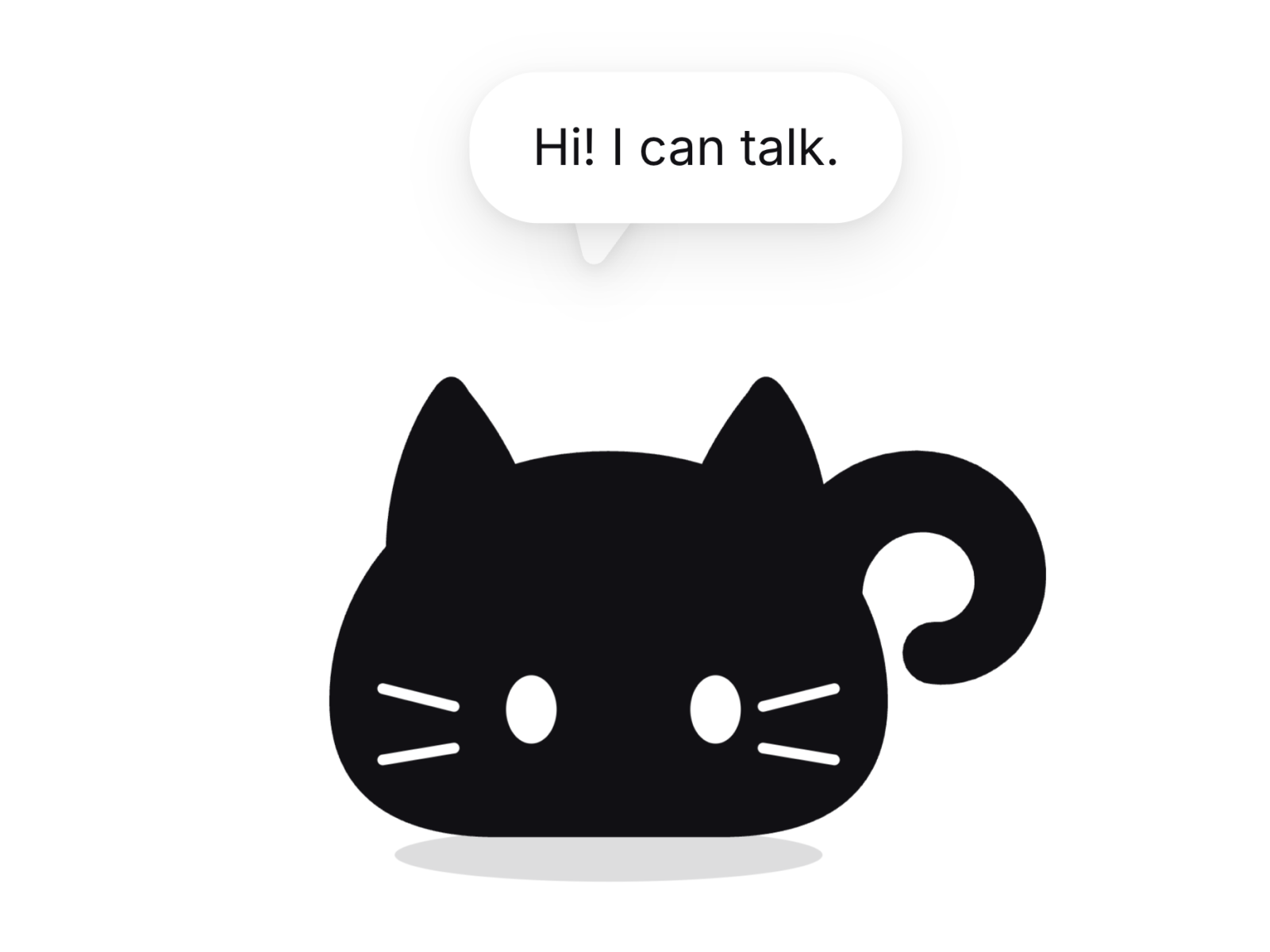
Animated Cat Mascot
By Ekaterina Pavlova
Details
- Ekaterina PavlovaAuthor
- componentType
- $17.00Price
- 2026-08-24Published
- 2026-08-24Updated
- 2026-08-24Added
- TextCategories
Summary
Cat that reacts to your interface
Description
A minimal cat that watches the cursor and reacts to your page. Features Eyes follow the cursor, random blinking, idle breathing and tail sway Four emotions: idle, happy, sad, error, each with its own eyes, mouth, tail and posture Speech bubble with your own text Covers its eyes when a password field is focused, no setup needed Squints when tapped Appears on scroll and tilts with scroll direction Hide animation: hops and drops into a hole that closes behind it Cut out face, so any background shows through Respects reduced motion settings Static on canvas and in exports, keeps the editor fast React and Framer only, no other libraries Customization Options Color: one control repaints the whole cat Emotion: idle, happy, sad, error Message text, plus any font from your project Bubble width, gap, radius, fill, text color, shadow Toggles: cursor tracking, blinking, tap to squint, appear on scroll, tilt on scroll, shadow, hide cat Animation speed Event name for external control How to Use Drop the cat on the canvas Pick a color, choose an emotion, type your message Place it near a login form and it covers its eyes on its own To connect it to buttons or inputs, use the included overrides or send one line of code Full documentation is included with the files Use Cases Login and signup forms 404 and empty states Landing page mascot Onboarding and welcome screens Waitlist and coming soon pages Portfolio and personal sites Error and success feedback in forms Playful sections that invite visitors to click
Introduction
Cat that reacts to your interface
Rank history
Daily rank per list, from the first snapshot — lower is better.
- All · #456