component
App Story Rail
By ARForge Labs
Details
- ARForge LabsAuthor
- componentType
- $10.00Price
- 2026-08-31Published
- 2026-09-10Updated
- 2026-08-31Added
- CarouselsCategories
Summary
App Story Rail turns static app screenshots into an interactive product story.
Description
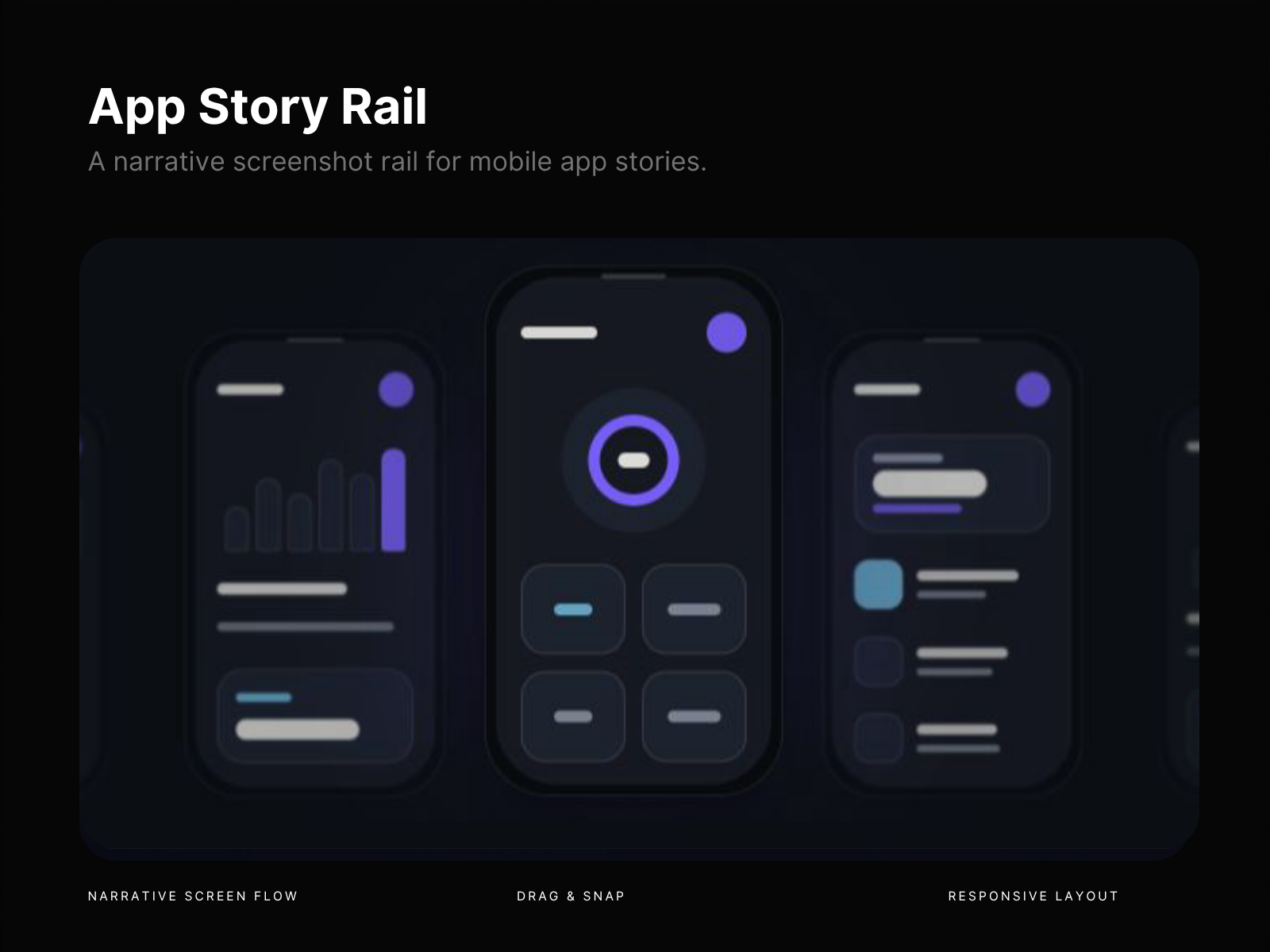
App Story Rail turns static app screenshots into an interactive product story. Instead of using another flat carousel, guide visitors through your app screen by screen with depth, motion, focus, and contextual copy. The active screen stays front and center while neighboring screenshots remain partially visible, creating a cinematic sense of progression and making every feature feel connected to the next. ✨ Perfect for Mobile app landing pages SaaS product showcases Feature walkthroughs App launch pages Product portfolios & case studies Onboarding flows Agency presentations iOS & Android app demos What makes it different Narrative screenshot rail with a focused active screen Layered depth using scale, rotation, blur, and perspective Drag & swipe navigation with smooth snap behavior Animated title, description, numbering, and CTA per screen Responsive layouts for desktop, tablet, and mobile Customizable spacing, motion, styling, and presets Built for your own screenshots and product content 💡 Why use it? A regular carousel shows screenshots. App Story Rail tells a story with them. It’s ideal when a full interactive demo is too much, but a simple image slider feels too flat. Use it to explain features, reveal a product flow, present an onboarding journey, or make your screenshots feel like part of a polished launch experience. Lightweight, reusable, and fully customizable directly in Framer. Need help with App Story Rail, found a bug, or have a question? Contact us at arforgelabs.support@proton.me .
Introduction
A narrative app screenshot rail
Rank history
Daily rank per list, from the first snapshot — lower is better.
- All · #7729