Oddframe
Liquid Blob Button
FreeInteractive Liquid Blob CTA Button
Searching…
Let users ask AI about your product
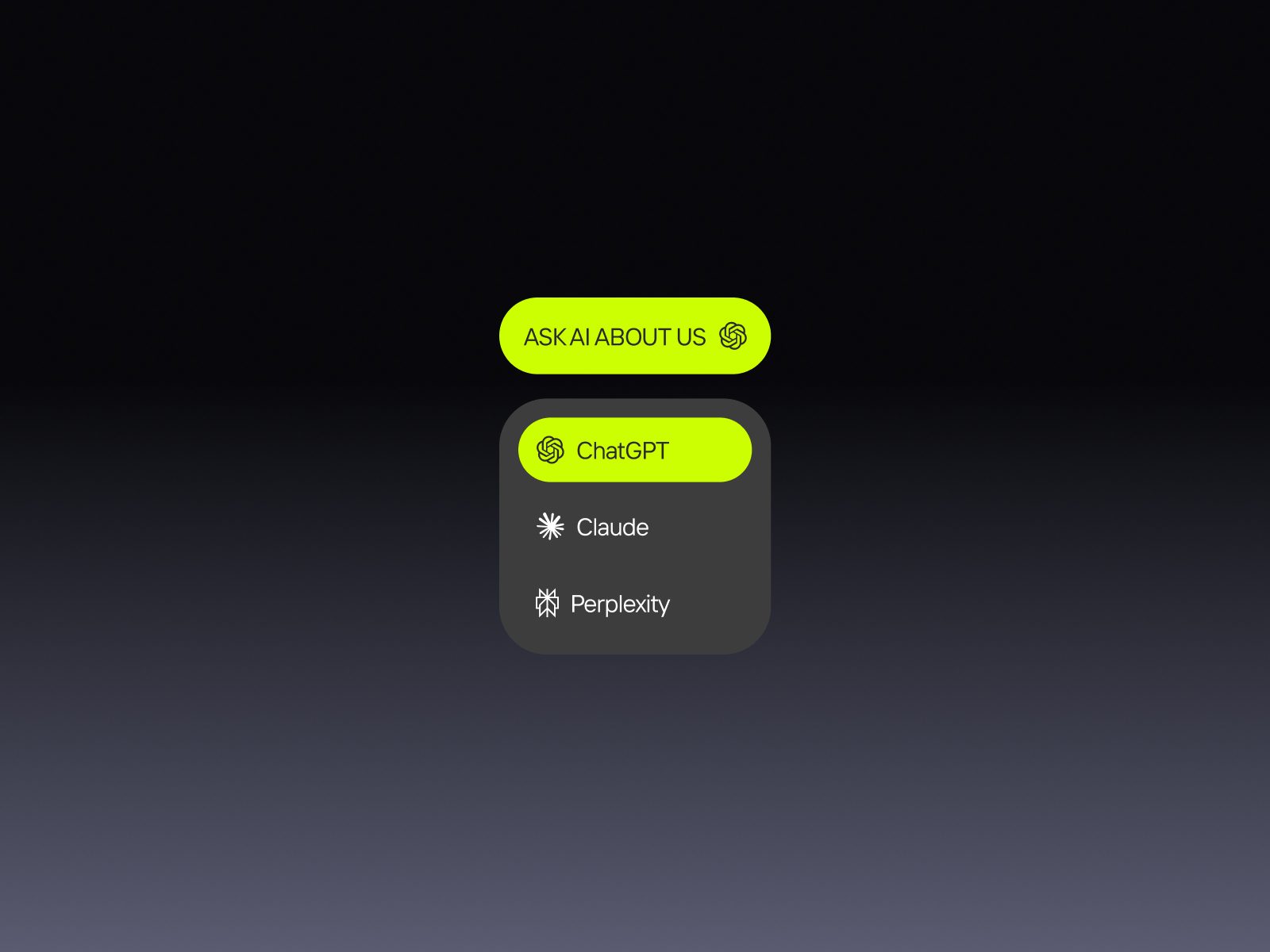
Let users ask AI about your product
Visitors click the button → choose their AI → land in a conversation where your product is already the subject. You write the prompt. AI gives the answer they trust.
SaaS & product pages — let visitors ask AI to compare you to competitors, explain your pricing, or describe your use case
B2B companies — buyers do their own research before any sales call. Give them an AI-powered way to do it with your context, not a competitor's
Agency & portfolio sites — "Ask AI about our work" in the footer, a signal that you understand how the web works in 2026
Visitors trust AI more than your copy. When someone clicks and asks ChatGPT or Claude about your product, they get an answer that feels independent. That's a different kind of credibility than anything on your landing page.
It stays with users. The conversation happens in their AI — the one they use every day. Your brand becomes part of that context, not just another tab they closed.
No pressure, high intent. It's a button, not a popup. The visitor chooses to ask. That's the highest-intent moment on any website — someone actively wanting to know more.
Most sites don't have this yet. In a year or two it'll be a default. Right now it's a signal that you're ahead.
Pre-built section component, copy-paste ready
Fully customizable prompt text via properties panel
Toggle individual AI services on/off
Clean minimal design — fits any brand style
Mobile optimized