component
Before After Image
By Ethan Brooks
Details
- Ethan BrooksAuthor
- componentType
- $5.00Price
- 2026-08-01Published
- 2026-08-01Updated
- 2026-08-01Added
- InteractiveCategories
Summary
Customizable Before & After Slider
Description
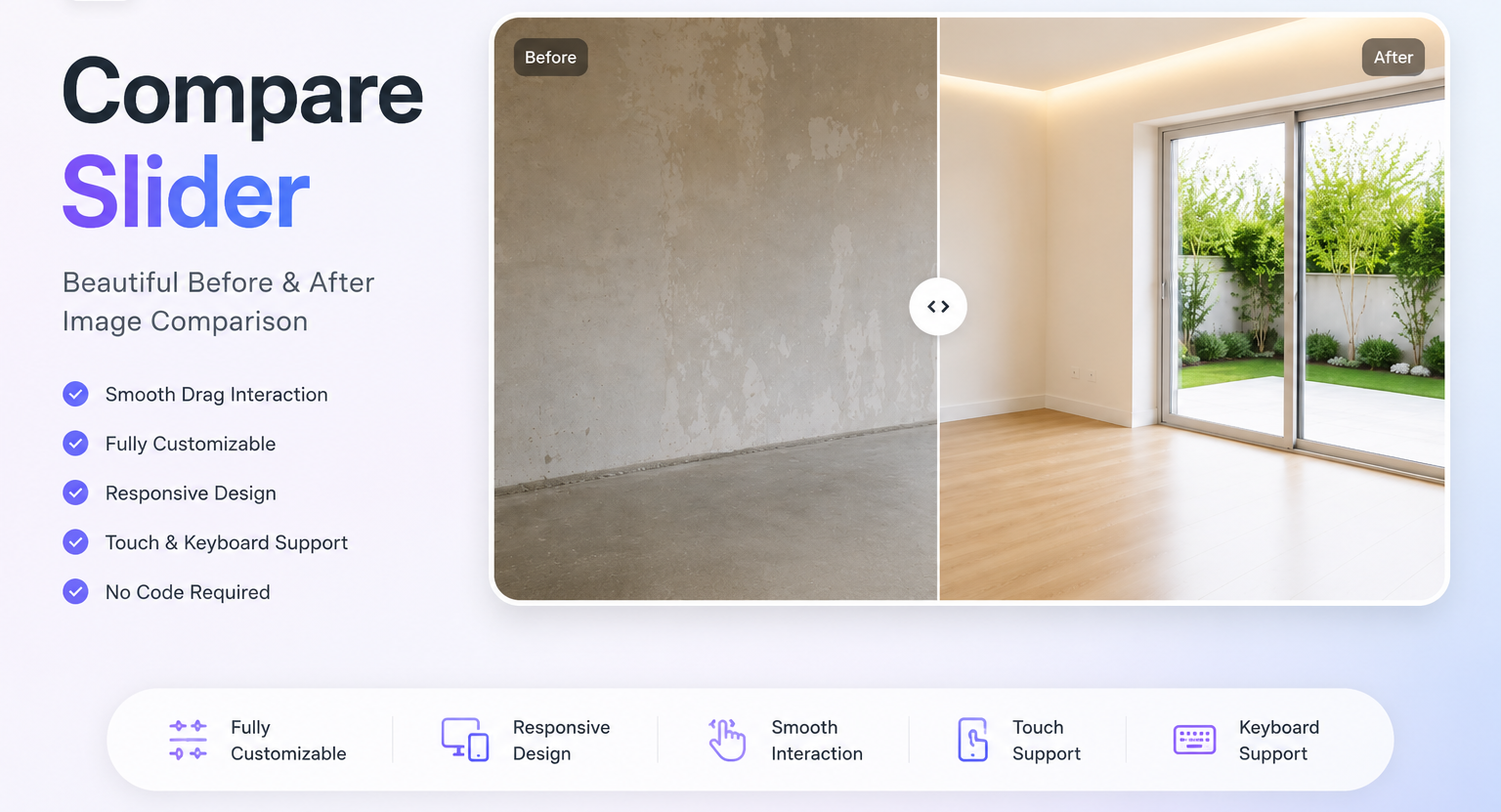
Compare Slider Compare Slider is a premium, fully customizable Before & After image comparison component for Framer. Create smooth, interactive image comparisons for renovations, photography, product showcases, landscaping, beauty, healthcare, automotive, and more. Built with performance and flexibility in mind, every part of the component can be customized directly from Framer's Properties panel—no code editing required. Features Smooth drag interaction with mouse & touch support Fully responsive for desktop, tablet & mobile Adjustable default slider position Drag sensitivity control Smooth drag toggle Spring animation with adjustable stiffness & damping Multiple handle shapes Custom handle size, fill, border, shadow & opacity Built-in icon styles with editable size & color Optional divider with customizable width & color Border radius, border, background & shadow controls Image Fit (Cover, Contain, Fill) Image alignment options Optional hover effects Cursor customization Keyboard accessibility support Lightweight, production-ready code Fully Customizable Customize everything from the Properties panel: Before & After images Slider position Animation Handle style Icons Divider Border radius Colors Borders Shadows Background Image fit & alignment Hover effects Cursor style No coding required. Perfect For Home Renovation Interior Design Architecture Photography Product Comparison Car Detailing Landscaping Dental & Medical Beauty & Fitness Portfolio & Agency Websites Simply add the component, select your images, customize the design, and publish. Compare Slider delivers a clean, professional comparison experience that integrates seamlessly into any Framer project.
Introduction
Customizable Before & After Slider
Rank history
Daily rank per list, from the first snapshot — lower is better.
- All · #3484