component
BlurVeil
By Hamim Reza
Details
- Hamim RezaAuthor
- componentType
- $5.00Price
- 2026-08-23Published
- 2026-08-23Updated
- 2026-08-23Added
- EffectsCategories
Summary
BlurVeil is the all-in-one progressive blur component for Framer, edge blur, cursor-follow blur, scroll-linked blur, color tint, easing curves, and a breathing pulse, in one…
Description
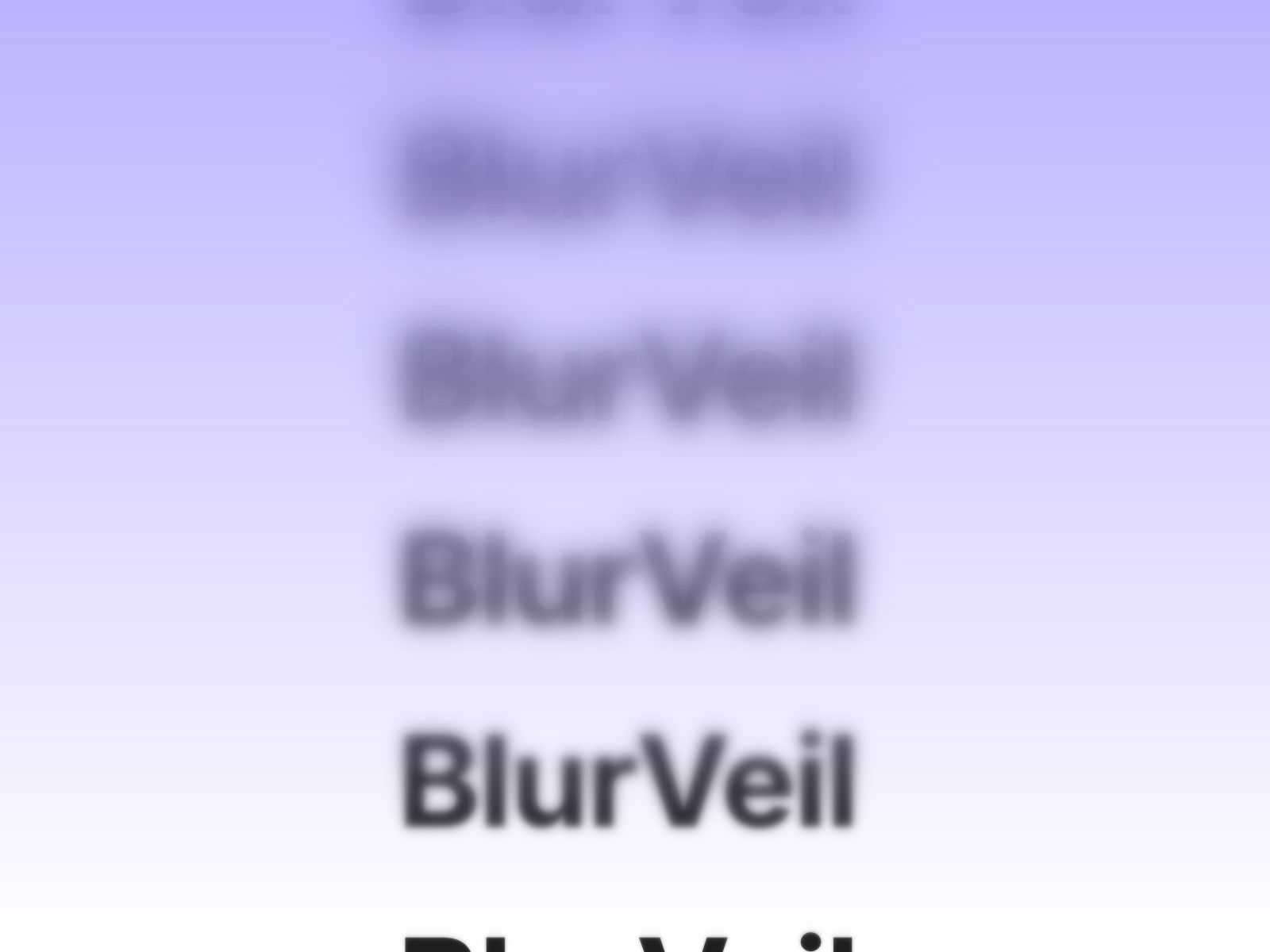
BlurVeil is the all-in-one progressive blur component for Framer, edge blur, cursor-follow blur, scroll-linked blur, color tint, easing curves, and a breathing pulse, in one component instead of five separate purchases. Every other blur component on the marketplace picks one trick. Some do edge blur, some cursor tracking, some tie blur to scroll. BlurVeil does all of it, switchable through property controls, with automatic reduced-motion fallback. WHAT IT DOES Choose Edge mode for a directional blur that builds smoothly, or Cursor mode for a radial blur spot that follows pointer or touch. Layer in scroll-linked intensity, pick a linear, eased, or dramatic curve for the ramp, add a flat or directional tint, and optionally enable a breathing pulse. KEY FEATURES Edge mode, multi-layer directional blur, 4 directions, 3-16 layers Cursor mode, radial blur spot follows pointer or touch Scroll-linked mode, blur intensity ties to scroll progress Three interpolation curves: linear, eased, and dramatic Flat or directional linear color tint overlay, any color format Optional breathing pulse, adjustable speed and amount Automatic reduced-motion fallback, disables pulse and cursor tracking Static-safe rendering for canvas and thumbnails Minimal dependencies, built on Framer Motion Lightweight, pure CSS backdrop-filter, no canvas or WebGL WHY IT WORKS Buyers comparing blur components end up choosing between edge, cursor, scroll, or tint, since most components only do one. BlurVeil removes that trade-off, every mode lives in one component. PERFECT FOR Sticky navigation bars, floating footers, frosted hero overlays, interactive cards, and any Framer site that wants iOS-style progressive blur with real flexibility. WHAT'S INCLUDED A single drop-in component. Place it over any frame, switch between edge, cursor, and scroll-linked modes, tune curve, tint, and pulse through property controls. Drop it in, pick a mode, and let the blur do the rest.
Introduction
Multi-layer directional blur veil
Rank history
Daily rank per list, from the first snapshot — lower is better.
- All · #3933