Jamik
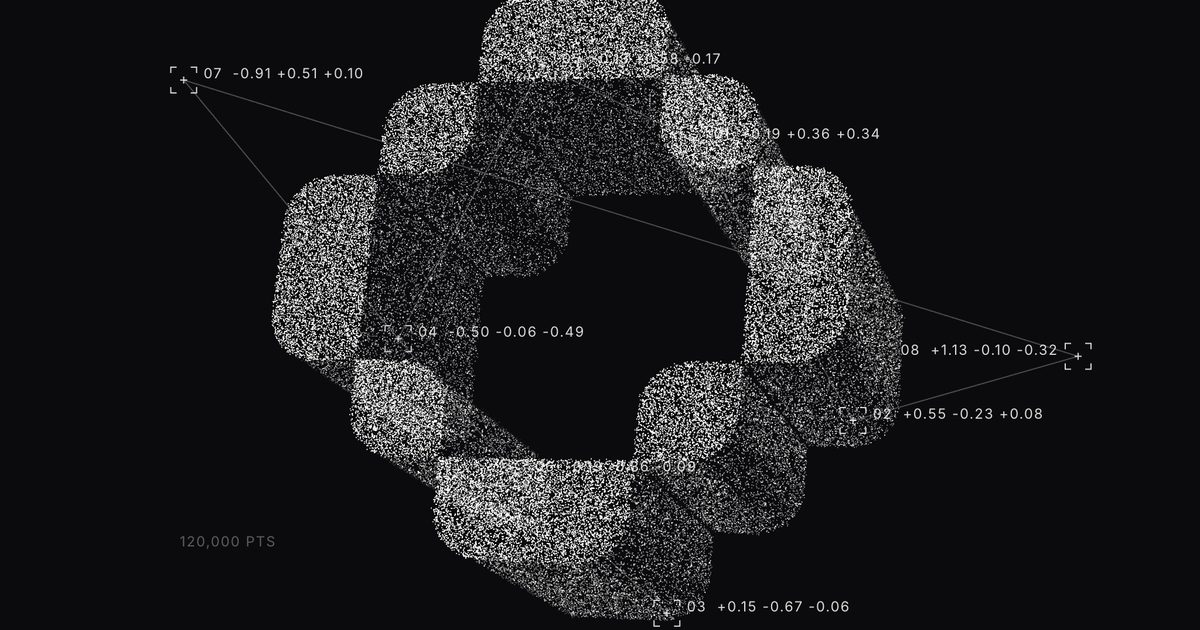
Particle Image
$12Logos and photos as 3D points
Searching…
Interactive cursor-trail component
Interactive cursor-trail component
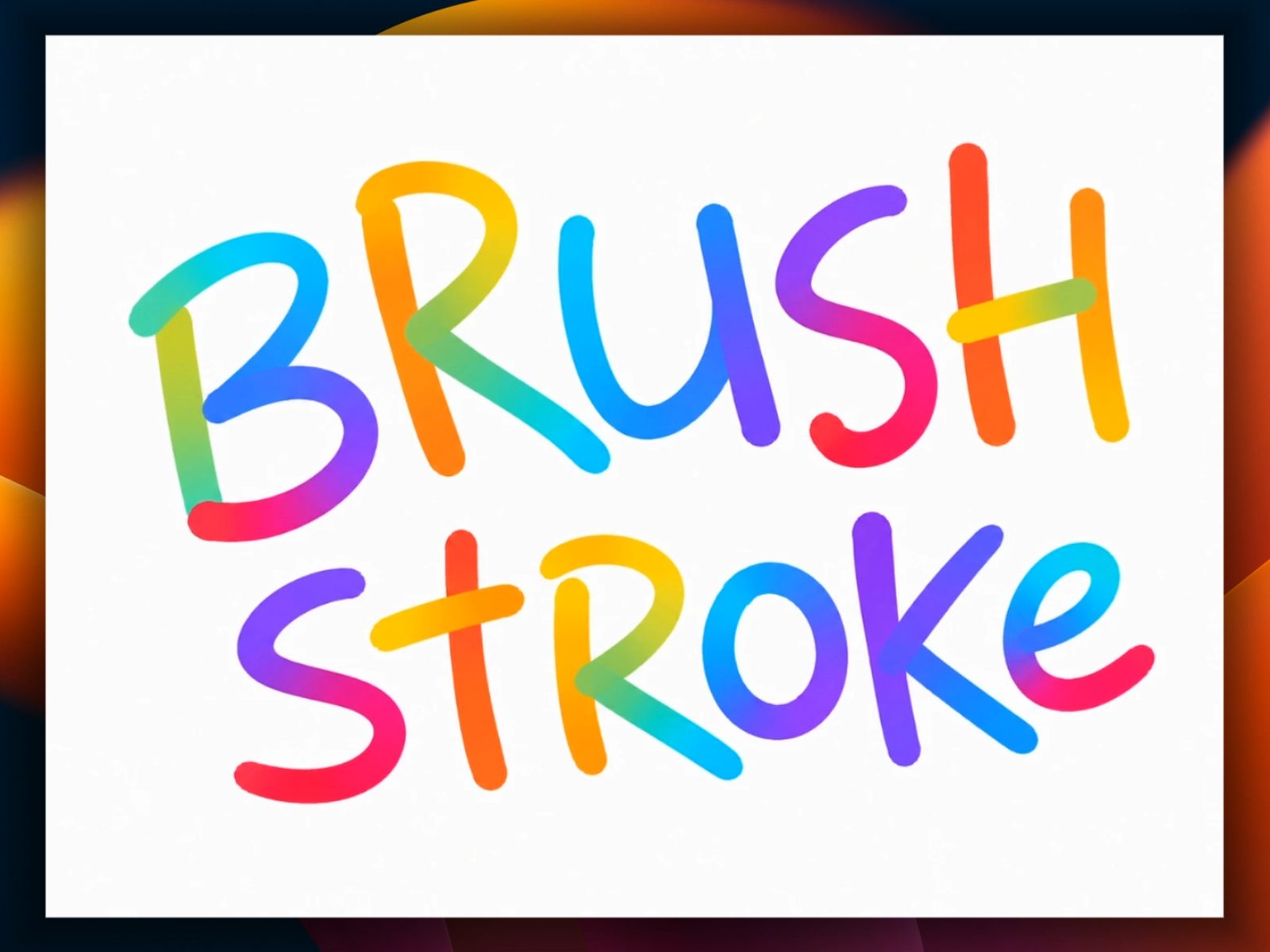
An interactive canvas that turns cursor movement into a painted trail — drag to draw, right-click to clear.
Smooth, continuous brush strokes that follow your cursor or finger
Single solid color or a multi-color palette that blends as you draw
Adjustable brush size and background color, all from the property panel
Fully responsive to any layout size
Pauses automatically when off-screen for better performance
Clean static preview in the Framer canvas and exports
Great for hero sections, creative-agency portfolios, playful landing pages, or a fun easter egg on empty states and 404 pages.
Refund Policy: No refunds once purchased, but happy to help with setup questions or bugs via support.