component
Button Group Pro
By Matheus Brandão
Details
- Matheus BrandãoAuthor
- componentType
- 2026-08-06Published
- 2026-08-24Updated
- 2026-08-06Added
- ButtonsCategories
Summary
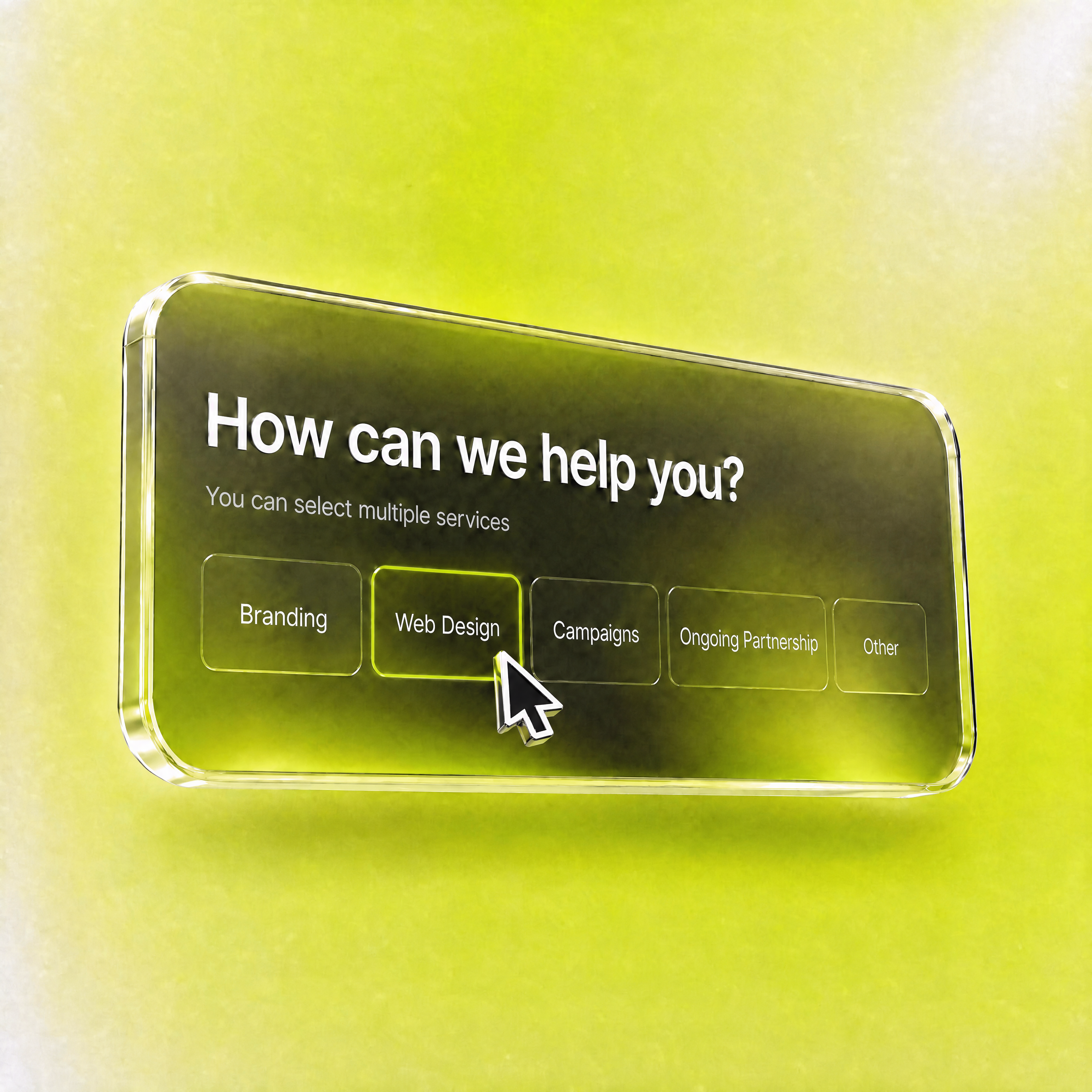
About this Component Button Group Pro turns plain buttons into a motion-driven, form-ready selection system — handling single or multi-select logic, cinematic native transitions,…
Description
About this Component Button Group Pro turns plain buttons into a motion-driven, form-ready selection system — handling single or multi-select logic, cinematic native transitions, and full color control across every state, without a line of code. Demo test here: https://buttongrouppro.framer.website/ Perfect for Quiz & Surveys: Animated, tactile answer selectors. E-commerce Filters: Instant feedback for size, color, plan picks. Onboarding Screens: Turn setup steps into an interactive moment. Pricing Toggles: Selectable plan cards instead of flat checkboxes. Feature Highlights Single or Multi-Select: One toggle switches selection behavior. Cinematic Transitions: Native Framer Transition control for fluid states. Grid & Wrap Layouts: Full control over alignment, spacing, width. Total Color Command: Independent fill, text, border per state. Form-Ready: Hidden input, field name, required validation built in. The "Why" Building an animated, form-integrated button selector from scratch means juggling state, transitions, and accessibility at once. Button Group Pro ships production-ready and bulletproof across every device — just style it to match your brand. 🛠 How to Use (3 Simple Steps) Set Your Foundation: Drag it onto the canvas and add your Options. Define the Aesthetic: Style colors per state, layout, transition curve. Preview & Deploy: Connect the field name to your Form and publish.
Introduction
Smart button groups, zero code.
Rank history
Daily rank per list, from the first snapshot — lower is better.
- All · #2021