Divyesh WebCraft
Ribbon Hero
Free3D ribbon with smooth motion
Searching…
Interactive Multi-Color Cursor Trail
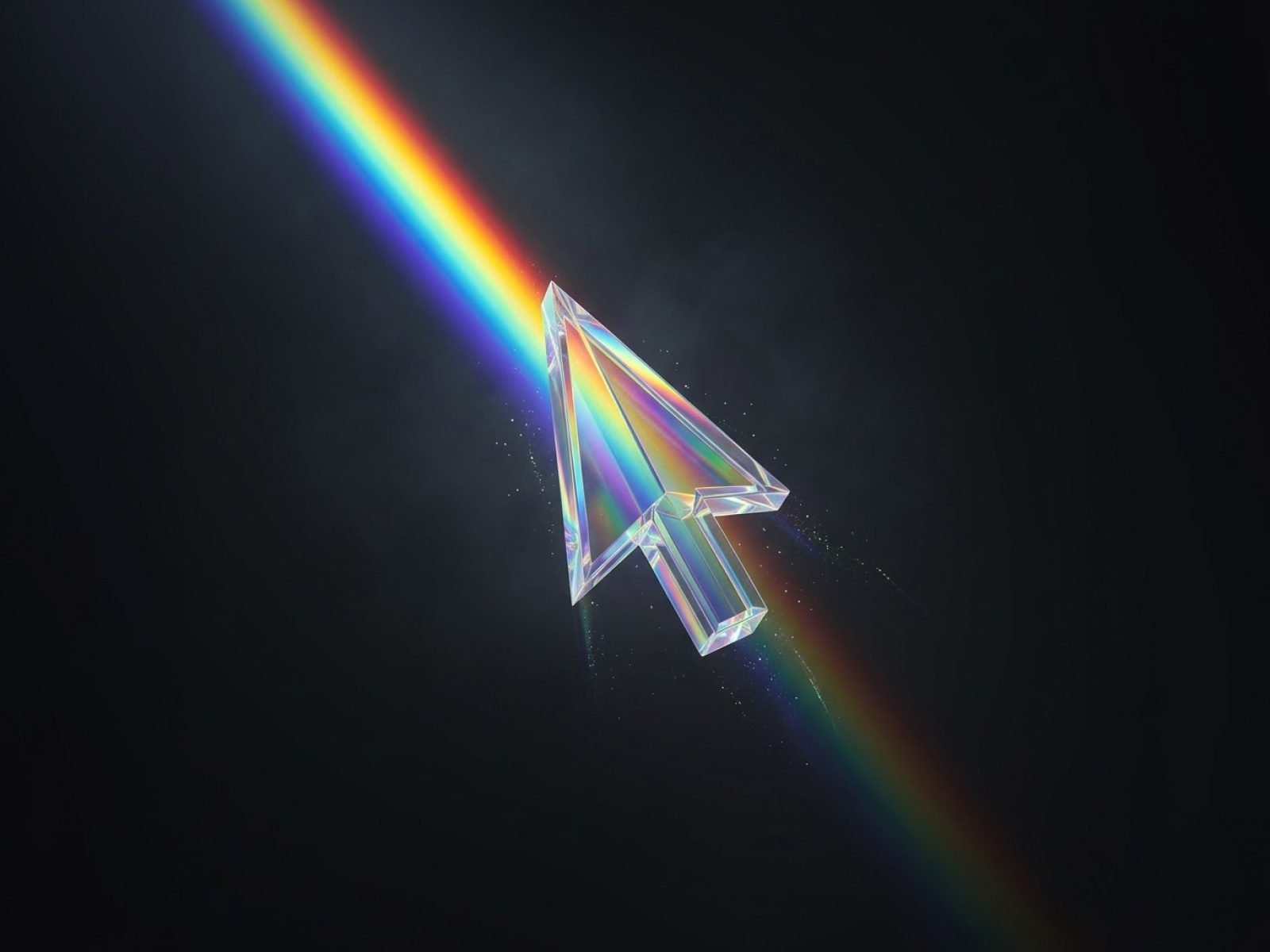
Chromatic Cursor to your page Adjust trail, color, size, and motion settings to fit your design Hit publish and bring your cursor to life Transform every cursor movement into a…
Smooth, interactive RGB cursor trails for a dynamic experience
Adjustable trail length, split distance, fade speed, size, and tension
Fully customizable red, green, and blue channels
Glowing cursor head with subtle radial gradient
Lightweight canvas rendering for fluid 60fps animation
Responsive across all screen sizes and device pixel ratios
Optional native cursor hiding for immersive interaction
Easy Framer integration with full property controls
Perfect for portfolios, landing pages, prototypes, and interactive sites
Add Chromatic Cursor to your page
Adjust trail, color, size, and motion settings to fit your design
Hit publish and bring your cursor to life
Transform every cursor movement into a vibrant, interactive experience.
Divyesh WebCraft
3D ribbon with smooth motion
Karim Saif
ٍpider that tracks your cursor
Jamik
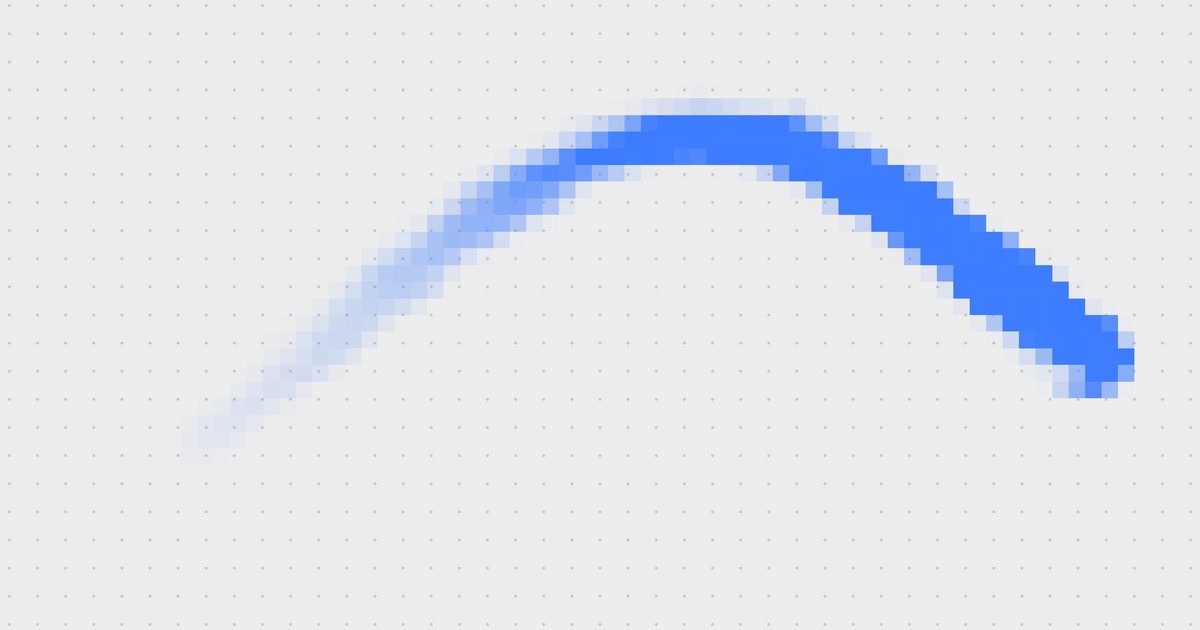
Fluid cursor trail in pixels/ASCII
princeee
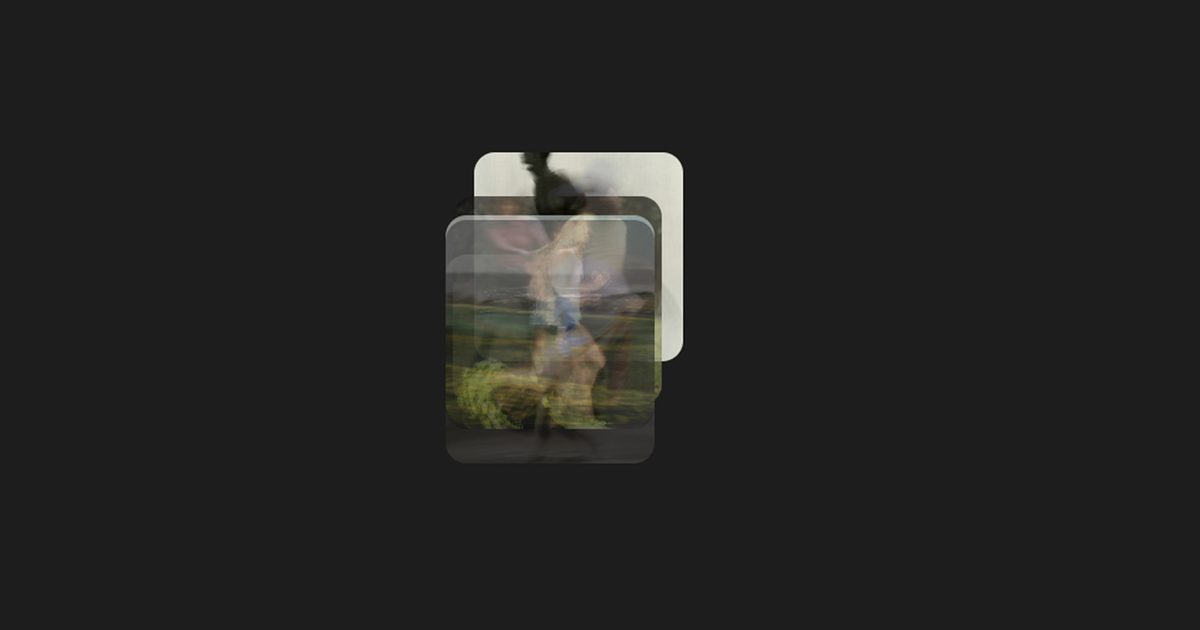
Image Trail is a dynamic Framer component that creates an immersive hover experience by displaying a sequence of images that trail behind…