584.studio
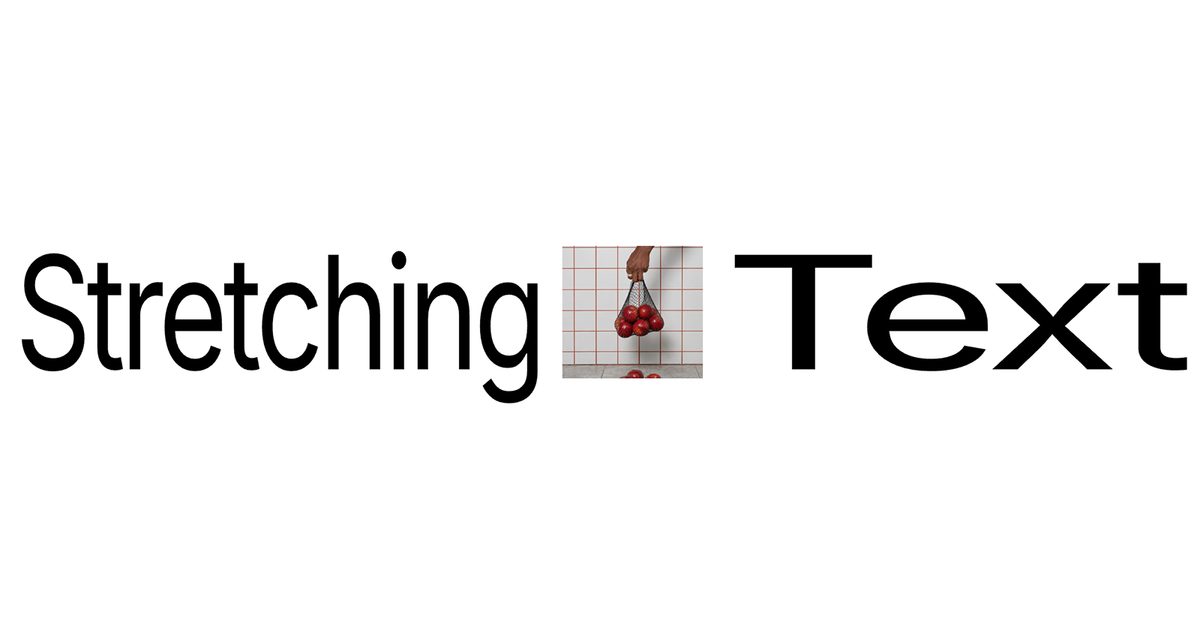
Hover Stretch Text
$3Responsive & fully customizable
Searching…
Animated circular text with smart hover
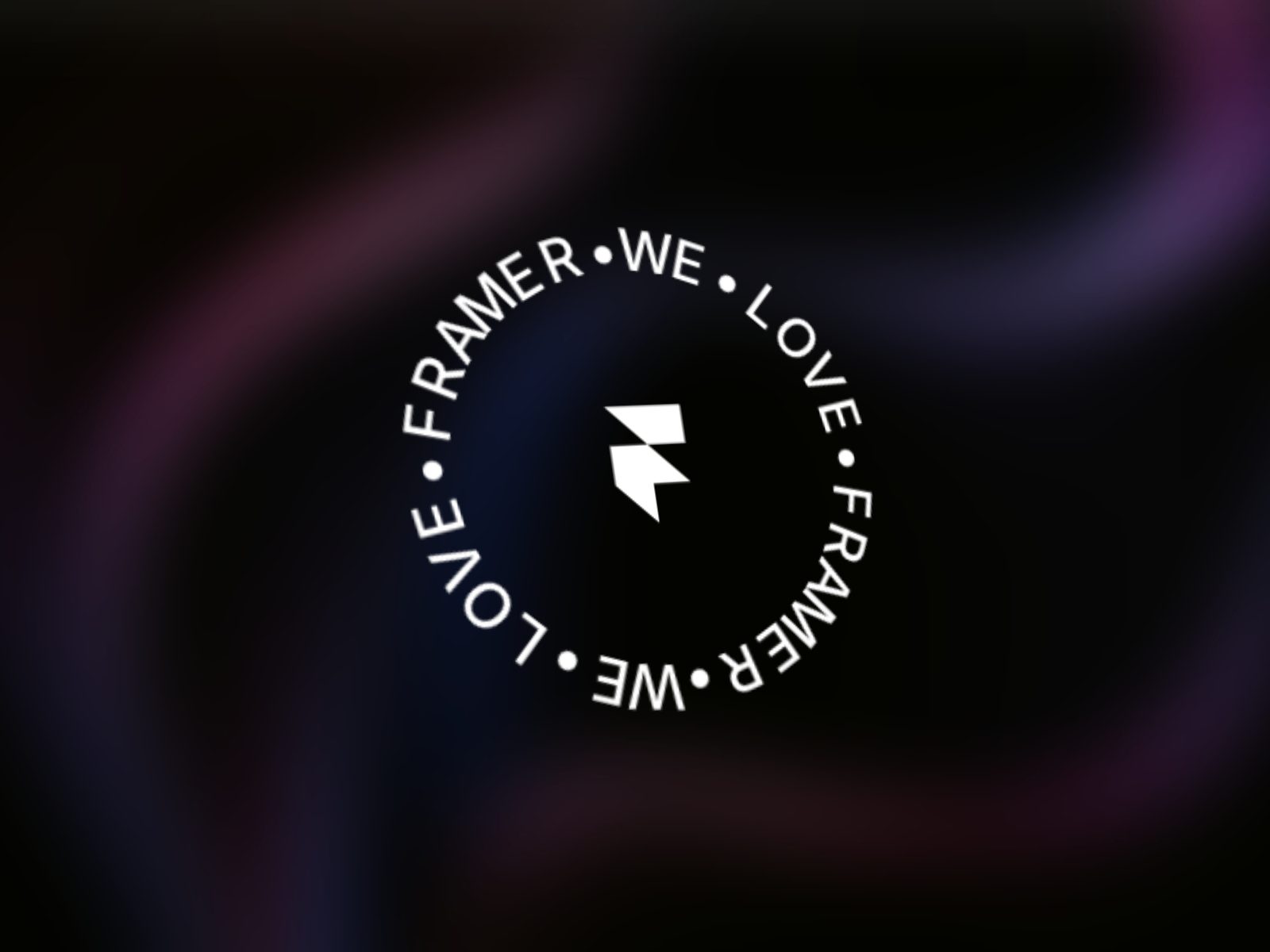
Features Continuous circular text rotation Clockwise & anti-clockwise direction control Adjustable rotation speed and start angle Font-aware angular letter spacing Interactive…
Create smooth, animated circular text with full control over rotation, spacing, and interactive hover effects, perfect for logos, badges, and UI highlights.
Continuous circular text rotation
Clockwise & anti-clockwise direction control
Adjustable rotation speed and start angle
Font-aware angular letter spacing
Interactive hover effects:
Speed up / slow down
Pause rotation
Expand or shrink
Color change
Dynamic controls
Works consistently in Framer Canvas & Production
Add Circular Text Pro to your Framer canvas.
Enter your text (short text auto-repeats for balance).
Adjust radius, rotation speed, and direction from Motion settings.
Customize typography using the Font panel.
Choose a hover effect (Speed, Expand, Shrink, Color, or Pause) and fine-tune its behavior.