component
Clock & Weather
By LAVAN
Details
- LAVANAuthor
- componentType
- 2026-09-10Published
- 2026-09-10Updated
- 2026-09-10Added
- InteractiveCategories
Summary
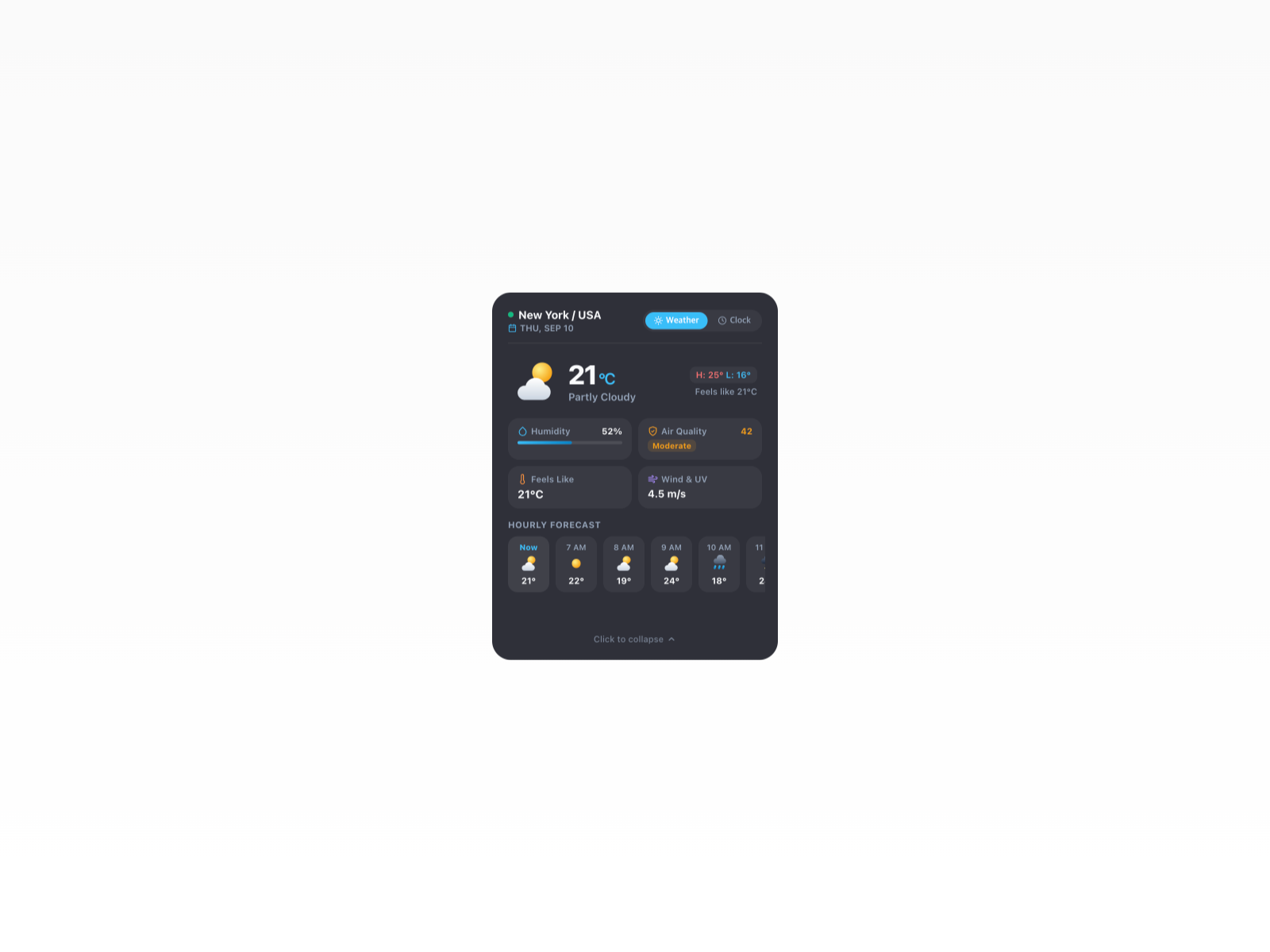
A smart, interactive Clock & Weather Widget designed for Framer.
Description
A smart, interactive Clock & Weather Widget designed for Framer. Seamlessly morphing between a clean compact pill view and a detailed expanded card, this component brings smooth spring animations and real-time world clock data directly into your design. Key Features Morphing Layout Animation: Smooth, layout-based spring transitions powered by Framer Motion when switching between compact and expanded states. Weather & Clock Dual View: Switch effortlessly between live weather condition details (humidity, air quality, hourly forecast) and world time with a mini monthly calendar. Global City Database & Auto-Detect: Supports major cities worldwide with timezone-based time calculations and automatic local time detection. Animated Weather SVG Icons: Fully vector, smooth animated weather icons tailored for sunny, rainy, thunderstorm, snow, and night conditions. 5 Theme Presets & Custom Styling: Includes Obsidian Glass, Midnight Blue, Aurora Emerald, Sunset Glow, Clean Light presets, plus complete color customization control. Framer Property Controls: Adjust city selection, temperature units (°C/°F), initial views, border-radius, backdrop blur, and physics parameters directly from the Framer sidebar. Property Controls City: Select from a list of major global cities or set to Auto Detect. Unit: Toggle between Celsius (°C) and Fahrenheit (°F). Initial State: Choose default display mode (Compact or Expanded). Default View: Set the primary tab on expand (Weather or Clock). Theme: Choose from 5 pre-built themes or customize fully. Corner Radius & Blur: Fine-tune visual presentation and glass translucency. Physics Spring Controls: Tweak Stiffness, Damping, and Mass for layout animation.
Introduction
Morphing Clock & Weather Widget
Rank history
Daily rank per list, from the first snapshot — lower is better.
- All · #1759