component
Cloudinary Gallery
By Sahil Alva
Details
- Sahil AlvaAuthor
- componentType
- $19.00Price
- 2026-05-14Published
- 2026-05-14Updated
- 2026-05-10Added
- GalleriesCategories
Summary
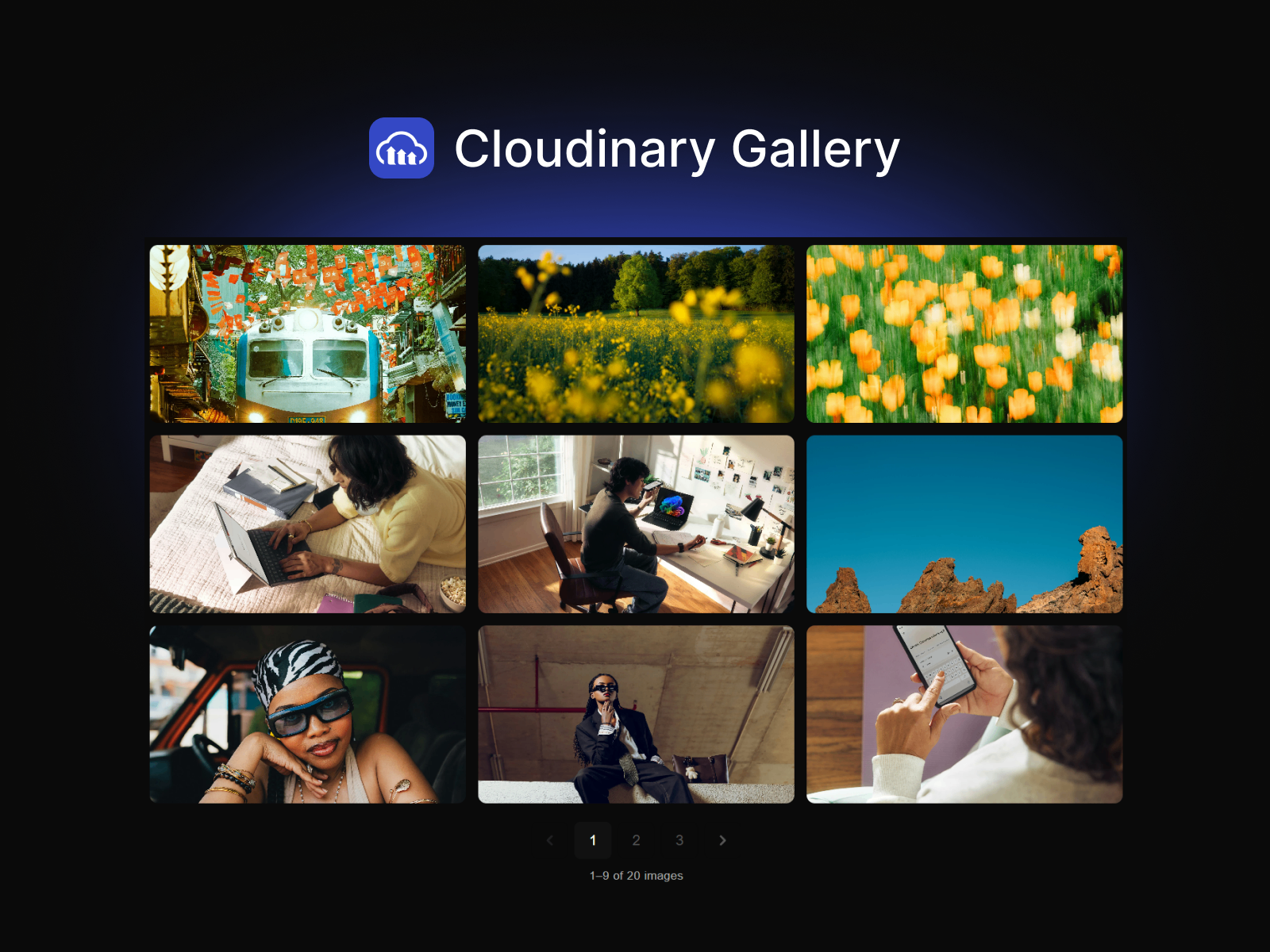
Photo gallery with lightbox & pagination
Description
If you're managing large photo albums on Cloudinary and want to display them beautifully in Framer — this is built for that. Just tag your images in Cloudinary, enter your cloud name and tag, and your album is live. Up to 1000 images per tag. Multiple albums? Drop in multiple instances with different tags. Preview: https://cloudinarygallery.framer.website Layouts and Panel preview Setup Tag your images in Cloudinary Media Library (Select images → Metadata → Edit tags) Enable Resource Lists in Cloudinary Security settings (Settings → Security → Restricted image types → Uncheck Resource Lists) Drop the component onto your Framer canvas Enter your Cloud Name and Album Tag in the property panel. Done. Cloudinary Setup Instructions Made for large albums Displaying 500 wedding photos, a travel series, or a full product catalogue is exactly what this is built for. Images load progressively, pagination keeps pages fast, and the lightbox lets visitors move through every image without leaving the page. Paginate through up to 1000 images per album All images fetched in one request — pagination is client-side, no extra network calls per page Sort by name, newest, or oldest Multiple albums on one page — just use multiple instances with different tags Layouts Grid and Masonry layouts Fixed aspect ratios — 1:1, 4:3, 3:2, 16:9, 9:16, 3:4, 2:3, or fully custom Cover or contain image fit Adjust columns per breakpoint in Framer's canvas Image Optimisation f_auto + q_auto on every image — best format and compression per browser, automatically srcSet generated for the right resolution at every screen size Lightbox resolution matched to the visitor's screen — no wasted bandwidth on mobile Lightbox Click any image to open fullscreen Keyboard navigation ← → Esc Swipe left and right on mobile Arrow size, colours, radius and overlay fully controllable from the panel Pagination Client-side — all images fetched once, no extra requests per page Grid height stays stable on the last page Collapses to ‹ 4 / 20 › on narrow and mobile screens automatically Font, colours, button size, radius and alignment all adjustable from the panel Limitations Image list is capped at 1000 images per tag — this is a Cloudinary platform limit. For larger libraries use multiple tags with separate component instances. Only supports tagged images. Folder-based listing is not supported. Resource Lists must be enabled in Cloudinary Security settings — this is off by default. Images only. Video and raw file types are not displayed.
Introduction
Photo gallery with lightbox & pagination
Rank history
Daily rank per list, from the first snapshot — lower is better.
- All · #6639