component
CMS Item Count
By Ali Çorak
Details
- Ali ÇorakAuthor
- componentType
- $5.00Price
- 2026-07-14Published
- 2026-08-16Updated
- 2026-07-14Added
- InteractiveCategories
Summary
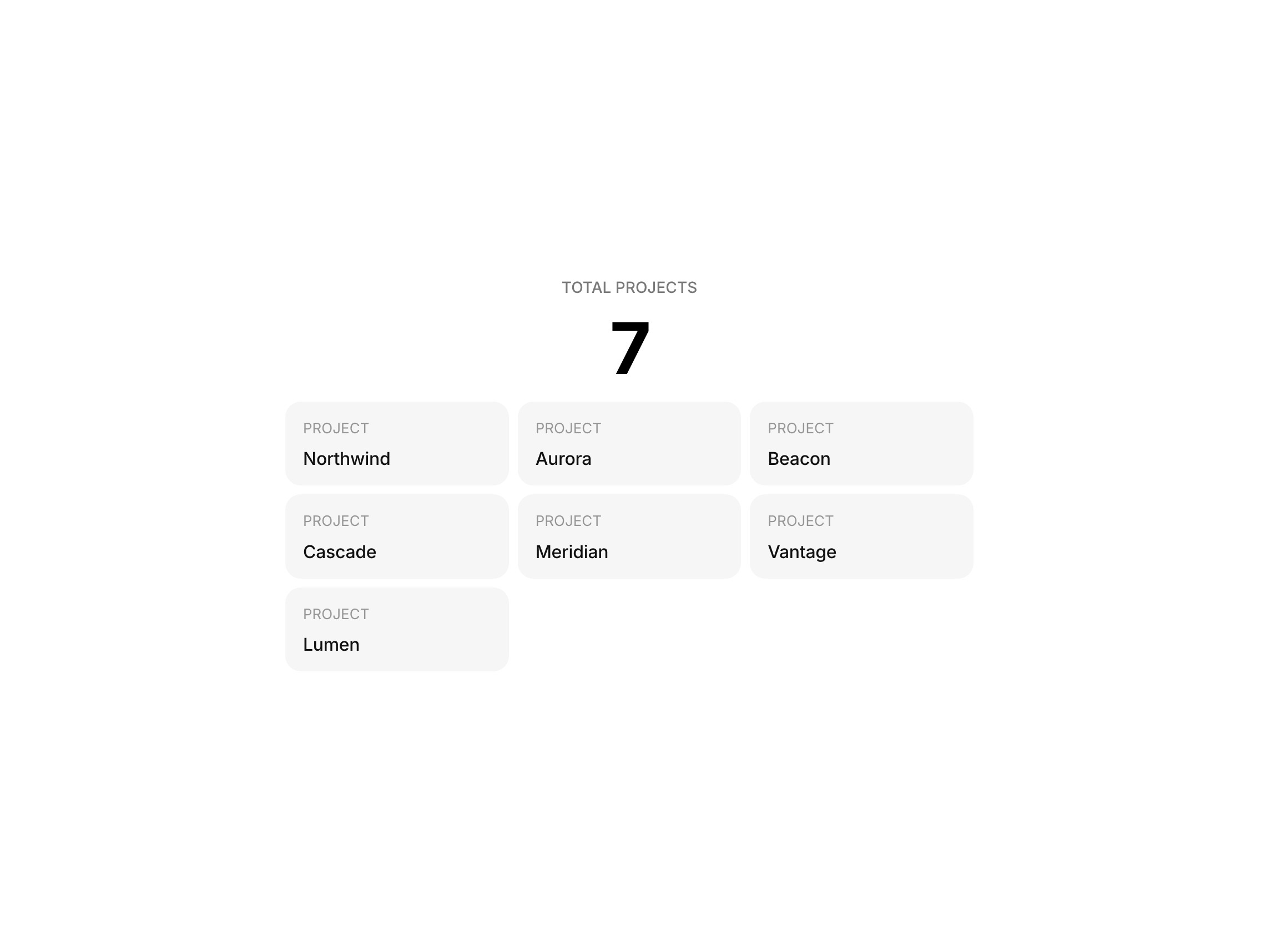
Display the total number of items
Description
Unlock entire Depth library for $149. One price. Lifetime. Get Depth Display the total number of items inside any Framer CMS collection. CMS Counter automatically reads the matching collection and shows a live count, making it useful for project archives, directories, articles, resources, portfolios, and other CMS-powered pages. Add optional text before or after the value, then format the number to match the rest of your interface. How to use Drop the CMS Counter onto your page and enter the exact name of the collection you want to count. Add a CMS Counter Marker inside an item of the matching Collection List and use the same collection name on both components. Customize the prefix, suffix, number formatting, minimum digit count, typography, and color directly from the properties panel. Features Counts items in a Framer CMS collection Automatically updates as the collection changes Works with a matching CMS Counter Marker Optional prefix and suffix text Multiple thousands-separator formats Minimum digit control Optional leading zeros Custom typography and text color Useful for portfolios, directories, blogs, and resource libraries Responsive across desktop, tablet, and mobile No API or manual updating required Refund Policy: Due to the nature of digital products, all sales are final. Once purchased, this component is non-refundable. Please make sure it fits your needs before completing the checkout. Support: hi@alicorak.com
Introduction
Display the total number of items
Rank history
Daily rank per list, from the first snapshot — lower is better.
- All · #7308