component
Command Bar
By Isaac Yi
Details
- Isaac YiAuthor
- componentType
- $10.00Price
- 2026-07-01Published
- 2026-07-01Updated
- 2026-07-01Added
- NavigationCategories
Summary
The Cmd+K command bar solved this for docs sites and SaaS dashboards — now it's a five-minute drop-in for Framer.
Description
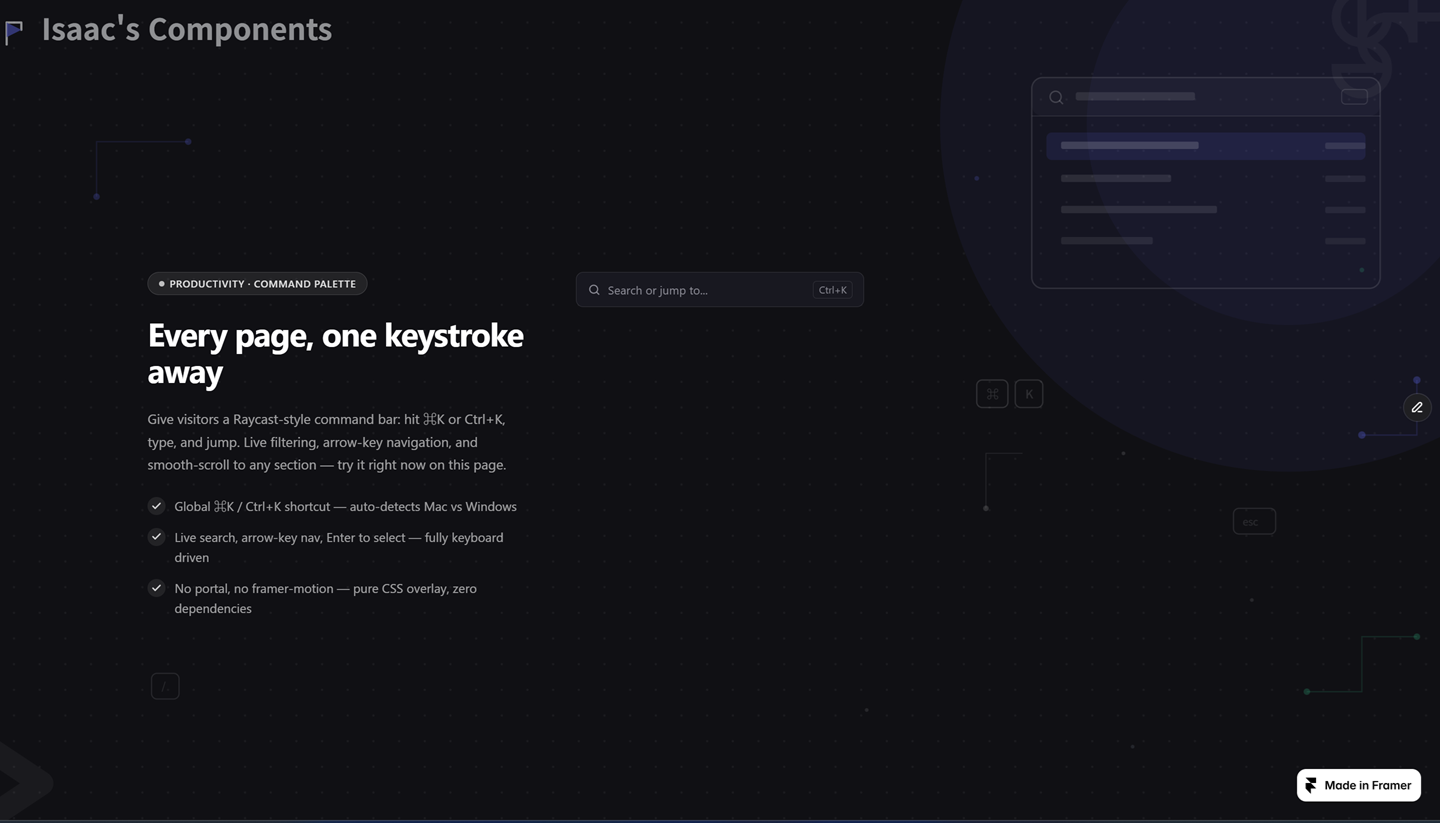
Every SaaS landing page has the same problem: visitors scroll, hunt through menus, or bounce before finding what they came for. The Cmd+K command bar solved this for docs sites and SaaS dashboards — now it's a five-minute drop-in for Framer. Command Palette gives your site a Raycast/Linear-style search bar: press Cmd+K (Mac) or Ctrl+K (Windows), auto-detected, or click the always-visible trigger. A live-filtered command list opens instantly — type to search, arrow keys to navigate, Enter to select, Esc to close. What you get: - Global Cmd+K / Ctrl+K shortcut with automatic OS detection - Live search filtering with full keyboard navigation - Items smooth-scroll to a page anchor or open an external link - Fully panel-driven: placeholder, accent color, theme, and every item's label, hint, and destination - No React portal, no framer-motion — lightweight CSS overlay with resize-aware positioning - Static-render safe — every listener disables in Framer's canvas and export Built for SaaS landing pages, documentation sites, and portfolios that want to feel like a real product, not just a scroll.
Introduction
Type to search. Enter to jump.
Rank history
Daily rank per list, from the first snapshot — lower is better.
- All · #6803