Divyesh WebCraft
Ribbon Hero
Free3D ribbon with smooth motion
Searching…
Follows cursor, expands on scroll.
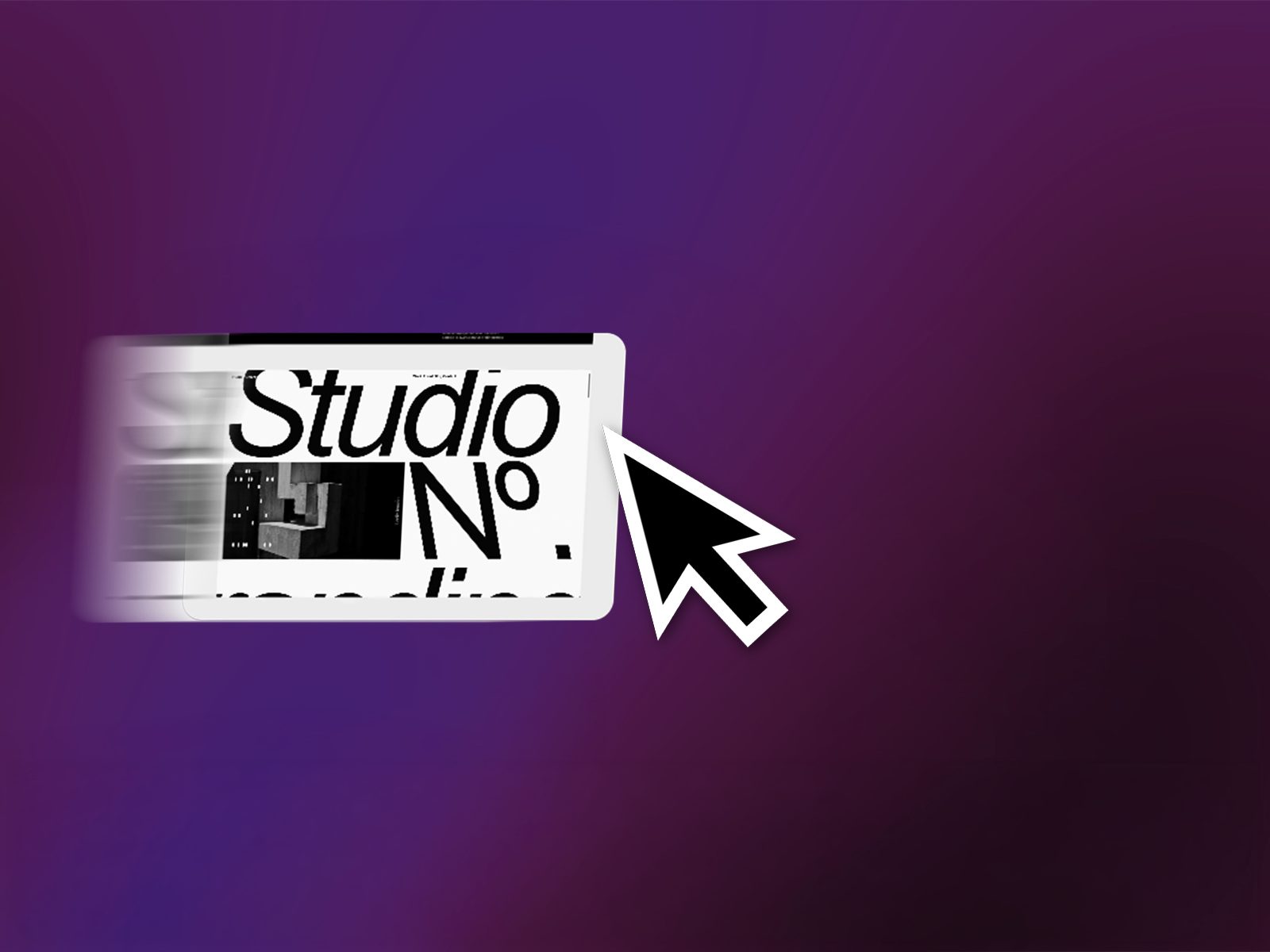
Follows cursor, expands on scroll.
This component is built primarily for desktop environments and larger screens. It is not optimized for mobile devices, as the interaction relies on horizontal mouse movement.
For the scaling animation to reach the full
available screen space, the section containing the component should be significantly taller than the component’s initial size.
Providing sufficient scroll distance ensures a smooth and uninterrupted transition during the animation.
Recommendation:
Place the component inside a tall hero section
Avoid short or tightly constrained containers
The component offers multiple controls to adjust layout, interaction, and playback behavior:
Video Settings
Video File – Choose the video source
Auto Play – Enable or disable automatic playback
Loop – Repeat video playback
Muted – Toggle audio output
Show Controls – Display or hide video controls
Interaction & Animation
Scroll Animation – Enable or disable scroll-based scaling
Animation End – Adjust the scroll distance used for the animation
Smoothness – Control the responsiveness of cursor movement
Size & Position
Initial Width / Height – Starting dimensions of the video
Final Width / Height – Target dimensions after scaling
Vertical Position – Adjust vertical alignment
Corner Radius – Modify the rounding of the video edges
Well suited for:
Editorial-style hero sections
Portfolio websites
Desktop-focused brand experiences
Less suitable for:
Mobile-first layouts
Touch-only interfaces
Divyesh WebCraft
3D ribbon with smooth motion
Karim Saif
ٍpider that tracks your cursor
Jamik
Fluid cursor trail in pixels/ASCII
princeee
Image Trail is a dynamic Framer component that creates an immersive hover experience by displaying a sequence of images that trail behind…