component
D-Pad Menu
By MotionIQ Studio
Details
- MotionIQ StudioAuthor
- componentType
- $11.00Price
- 2026-06-26Published
- 2026-06-29Updated
- 2026-06-26Added
- NavigationCategories
Summary
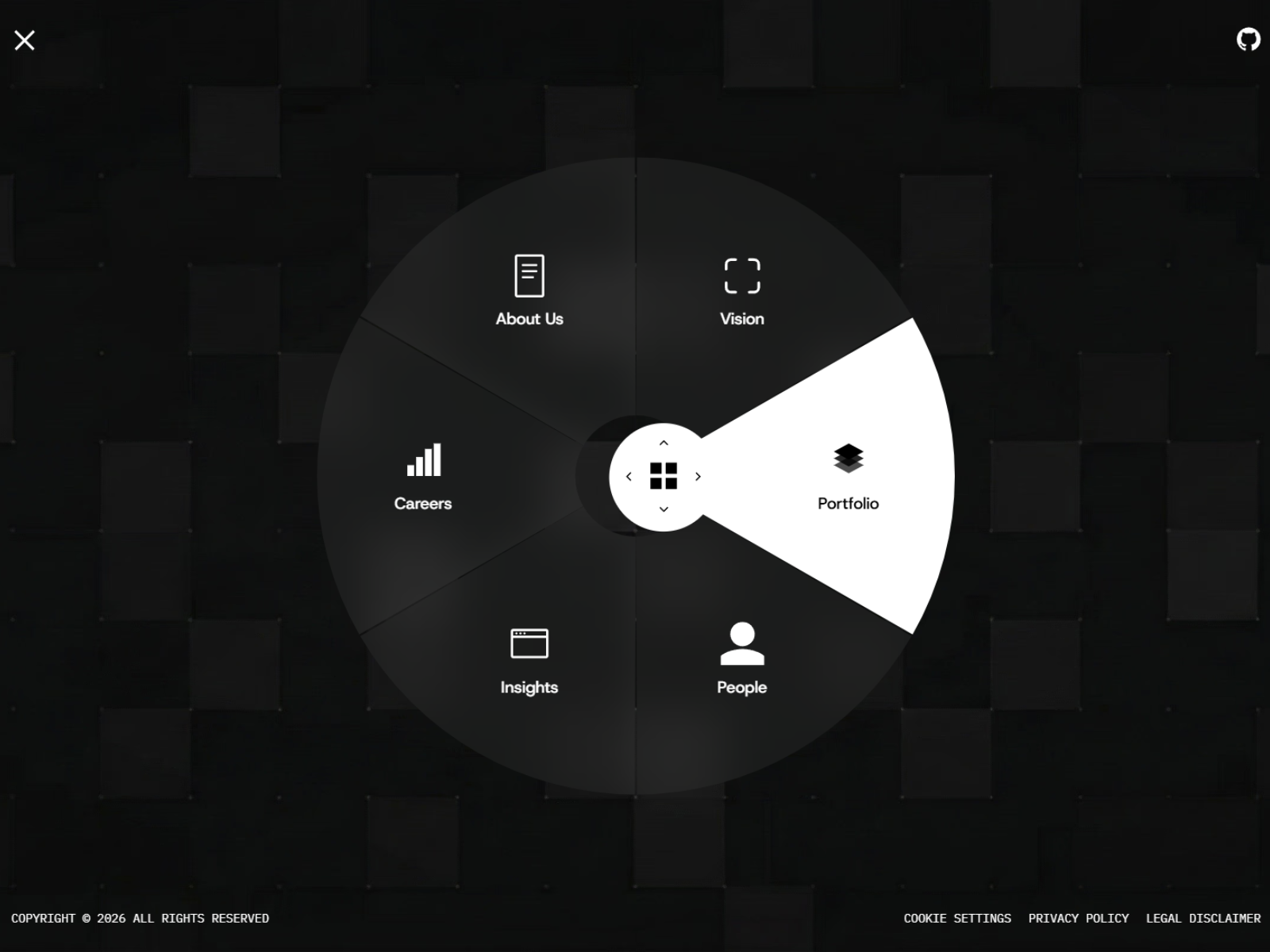
D-Pad Menu is a gaming-controller-inspired radial navigation component featuring GSAP spring physics, a draggable analog-stick knob, and directional item highlighting.
Description
D-Pad Menu is a gaming-controller-inspired radial navigation component featuring GSAP spring physics, a draggable analog-stick knob, and directional item highlighting. Perfect for creating immersive, interactive navigation in Framer. Key architectural highlights: GSAP Spring Physics: Leverages GSAP's elastic easing for buttery-smooth item reveals and a satisfying snap-back when the knob is released. Analog Stick Mechanics: Features a draggable center knob that calculates real-time drag angles to directionally highlight and select radially positioned menu items. Radial Item Positioning: Uses trigonometric calculations to dynamically distribute menu items in a perfect circle around the knob, adapting to any item count. Audio Integration: Built-in sound triggers for open, close, tick, and select actions, adding a tactile auditory layer to every interaction. Set up: Drag the D-Pad Menu component into your Canvas. Toggle Editor Mode to keep the menu expanded while you configure its properties. Configure your Menu Items , adding labels, links, and selecting built-in or custom icons. Choose a Position for the floating trigger (e.g., Bottom Right). Upload your Sound Effects to enable immersive audio feedback (optional). Tweak the Knob Color , Ring Color , and Item Background to match your brand. Turn off Editor Mode and preview the drag interaction and spring animations! After completing your purchase, you will receive a link to the component. Copy the URL and paste it into your Framer project to import it. Enjoy!
Introduction
Gaming-inspired radial navbar
Rank history
Daily rank per list, from the first snapshot — lower is better.
- All · #6140