component
Draggable Canvas
By Gwatsin T
Details
- Gwatsin TAuthor
- componentType
- $12.00Price
- 2026-09-13Published
- 2026-09-13Updated
- 2026-09-13Added
- InteractiveCategories
Summary
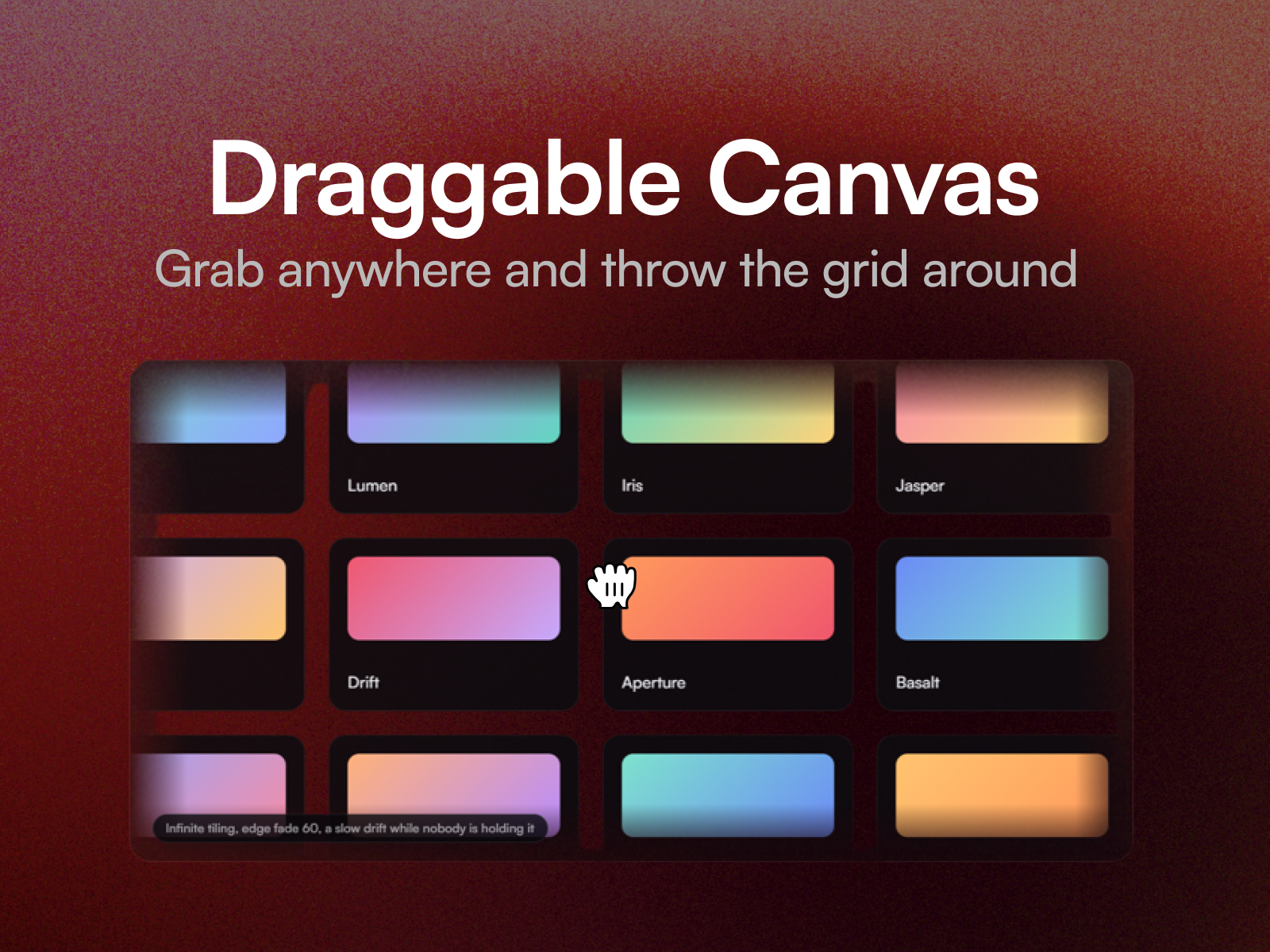
Draggable Canvas lays out a grid of your layers that visitors grab and throw around.
Description
Draggable Canvas lays out a grid of your layers that visitors grab and throw around. It keeps gliding after they let go, and in infinite mode it tiles itself so the grid never runs out in any direction. It is built to stay out of the way. Dragging never goes through React, the frame loop only runs while something is moving, and it stops entirely when the canvas scrolls off screen. An idle canvas costs nothing. Fourteen property controls cover columns, item size, gap, infinite tiling, elastic edges, drag speed, momentum, an ambient drift and its direction, edge fade, the grab cursor, and what a finger does. Three ways to set it Hero . Infinite, softly faded at the edges, drifting slowly when nobody is holding it. Portfolio wall . A bounded grid that stretches past its edges and pulls back. Dense field . Small tiles that outrun the pointer. Setting up Paste the component link into your Framer project's Insert panel. Nothing to install. Leave the Items slot empty to tune the feel on placeholders first. Good to know Every layer in the Items slot needs to sit at the top level of your page, alongside the breakpoint frame. That is how Framer slots work. Decide the Touch setting before you ship. Dragging on both axes stops the page scrolling while a finger is on the canvas, which traps a phone reader in a full width hero. Horizontal keeps the page scrollable. The arrow keys pan the canvas too.
Introduction
An endless grid you can throw
Rank history
Daily rank per list, from the first snapshot — lower is better.
- All · #8920