component
Draw Path Button
By Karim Saif
Details
- Karim SaifAuthor
- componentType
- 2026-06-25Published
- 2026-06-25Updated
- 2026-06-25Added
- ButtonsCategories
Summary
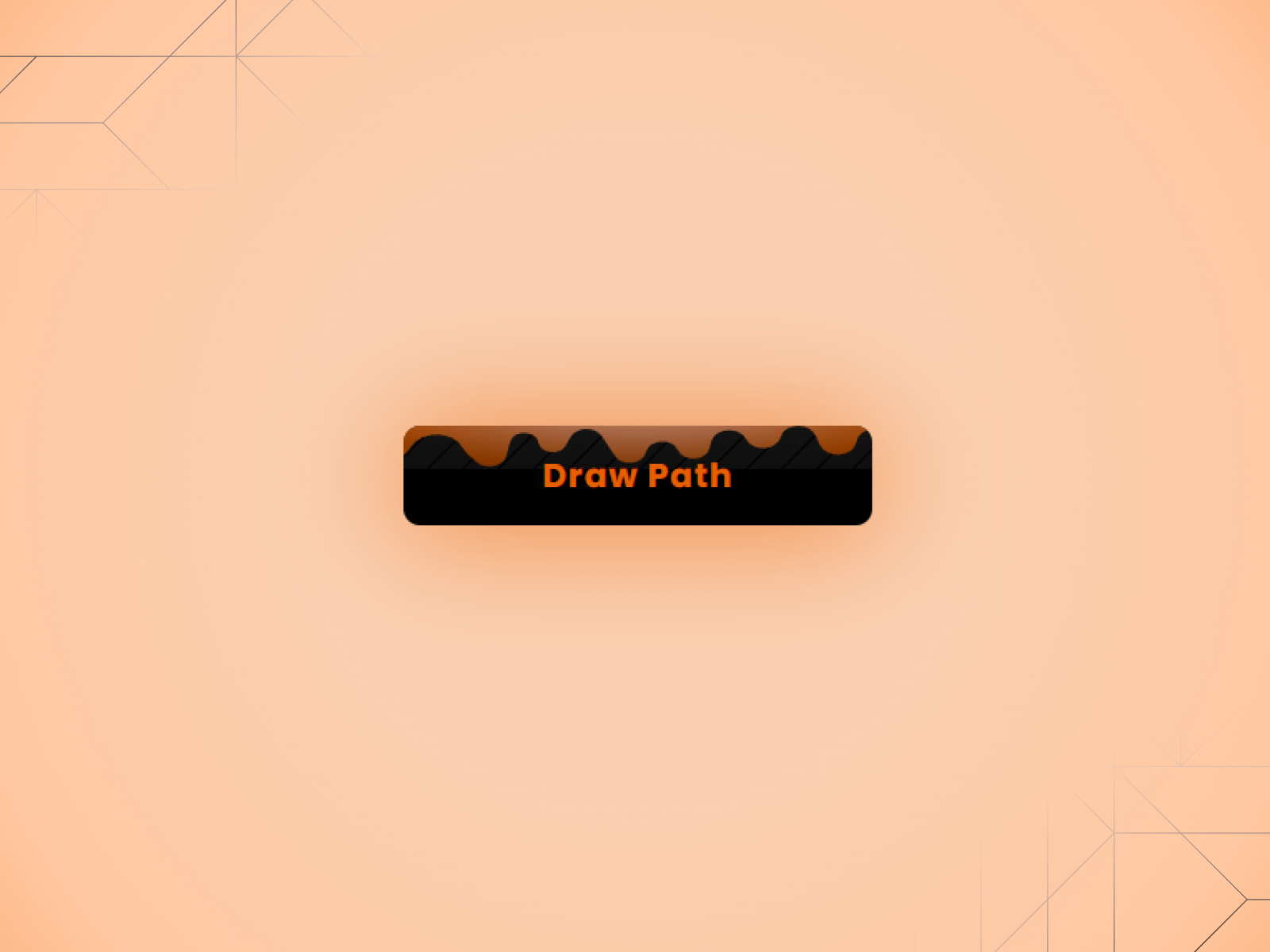
About Draw Path Button is a bold CTA button with a signature interaction an SVG path that draws itself around the button on hover, giving it a handcrafted, expressive feel.
Description
About Draw Path Button is a bold CTA button with a signature interaction an SVG path that draws itself around the button on hover, giving it a handcrafted, expressive feel. It works well anywhere you want the action to feel more alive and intentional. What it does On hover, an SVG stroke animates along the edge of the button in a draw-on motion, like someone tracing it by hand. The path sits outside the button bounds and draws in smoothly, making the interaction feel tactile and distinct from a standard hover effect. What you can customize Full control from the Framer panel: button text, link, open in new tab, background color, text color, border radius, path color, font, and padding. No code needed. Great for (examples) Use it anywhere you want a hover interaction that actually gets noticed: → hero section CTAs → portfolio and creative studio → sites editorial and editorial landing pages → product and SaaS websites → waitlist and signup buttons → pricing section actions → Framer template previews → personal brand websites Share your build If you ship something cool with it, post it on X and tag me @karimsaif0 , or send it over. I would love to see what you create. Need help? Questions or feedback? Reach me anytime: karimsaif010@gmail.com or on X @karimsaif0
Introduction
A CTA button with an SVG path
Rank history
Daily rank per list, from the first snapshot — lower is better.
- All · #4641