component
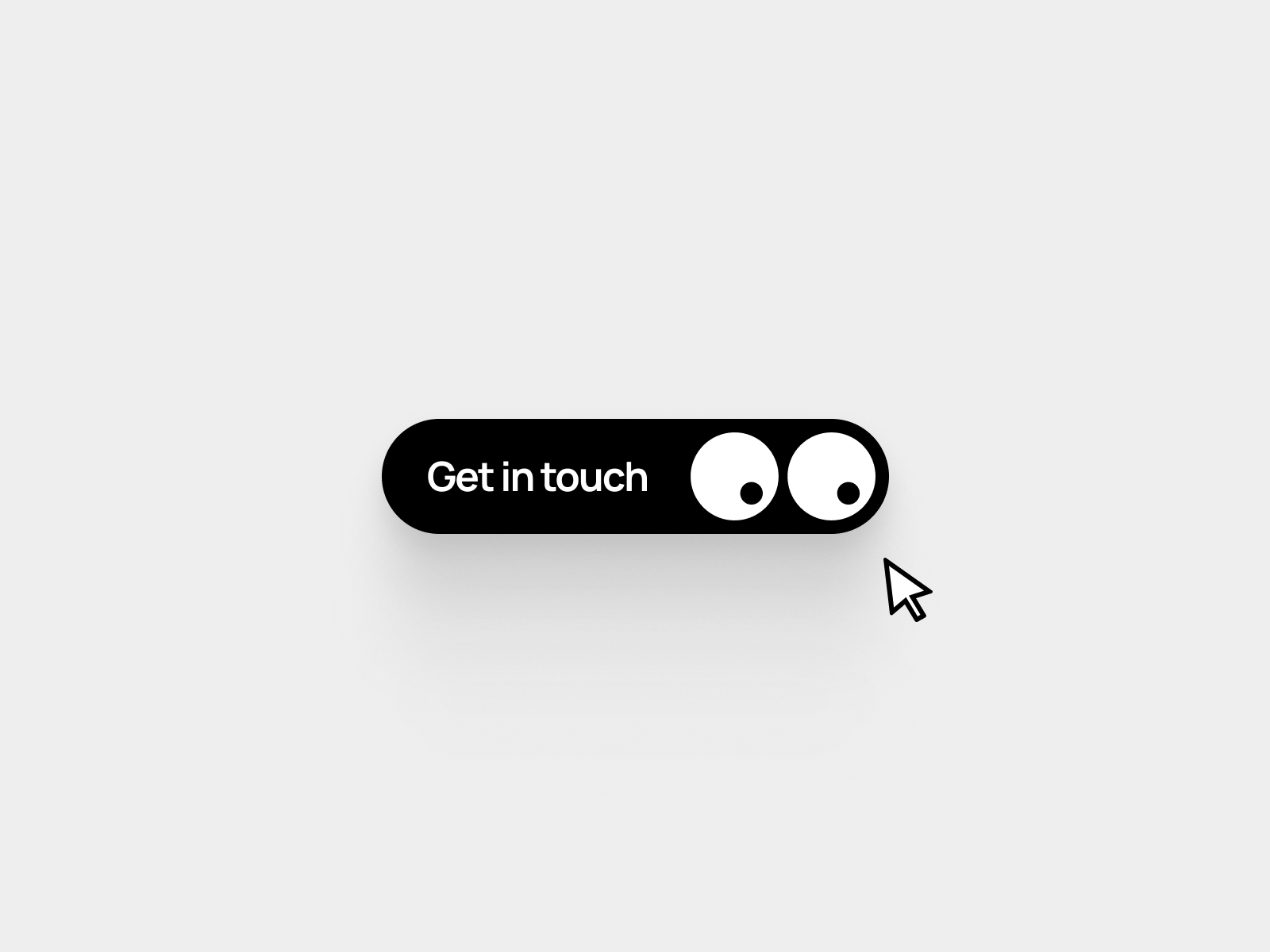
Eye Follow Button
By Aathif Thajudeen
Details
- Aathif ThajudeenAuthor
- componentType
- 2026-01-08Published
- 2026-07-11Updated
- 2025-12-18Added
- ButtonsCategories
Summary
A button with eyes that move.
Description
The Eye Button is a playful, highly interactive UI component featuring animated eyes that respond to cursor movement in real time. The pupils smoothly follow the user's cursor, adding personality and delight to calls-to-action. Perfect for landing pages, portfolios, and creative interfaces. Designed for flexibility, the component includes extensive customization options, letting you tailor both appearance and behavior to fit any brand or layout. Customizable Properties Link: Add any URL or action Button Color: Customize the button background color Text: Edit the button label Text Color: Control the label color Padding: Adjust internal spacing for compact or spacious layouts Radius: Control button corner roundness Eye Color: Set the eye background color Pupil Color: Customize pupil color Eye Count: Choose between one or two eyes Eye Size: Adjust overall eye dimensions Pupil Size: Control pupil scale Eye Gap: Set spacing between eyes Speed: Adjust how quickly pupils follow the cursor Range: Control how far pupils can move Blinking: Enable or disable blinking Blinking Intensity: Fine-tune blink strength With smooth motion, expressive animations, and detailed controls, the Eye Button brings character and interactivity to any Framer project while remaining easy to customize and integrate. Support & Feedback Questions or issues with setup? Reach out at aathif.design@gmail.com . If you like the component, I'd really appreciate a testimonial — just send it over to aathif.design@gmail.com .
Introduction
A button with eyes that move.
Rank history
Daily rank per list, from the first snapshot — lower is better.
- All · #23