component
Falling Image Trail
By Gwatsin T
Details
- Gwatsin TAuthor
- componentType
- $9.00Price
- 2026-09-13Published
- 2026-09-13Updated
- 2026-09-13Added
- CursorsCategories
Summary
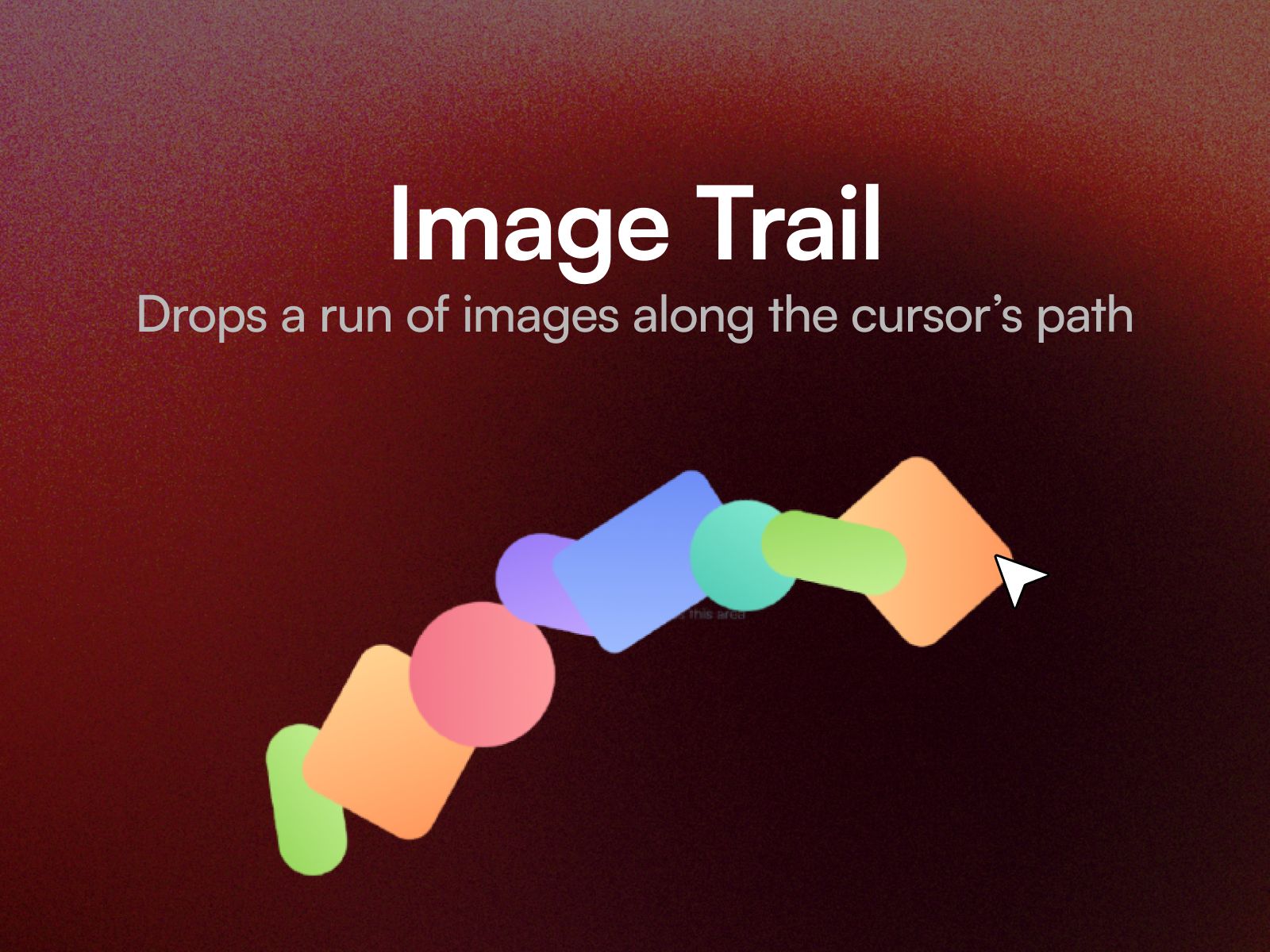
Falling Image Trail lays images down behind the cursor as it moves.
Description
Falling Image Trail lays images down behind the cursor as it moves. Each one pops in with a little spin, then falls away and fades on its own. The studio portfolio effect, without writing it. Spacing decides how far the cursor travels before the next image appears, so the trail can be sparse and deliberate or crowded and busy without changing the speed of anything else. Ten property controls cover your images, their size and corner radius, spacing, how many are on screen at once, how far they fall, how long they last, spin, and bounce. Three ways to set it Studio portfolio . Tall frames, a steady rhythm, a gentle spin. Tight and fast . Many small drops that clear quickly. Slow and heavy . A few big frames that hang before they fall. Setting up Paste the component link into your Framer project's Insert panel. Nothing to install. Add your images one at a time; they appear along the trail in the order you add them. It ships with gradient shapes so it works before you add anything. Good to know The trail only draws inside the component, so give it room. A full width hero is where it looks best. It runs on published sites and in preview; on the canvas it holds still so it stays easy to select. It responds to a mouse only, so scrolling on a phone never leaves images stranded.
Introduction
Images bloom behind the cursor
Rank history
Daily rank per list, from the first snapshot — lower is better.
- All · #7732