component
GradientBlur
By Oleksandr Demydov
Details
- Oleksandr DemydovAuthor
- componentType
- $7.00Price
- 2026-06-17Published
- 2026-06-23Updated
- 2026-06-17Added
- BackgroundsCategories
Summary
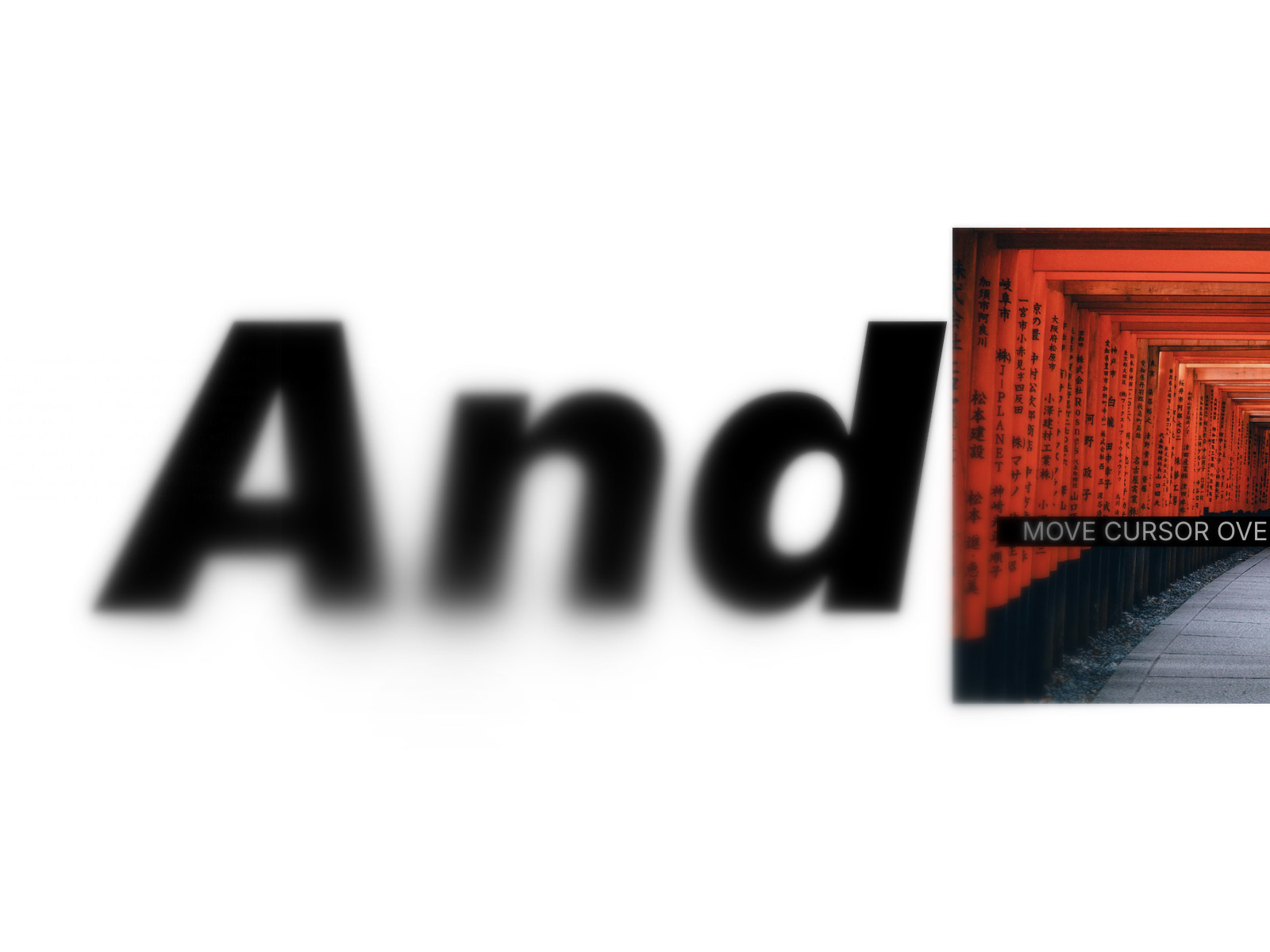
GradientBlur adds a progressive, multi-layer backdrop blur to any frame — the same technique used in Apple's iOS UI, where blur intensity builds gradually rather than cutting off…
Description
GradientBlur adds a progressive, multi-layer backdrop blur to any frame — the same technique used in Apple's iOS UI, where blur intensity builds gradually rather than cutting off abruptly. Two modes Edge — blur fades in from any edge of the frame (top, bottom, left, or right). Perfect for bottom-of-section frosted overlays, hero text legibility, and sticky nav backgrounds. Cursor — a radial blur spot follows the pointer on desktop and the touch point on mobile/tablet. Ideal for ambient background effects and interactive cards. Breathing animation An optional sine-wave pulse gently varies the blur strength over time, creating a calm, living feel without layout shifts. Automatically pauses when the visitor has Reduce Motion enabled (WCAG 2.1 compliant). Tint overlay Pair the blur with a semi-transparent color overlay to achieve frosted-glass depth. Works with any color format — including Framer's color tokens. Built for production 6 composited blur layers for a smooth, natural gradient instead of a hard edge Delta-time normalized cursor tracking — feels identical at 60 Hz and 120 Hz (iPad Pro, ProMotion) Touch-aware: responds to touchstart , touchmove , and resets on touchend GPU-efficient: no redundant compositor hints; safe for complex Framer pages on low-end tablets Respects prefers-reduced-motion in real time, not just on load Controls All properties are exposed in the Framer panel with two collapsible sections — Appearance and Animation — so you can tune blur radius, fade size, tint color and opacity, z-index, breathing speed and amount without touching code. Usage Place the component inside any frame as an absolute overlay. Set its size to fill the parent frame. Use Z-Index to position it above or below content layers.
Introduction
Progressive Blur Overlay
Rank history
Daily rank per list, from the first snapshot — lower is better.
- All · #1676