component
Hero BG Animation
By NOMAN
Details
- NOMANAuthor
- componentType
- $15.00Price
- 2026-08-13Published
- 2026-08-13Updated
- 2026-08-13Added
- SectionsCategories
Summary
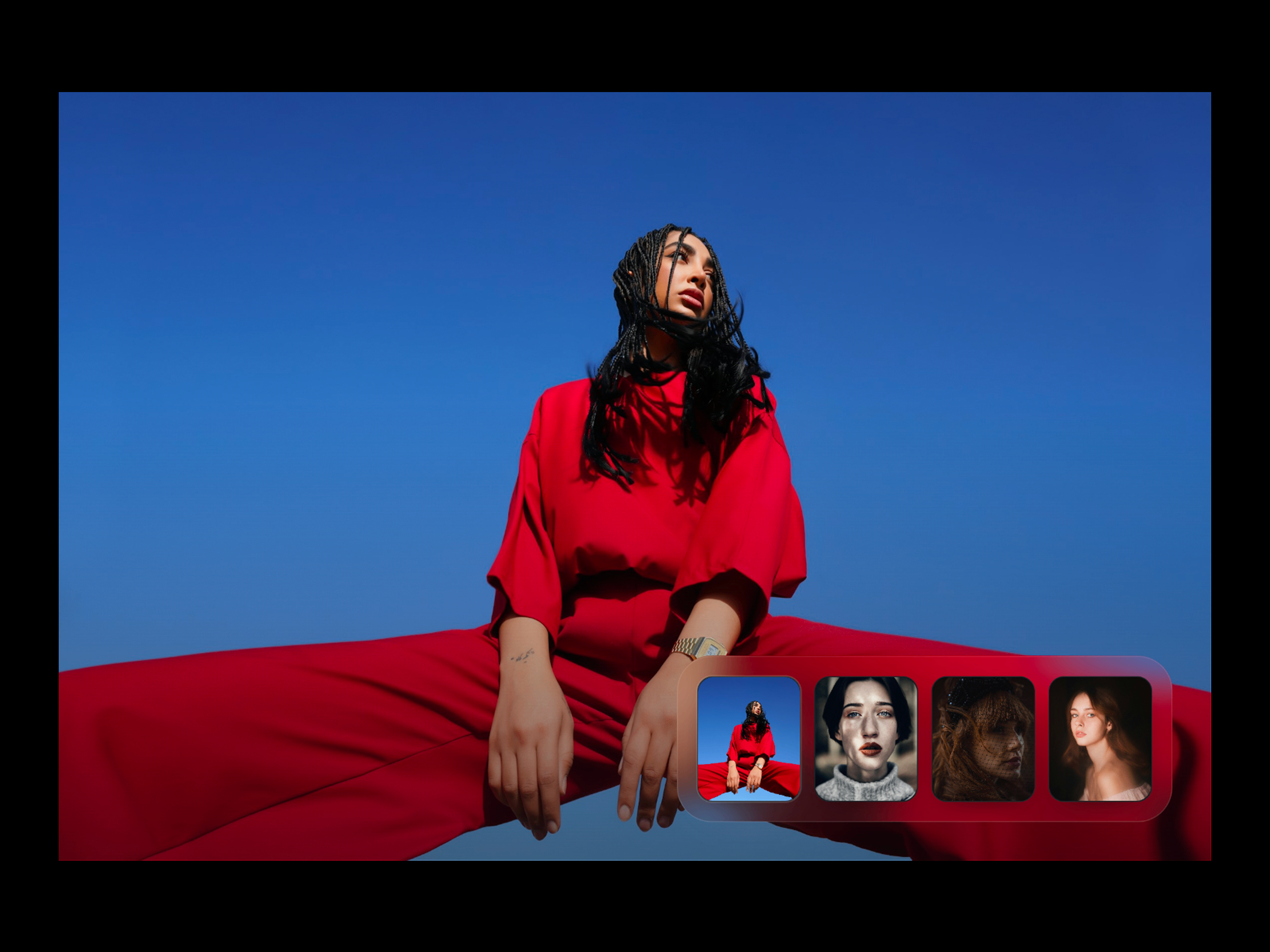
Live Preview Hero BG Animation is an interactive hero background component designed to turn static images into an immersive visual experience.
Description
Live Preview Hero BG Animation is an interactive hero background component designed to turn static images into an immersive visual experience. Add multiple images and transition between them using cinematic effects such as Silk Wipe, Iris Zoom, Liquid Drift, Editorial Bands, and Chromatic Slide . Key Features Cinematic image transitions 5 built-in transition styles Multiple image support Smooth image scaling and motion Adjustable transition duration Adjustable animation speed Transition intensity control RGB split effect Gloss sweep effect Auto-play functionality Custom auto-play delay Resume-after interaction timing Customizable image thumbnails Interactive cursor lens Multiple cursor lens modes Images Add and manage multiple hero images. Each image can be individually replaced or removed. Transition Choose from: Silk Wipe Iris Zoom Liquid Drift Editorial Bands Chromatic Slide Animation Duration — Control transition length. Speed — Adjust overall animation speed. Intensity — Control the strength of the transition effects. Image Scale — Adjust image zoom during transitions. RGB Split — Control chromatic displacement. Gloss Sweep — Adjust the glossy light sweep effect. Thumbnails Customize the thumbnail navigation with: Size Ratio Gap Radius Padding Position Inset Active State Accent Color Numbers Frosted Rail Rail Padding Cursor Lens Add an interactive lens effect with: Mode — Blur, Frosted Glass, Clarity, or Chromatic Radius Strength Edge Softness Glass Rim How It Works Add your hero images to the Images property. Select your preferred Transition style. Adjust Duration, Speed, and Intensity to match your design. Customize the image scale and optional RGB/Gloss effects. Configure your Thumbnails and choose their position and appearance. Enable Auto Play if you want the images to transition automatically. Add Cursor Lens, Overlay, Background, and Caption effects as needed. Configure the mobile layout and publish.
Introduction
Cinematic Hero Image Transitions
Rank history
Daily rank per list, from the first snapshot — lower is better.
- All · #5323