component
Hexagon navigation
By Geometry Craft Studio
Details
- Geometry Craft StudioAuthor
- componentType
- $19.00Price
- 2026-07-07Published
- 2026-07-22Updated
- 2026-07-07Added
- NavigationCategories
Summary
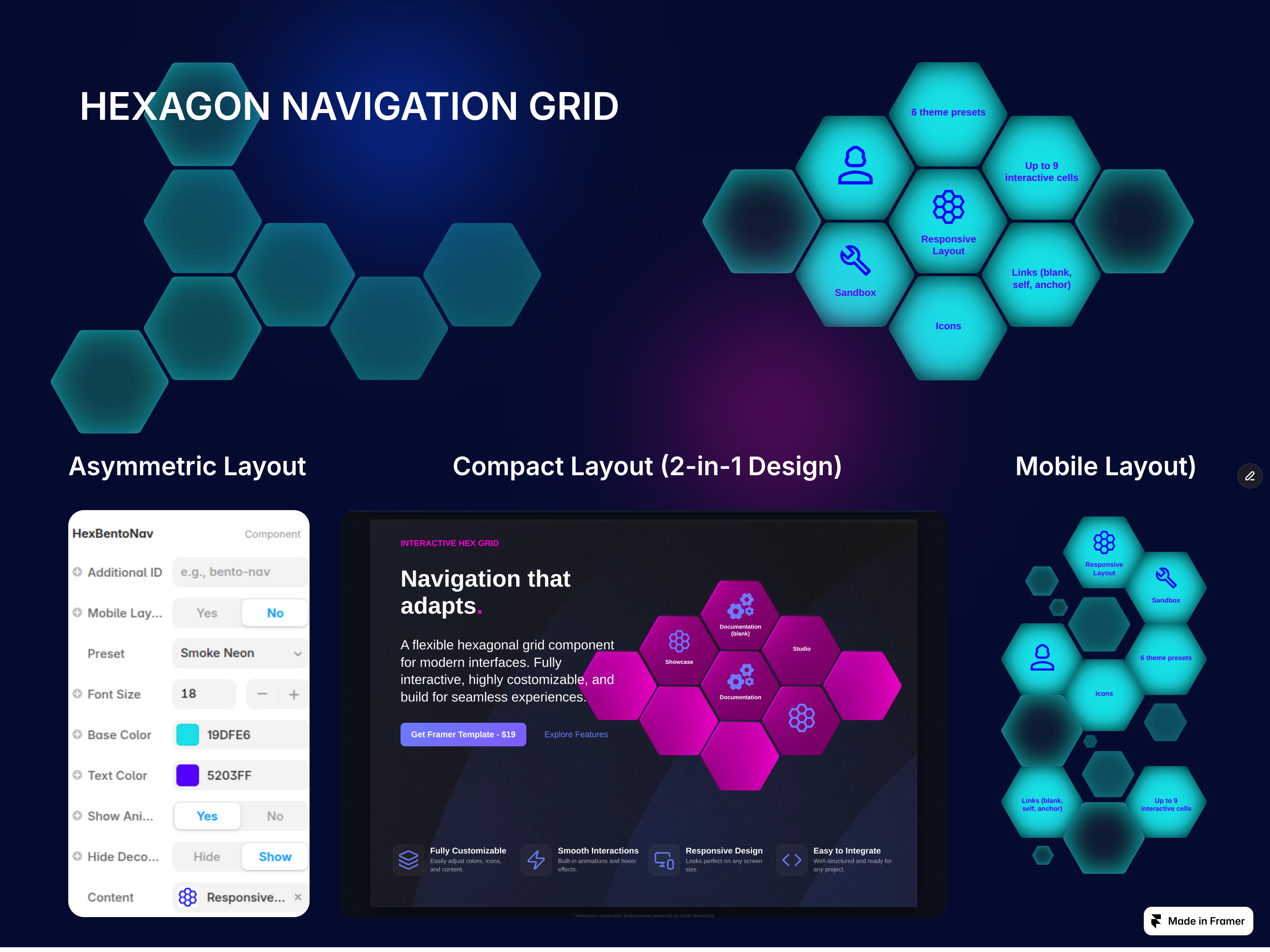
Hexagon Navigation Grid Key Features: Flexible Layout Control: Seamlessly choose between two core configurations - Desktop or Mobile.
Description
Hexagon Navigation Grid Key Features: Flexible Layout Control: Seamlessly choose between two core configurations - Desktop or Mobile . Plus, get full control over your layout with a built-in toggle to hide all decorative cells instantly for a cleaner, compact setup. No-Code Customization: Change icons, colors, font sizes, text, and destination links directly from the Framer properties panel. You get all the power of custom React code without ever opening a code editor. Up to 9 Dynamic Items: Easily scale your navigation to display up to 9 interactive content cells. Futuristic Visuals: Built-in advanced SVG filters for depth, lighting, and smooth responsive animations. Seamless Navigation: Fully integrated with custom anchor links for smooth scrolling or external page redirection ( blank or self ). 100% Mobile Responsive: Features dedicated layout logic that perfectly rearranges the hexagonal grid for flawless smartphone viewing. What's Included? Ready-to-use component link for instant import into your projects. 6 style presets (including Cyber-Noir, Smoke Neon, and Rainbow Lines). Full custom code under the hood, completely isolated and production-ready. Bring a modern, sophisticated, and futuristic feel to your digital products with Hexagon Navigation Grid . Perfect for designers, developers, and creators!
Introduction
Hexagon interactive SVG grid
Rank history
Daily rank per list, from the first snapshot — lower is better.
- All · #7652