component
InfiniteCurveGallery
By Quentin Hocdé
Details
- Quentin HocdéAuthor
- componentType
- $6.00Price
- 2026-07-20Published
- 2026-07-20Updated
- 2026-07-20Added
- GalleriesCategories
Summary
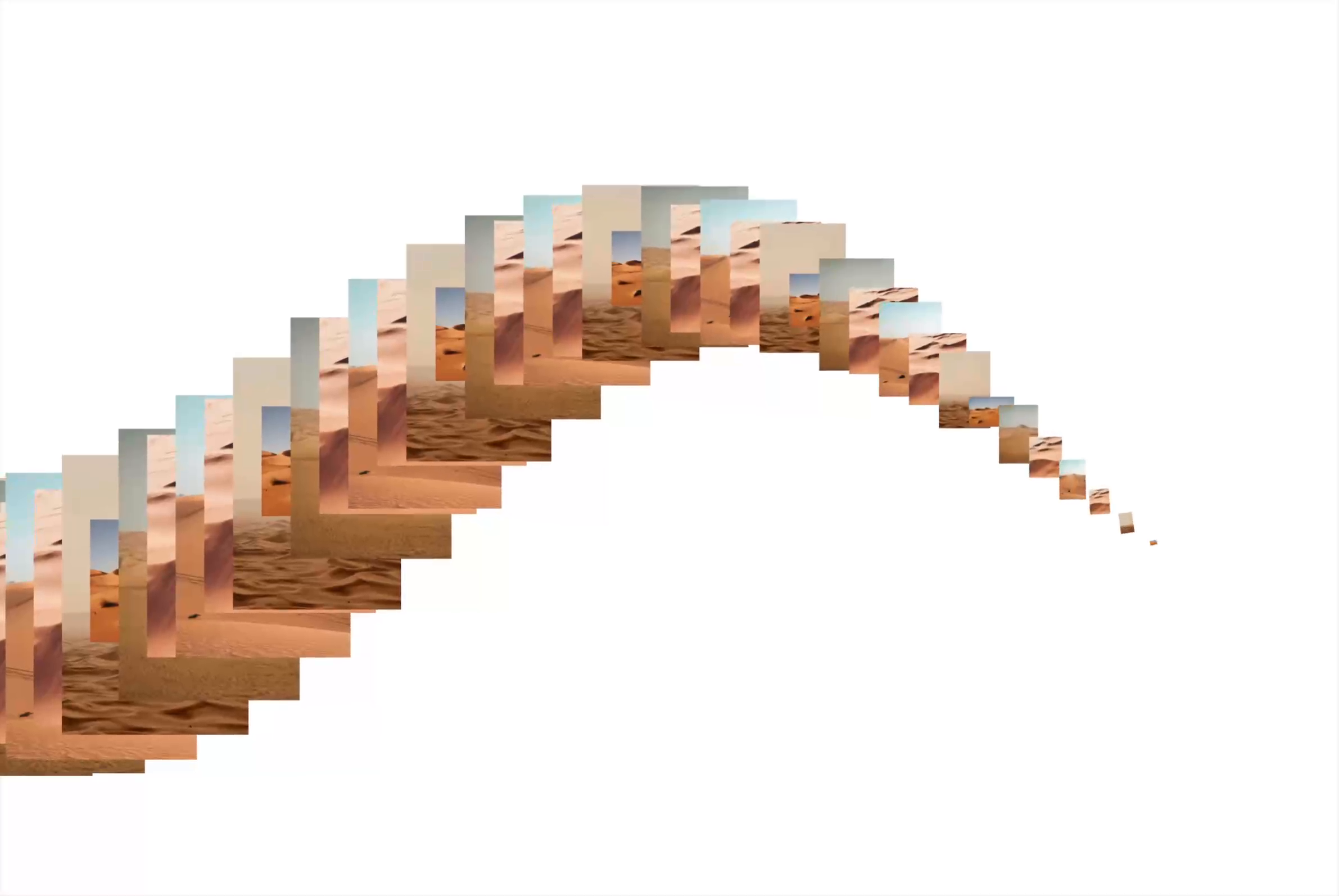
InfiniteCurveGallery turns any set of images into an endless gallery flowing along a curve.
Description
InfiniteCurveGallery turns any set of images into an endless gallery flowing along a curve. Each image is placed and scaled in sequence along a sine wave or a circle, animating in depth to create a kinetic collage. ✨ Key Features Curve-Driven Layout – Place images along a sine wave or a rotating circle, with full control over the path shape. Infinite Loop or Finite Count – Run it forever, or set an exact number of repeats that stay on screen. Fine-Tuned Animation Controls – Adjust count, image width, duration, easing, amplitude, frequency, radius and shape speed right from the props. Reversible Motion – Negative shape speed flips the whole animation direction. Scroll-Driven Motion – Sync the gallery with scroll position using GSAP-like start/end triggers and sticky/pinned sections for immersive, narrative storytelling. 🔧 Props / Controls Images : Add the images that flow through the gallery Count : Number of images spread along the curve Width : Image size as a percentage of the container width Duration : Loop speed of each image's entrance Ease : Easing curve of the entrance animation Shape : Choose the path, Sinus wave or Circle Amplitude : Height of the sine wave (Sinus) Frequency : Number of wave oscillations across the width (Sinus) Radius : Size of the circle as a percentage of the largest screen side (Circle) Shape Speed : Speed the images travel along the curve, negative values reverse the direction Play : Run the animation infinitely, or set a fixed number of repeats Repeats : Number of full passes before the animation stops (Count mode) Scroll Driven : Drive the animation with the user's scroll position (Count mode) Start / End : GSAP-style scroll triggers to define where the animation begins and ends (Scroll Driven) Track Parent : Read scroll from the parent section for sticky / pinned layouts (Scroll Driven) Mouse Interaction : Bring the hovered image to the front Debug Line : Draw the curve on the canvas to visualize the path Line Color : Color of the debug line
Introduction
Mesmerizing gallery
Rank history
Daily rank per list, from the first snapshot — lower is better.
- All · #7221