component
Join Button
By Karim Saif
Details
- Karim SaifAuthor
- componentType
- 2026-07-22Published
- 2026-07-23Updated
- 2026-07-22Added
- ButtonsCategories
Summary
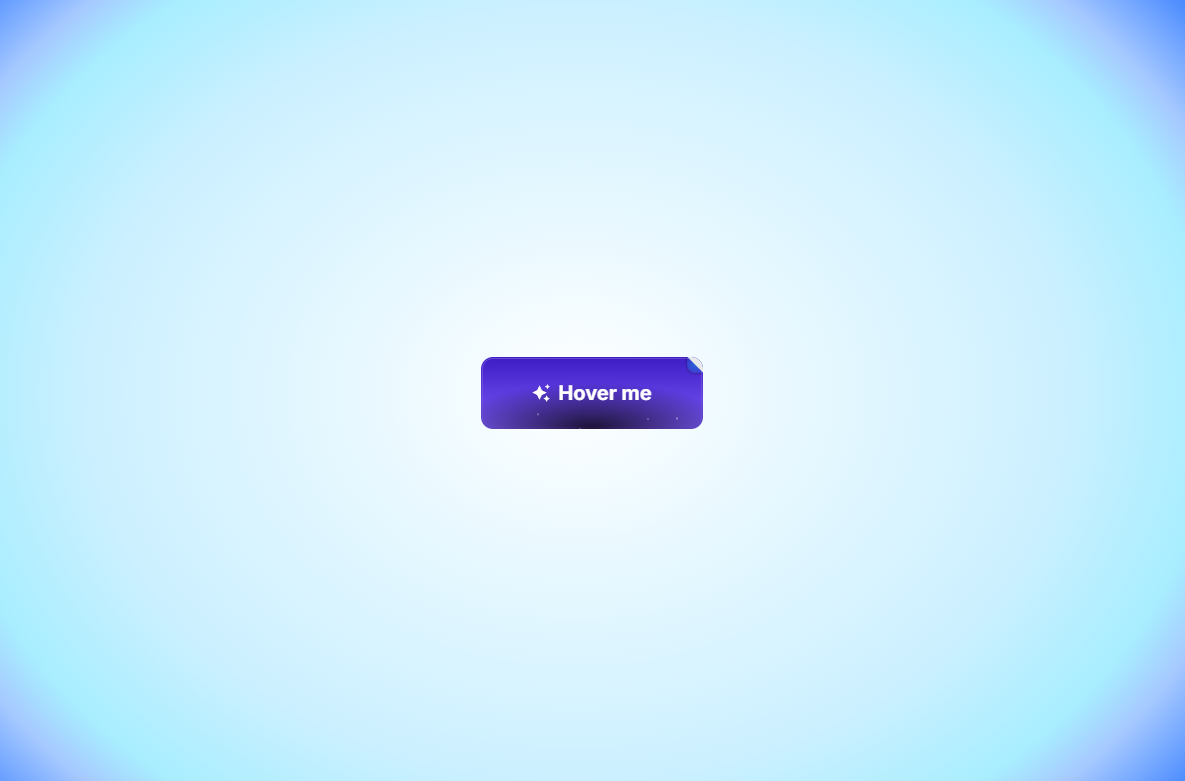
About Join Button is an eye-catching call-to-action component featuring floating dust particles, a subtle corner paper-fold detail, and interactive icon animations.
Description
About Join Button is an eye-catching call-to-action component featuring floating dust particles, a subtle corner paper-fold detail, and interactive icon animations. Designed to draw immediate visual attention, it brings an extra touch of polish to high-converting landing pages. What it does Floating Particle Effect: Subtle ambient light particles continuously float upward inside the button to create a lively background dynamic. Playful Corner Fold: Features an animated top-right corner fold that shifts playfully on hover. Animated Spark Icon: Includes an optional sparkle icon that scales and rotates smoothly when visitors hover over the button. Click Micro-Interaction: Gently scales down on click ( active state) to give visitors satisfying tactile feedback. What you can customize Full control directly from Framer’s right-hand property panel — no coding needed: Text — Button label (e.g., "Join Now" , "Get Started" , "Claim Access" ) Link — Destination page or URL (supports opening in a new tab) Icon — Toggle the animated sparkle icon on or off Font — Select any web or system typography family and weight Font Size — Adjust text sizing in pixels (default: 14px ) Text Color — Choose the label and icon color (default: #FFFFFF ) Color Top & Bottom — Customize the primary background gradient shift Radius — Control corner roundness (default: 12px ) Height — Set exact button height (default: 44px ) Padding H & V — Finely adjust horizontal and vertical internal spacing Need help? Questions or suggestions? Reach out anytime at karimsaif010@gmail.com or on X @karimsaif0 .
Introduction
Floating dust particles
Rank history
Daily rank per list, from the first snapshot — lower is better.
- All · #5790