component
Logo Right Click
By Ali Çorak
Details
- Ali ÇorakAuthor
- componentType
- $5.00Price
- 2026-07-11Published
- 2026-08-16Updated
- 2026-07-11Added
- NavigationCategories
Summary
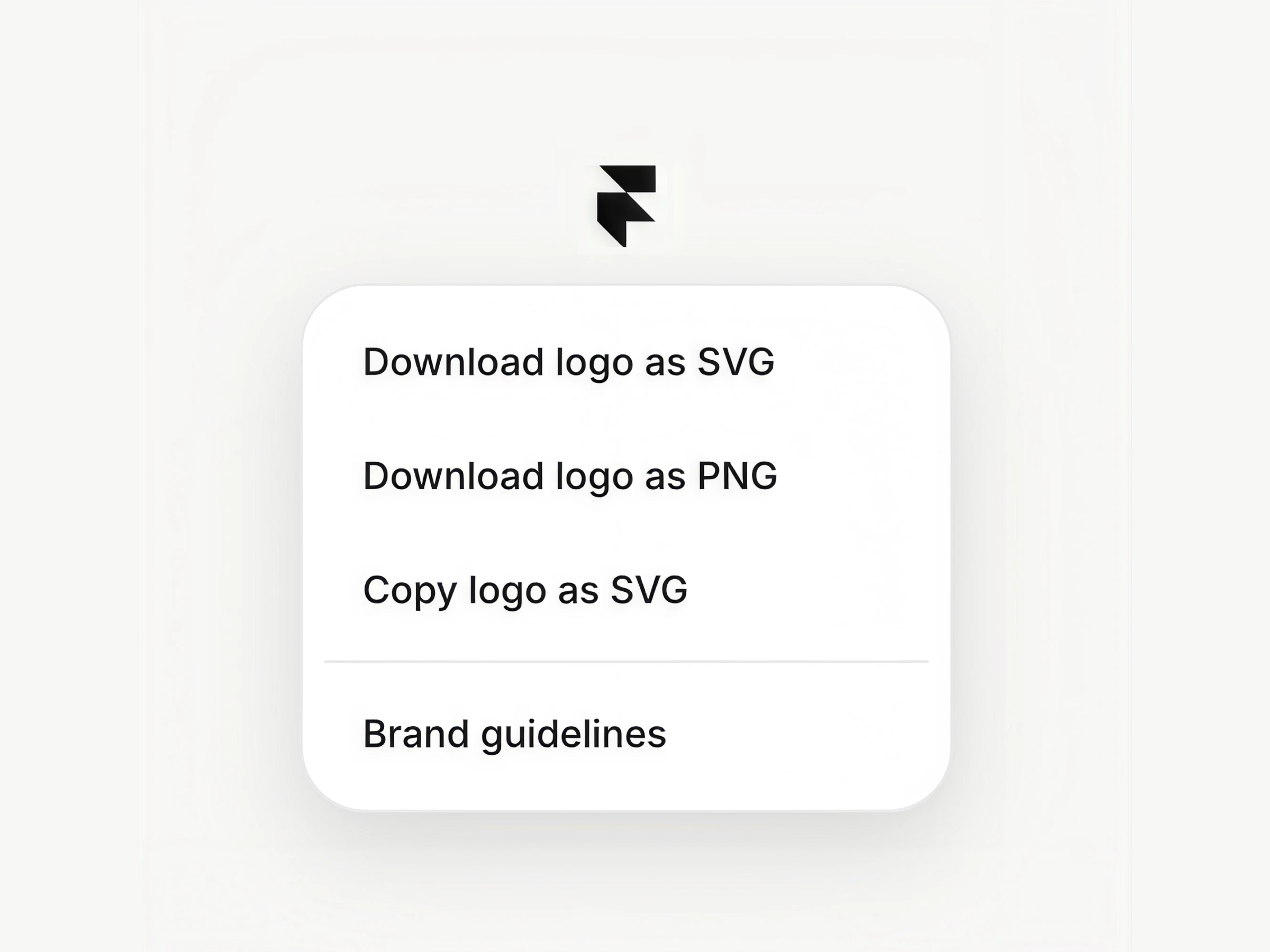
Logo Right Click replaces the default browser menu on the logo with a fully customizable branded menu.
Description
Unlock entire Depth library for $149. One price. Lifetime. Get Depth Add a custom right-click menu to your logo and give visitors quick access to brand assets, downloads, and useful links. Logo Right Click replaces the default browser menu on the logo with a fully customizable branded menu. It is especially useful for portfolios, studios, agencies, design systems, and brand websites that want to make logo files or related actions easy to access. How to use Drop the component onto your page and add your logo. Then build the menu from the properties panel using download actions, copy-as-SVG actions, dividers, and custom links. Upload SVG and PNG versions of the logo, set the download file name, and customize the menu’s typography, colors, dimensions, spacing, borders, shadows, and animation. Features Custom right-click menu for your logo Download logo as SVG Download logo as PNG Copy the logo SVG to the clipboard Add custom links and dividers Add, remove, and reorder menu items Custom download file name Editable copied confirmation text Adjustable logo width Custom typography and text colors Custom menu, hover, and divider colors Adjustable menu width and corner radius Independent item radius, padding, and gap controls Custom borders and shadows Scale, fade, or no entrance animation Custom spring transition Canvas preview mode for easier styling No setup or coding required Refund Policy: Due to the nature of digital products, all sales are final. Once purchased, this component is non-refundable. Please make sure it fits your needs before completing the checkout. Support: hi@alicorak.com
Introduction
Custom right-click menu
Rank history
Daily rank per list, from the first snapshot — lower is better.
- All · #3629