component
Magnet Button
By Gazi Efe
Details
- Gazi EfeAuthor
- componentType
- 2026-07-06Published
- 2026-07-23Updated
- 2026-07-06Added
- ButtonsCategories
Summary
Button that follows your cursor
Description
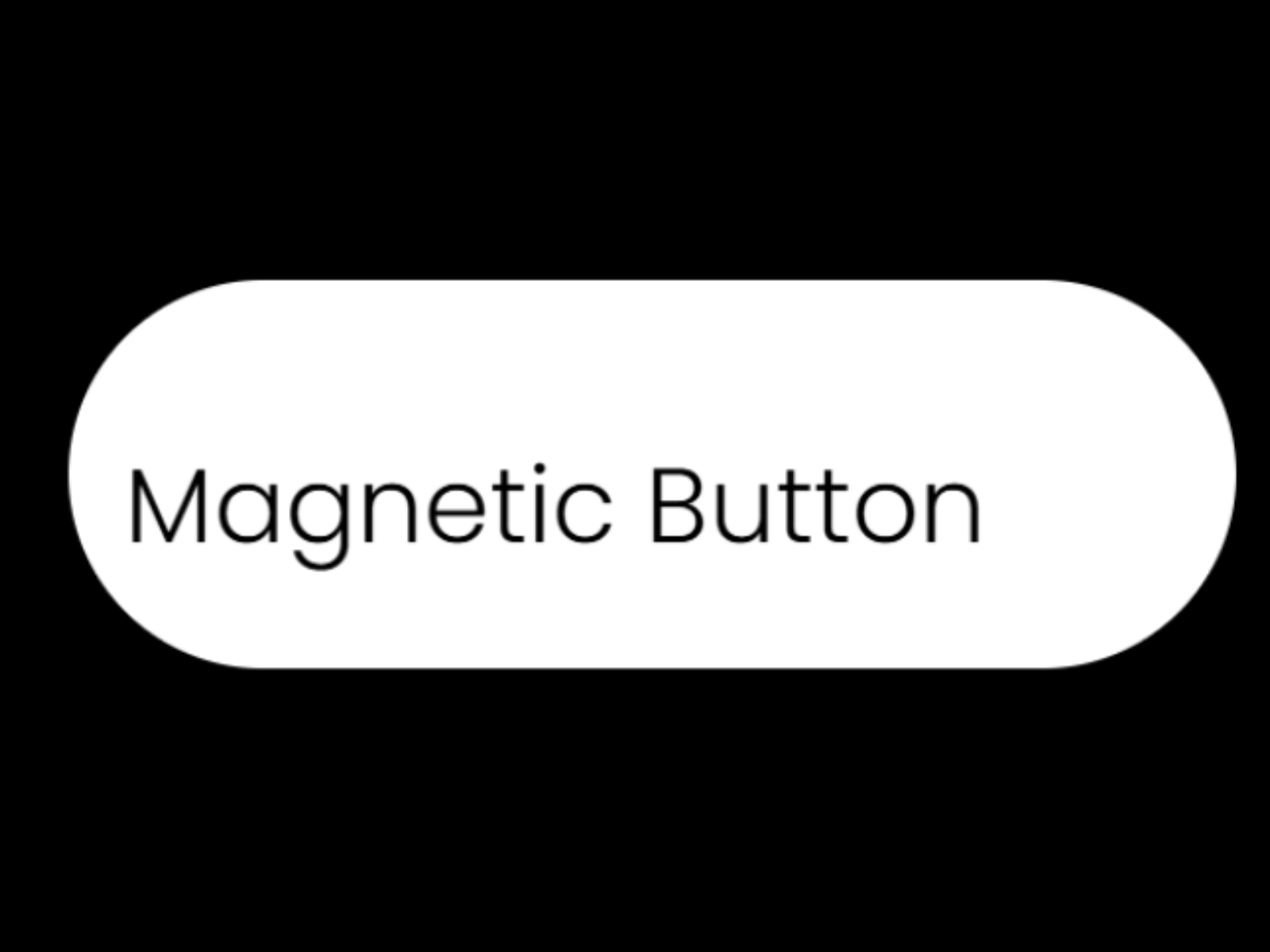
Magnetic Button için Description (daha önce hazırladığımız metin, temiz halde): Magnetic Button adds a tactile, premium micro-interaction to any call-to-action. As the cursor approaches, the button is gently pulled toward it like a magnet. The label drifts a little less than the button itself, creating a subtle parallax depth, and an optional hover scale adds extra lift. The moment the cursor leaves, everything springs smoothly back to rest. SETUP Label, link and open-in-new-tab Works with Framer's native sizing — set the layer to Fit to size by the label and padding, or Fixed for an exact size STYLE Font (any Google Font, with weight and size) Text colour, background, corner radius Padding X / Y, border width and colour Text alignment MAGNETIC FEEL Strength: how strongly the button is pulled toward the cursor Field: the distance around the button where the pull begins Text Parallax: how much the label drifts relative to the button Spring: looser and slower, or tight and snappy Hover Scale: optional lift on hover Fully responsive, built with clean code — no dependencies, no WebGL. Every property is editable directly in Framer. Perfect for hero CTAs, pricing buttons, contact links and anywhere you want a button that invites a click. Free to use — enjoy, and check out my other Framer components.
Introduction
Button that follows your cursor
Rank history
Daily rank per list, from the first snapshot — lower is better.
- All · #3150