component
Mask Spotlight
By Gwatsin T
Details
- Gwatsin TAuthor
- componentType
- $9.00Price
- 2026-09-14Published
- 2026-09-14Updated
- 2026-09-14Added
- CursorsCategories
Summary
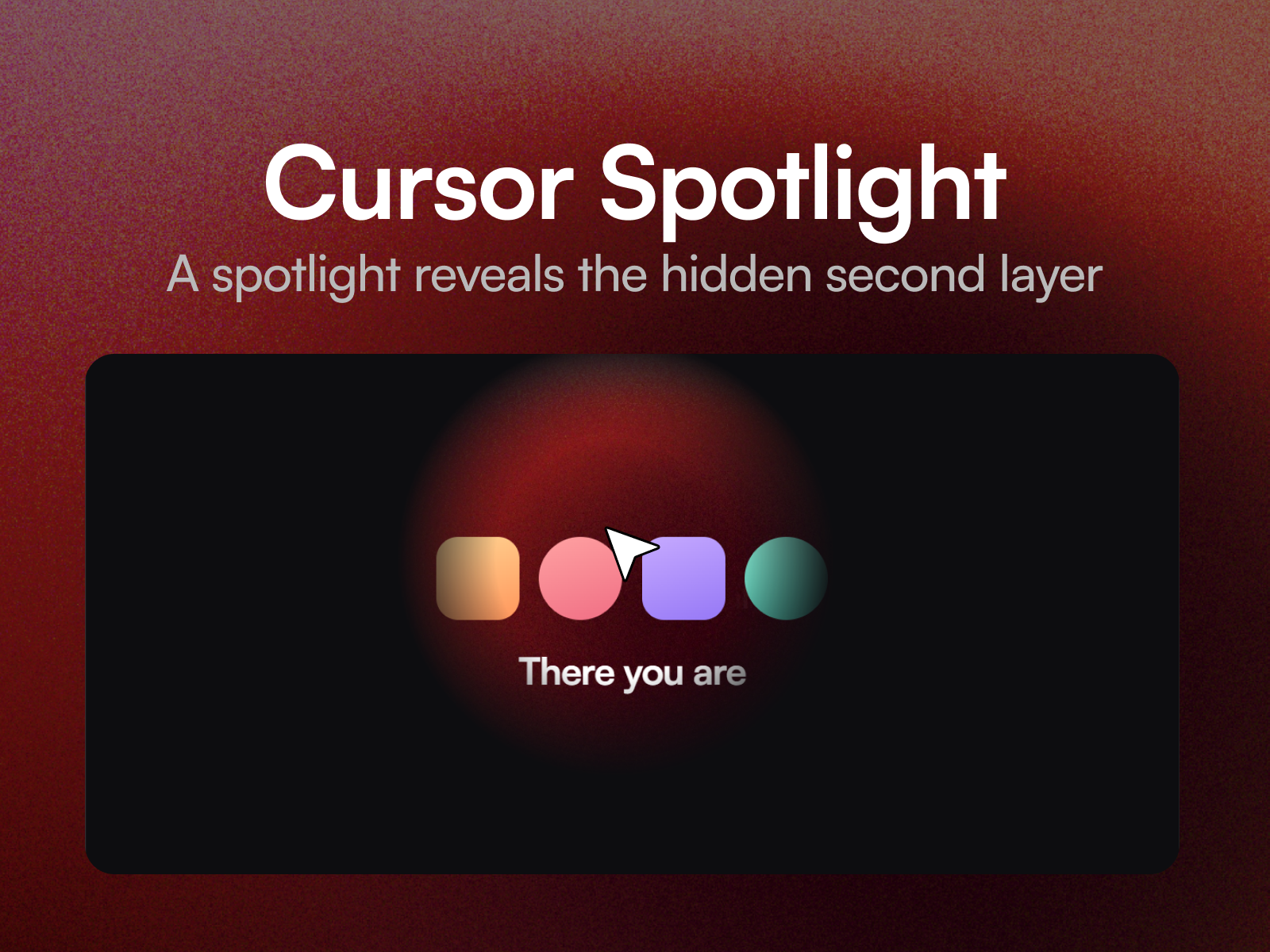
Mask Spotlight stacks two layers and lets a soft circle of light follow the cursor, revealing the second layer through the first.
Description
Mask Spotlight stacks two layers and lets a soft circle of light follow the cursor, revealing the second layer through the first. Dark becomes lit, flat becomes colour, wireframe becomes finished. The reveal is a real mask, not a tinted overlay, so the layer underneath shows through at full quality: type stays type, images stay sharp. Because both layers are yours, the pairing is up to you. Night and day, empty and annotated, before and after all work. Nine property controls cover the size of the light, how soft its edge is, how quickly it follows and whether it overshoots, the fade in and out, invert, and whether a hint of the reveal shows before the cursor arrives. Three ways to set it Hero . A big, soft light that drifts after the pointer. Torch . A small, sharp light that tracks closely. Inverted . The light hides the second layer instead of revealing it. Setting up Paste the component link into your Framer project's Insert panel. Nothing to install. Put one layer in Base and one in Reveal. Good to know Both layers need to sit at the top level of your page, alongside the breakpoint frame. That is how Framer slots work. Give both layers the same size and line their content up, or things will appear to jump as the light passes. It responds to a mouse only.
Introduction
Shine a torch to reveal a layer
Rank history
Daily rank per list, from the first snapshot — lower is better.
- All · #8525