component
Mosaic Image
By Angelo Engelbrecht
Details
- Angelo EngelbrechtAuthor
- componentType
- $5.00Price
- 2026-09-04Published
- 2026-09-04Updated
- 2026-09-04Added
- EffectsCategories
Summary
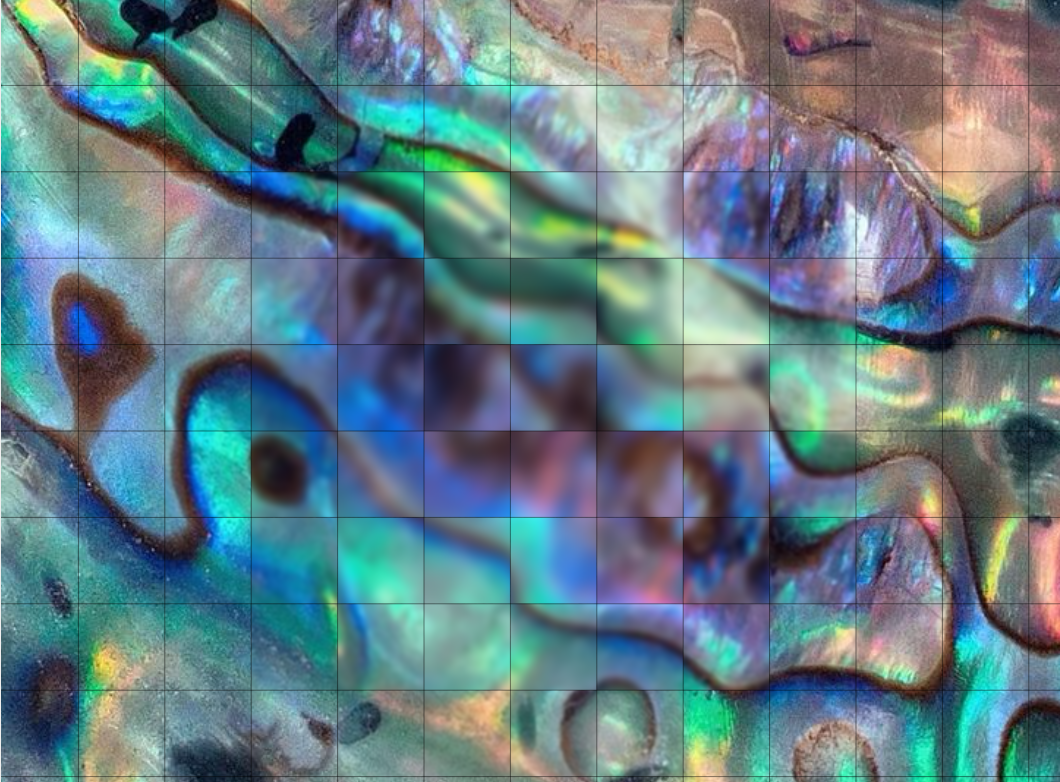
Description Focus Mosaic Image redraws the area around the pointer as a field of responsive image squares.
Description
Description Focus Mosaic Image redraws the area around the pointer as a field of responsive image squares. Choose a crisp local Zoom, a soft Blur or combine both, while pointer velocity gently expands the focus field before it settles. The Framer edition replaces the source demo's white dots and settings panel with responsive image controls, optional links, configurable fitting, a brand-controlled square grid, static Canvas behavior, reduced motion and near-viewport performance safeguards. Features Responsive image with Cover, Contain or Stretch fitting, focal position, alt text and optional link. One exclusive Zoom, Blur or Zoom + Blur focus mode. Adjustable square size, focus radius and optical strengths. Optional full grid lines with thin width and custom color controls. Smooth pointer following with velocity-sensitive expansion and no idle animation loop. Loading, image-error, reduced-motion and static Canvas states. Near-viewport pausing and Light, Auto or High Canvas quality. Setup Paste the Component URL into a Framer project. Choose an Image, set its fit/focal position and write useful Alt Text. Select Zoom, Blur or Both and tune Focus Size. Optionally enable Grid Lines, then choose their color and width. Open Preview to test pointer response, reduced motion and optional link behavior.
Introduction
Pointer-responsive image mosaic
Rank history
Daily rank per list, from the first snapshot — lower is better.
- All · #8654