component
Noise Effect
By Ali Çorak
Details
- Ali ÇorakAuthor
- componentType
- $5.00Price
- 2026-06-28Published
- 2026-08-16Updated
- 2026-06-28Added
- BackgroundsCategories
Summary
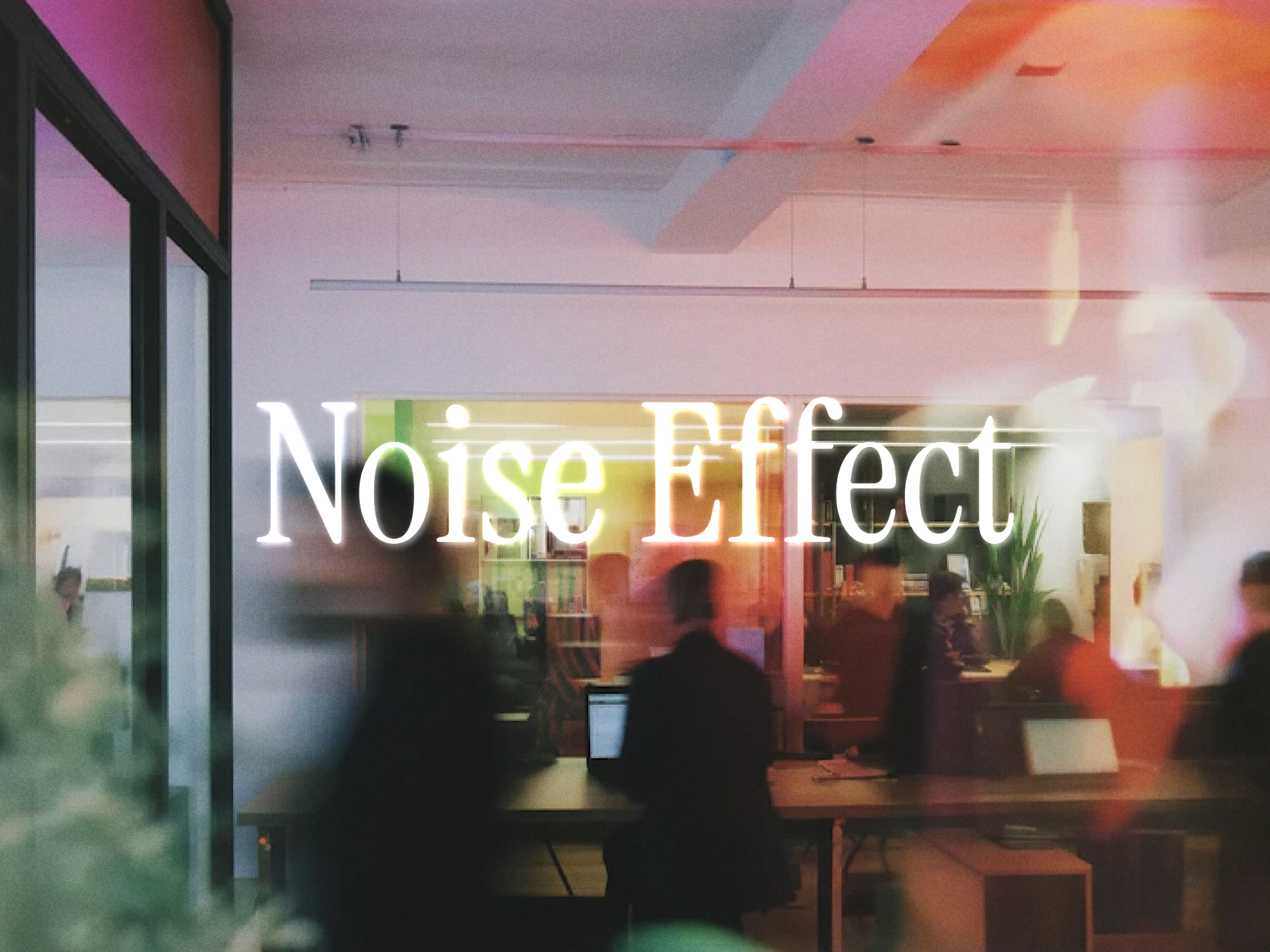
Add a subtle animated noise layer
Description
Unlock entire Depth library for $149. One price. Lifetime. Get Depth Add a subtle animated noise layer to your Framer site. Noise helps you create a more atmospheric, textured, and cinematic look by adding customizable grain over any section, image, background, or layout. Control the opacity, grain size, animation speed, blend mode, and color directly from the properties panel. Use it lightly for soft texture or push it further for a stronger film-like visual effect. Features Animated noise / grain overlay Adjustable opacity Custom grain size FPS speed control Multiple blend modes Custom noise color Works on top of images, videos, gradients, and sections Great for cinematic, editorial, portfolio, and landing page designs Lightweight Framer code component How to use Drop the component into your page or section, stretch it to fill the area, and adjust the opacity, grain size, speed, and blend mode from the properties panel. Use Overlay , Soft Light , or Screen for subtle texture, or experiment with stronger blend modes for more visible grain effects. Perfect for adding depth to hero sections, image blocks, creative layouts, and atmospheric backgrounds. Refund Policy Due to the nature of digital products, all sales are final. Once purchased, this template is non-refundable. Please make sure it fits your needs before completing the checkout. Support: hi@alicorak.com
Introduction
Add a subtle animated noise layer
Rank history
Daily rank per list, from the first snapshot — lower is better.
- All · #4977