component
Orbit Snap Gallery
By Konstantin Nikolaev
Details
- Konstantin NikolaevAuthor
- componentType
- $5.00Price
- 2026-09-14Published
- 2026-09-14Updated
- 2026-09-14Added
- CarouselsCategories
Summary
Gallery snapping into full screen
Description
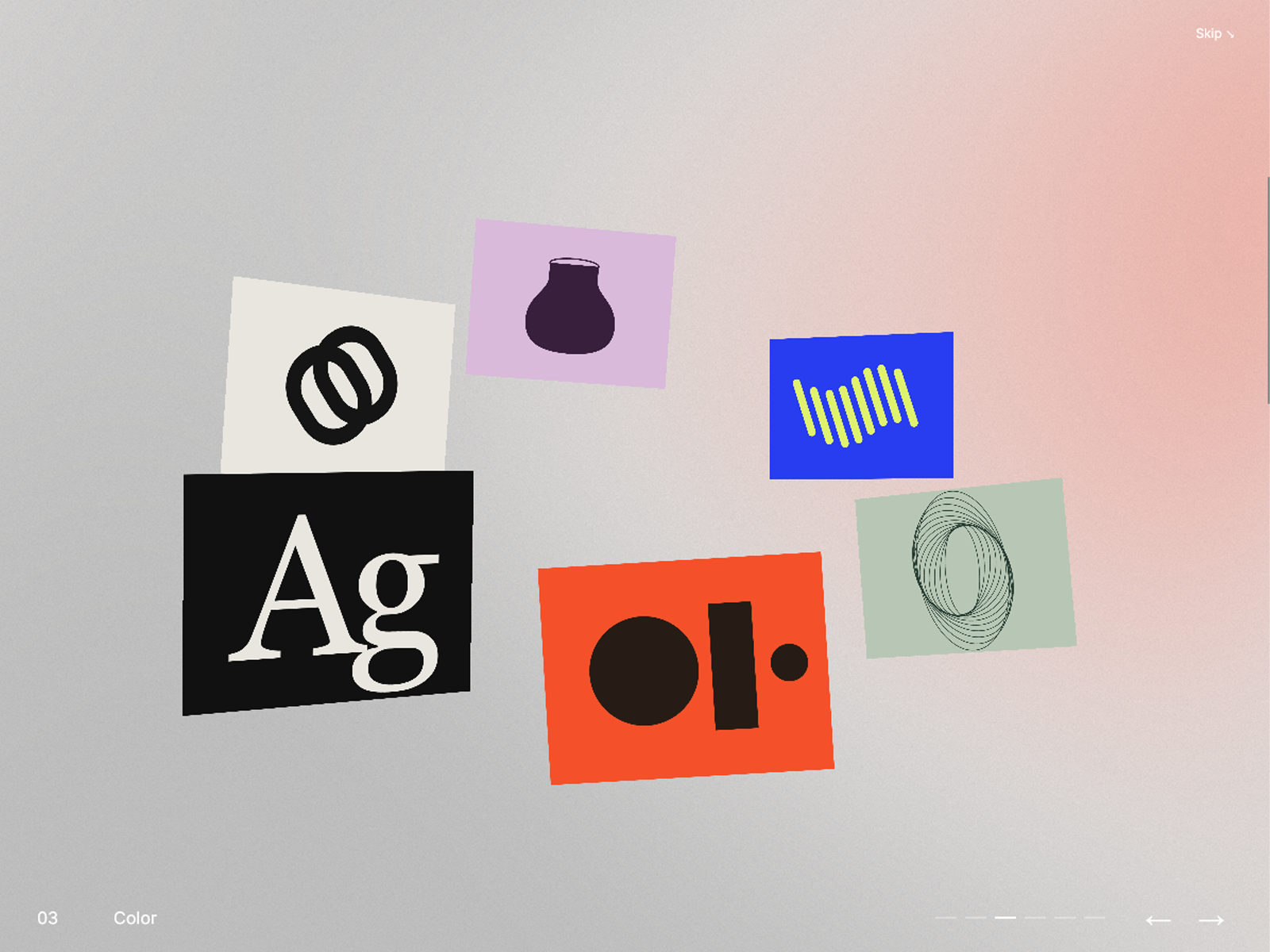
Turn your hero section into a floating 3D gallery. Images and videos move through space as visitors scroll, then smoothly snap into a fullscreen view when scrolling stops. Add individual project links to turn your gallery into an interactive portfolio or visual showcase. Choose between Page Scroll , which moves through your items before continuing down the page, and Infinite Gallery , which lets visitors explore a continuous loop. In Page Scroll mode, items automatically distribute across the available scroll distance based on your container height. Customize everything directly in Framer: Media: Add and reorder up to 12 images, videos, or demo artworks. Set individual titles, video posters, background colors, cover/contain fitting, and links. Motion: Adjust Floatiness, Snap Speed, Fullscreen Speed, and the delay before snapping. Gallery appearance: Control the orbit tilt and card size. Intro: Enable an optional opening headline and description, with an adjustable display duration. Styling: Customize typography, gallery background, and intro text color. Navigation: Show or hide navigation controls and the page-scroll progress bar. Customize link, skip, navigation, and scroll-hint labels. Includes responsive layouts, touch and keyboard navigation, reduced-motion support, and muted looping video with pause/play controls.
Introduction
Gallery snapping into full screen
Rank history
Daily rank per list, from the first snapshot — lower is better.
- All · #3516