component
PageFlip
By Rubab Mubashar
Details
- Rubab MubasharAuthor
- componentType
- $10.00Price
- 2026-08-23Published
- 2026-09-02Updated
- 2026-08-23Added
- ButtonsCategories
Summary
PageFlip.
Description
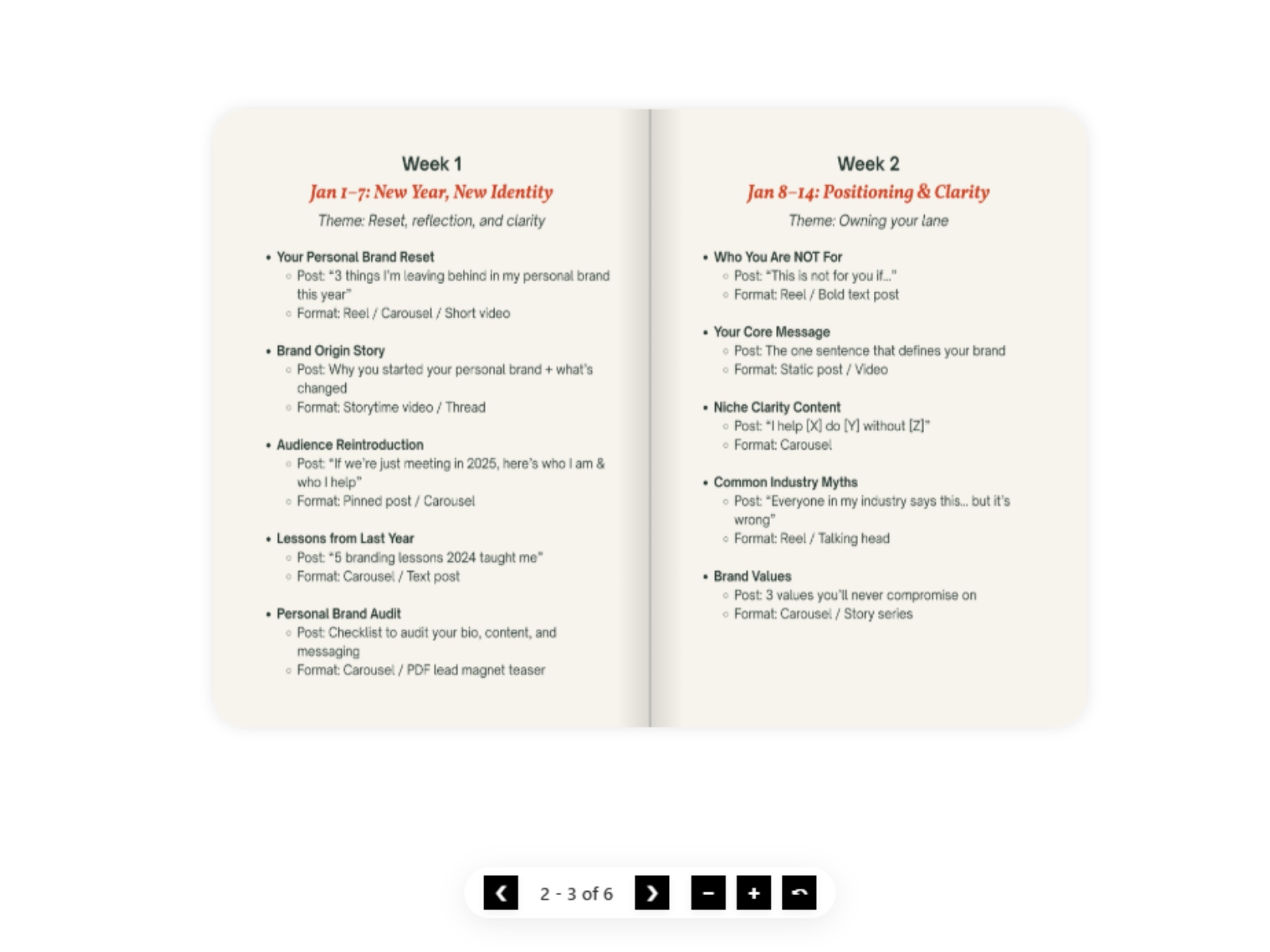
PageFlip. Turn Your PDF Into an Interactive Book PageFlip converts any PDF into a beautiful, interactive book with a realistic page-flip animation. Add it to your Framer website, paste your PDF link into the Framer properties panel, and you're ready to go. It is fully responsive. On desktop and tablet , the book displays two pages side by side. On mobile , it automatically switches to a single-page layout for a better reading experience. Features Interactive 3D page-flip animation Fully responsive Two page spread on desktop and tablet Single page layout on mobile Mouse drag to flip pages Touch friendly mobile navigation Previous / next controls Page counter Zoom controls Fullscreen mode Autoplay Keyboard navigation Choose starting page Custom button size Custom button radius Custom button background Custom icon color Adjustable book height Custom page aspect ratio Custom background Page corner radius Box shadow Spine shadow Perspective control Adjustable flip speed Enable / disable drag interaction How to Use Add PageFlip to your Framer project. Upload your PDF to a publicly accessible location. Copy the direct PDF URL. Paste the URL into the PDF URL field in the Framer properties panel. Customize the book using the available properties. Publish your website. That's it. Need help creating a PDF URL? See the “Buy” section above for instructions. Perfect For PageFlip is perfect for websites that need to display: Digital magazines Lookbooks Product catalogs Company brochures Portfolios Wedding magazines Event programs Menus Reports E-books Presentations Guides Downloadable brochures Need Help? If you have any questions, encounter an issue, or need help setting up PageFlip, feel free to contact me. Email: rubabmubashar174@gmail.com I'd be happy to help!
Introduction
Turn any PDF into a beautiful inte
Rank history
Daily rank per list, from the first snapshot — lower is better.
- All · #7856