component
PathMarquee
By Hamim Reza
Details
- Hamim RezaAuthor
- componentType
- $10.00Price
- 2026-09-01Published
- 2026-09-01Updated
- 2026-09-01Added
- TextCategories
Summary
PathMarquee is a logo and image marquee for Framer that travels along any custom SVG path, not a straight line, so client logos, partner marks, or portfolio images flow in a…
Description
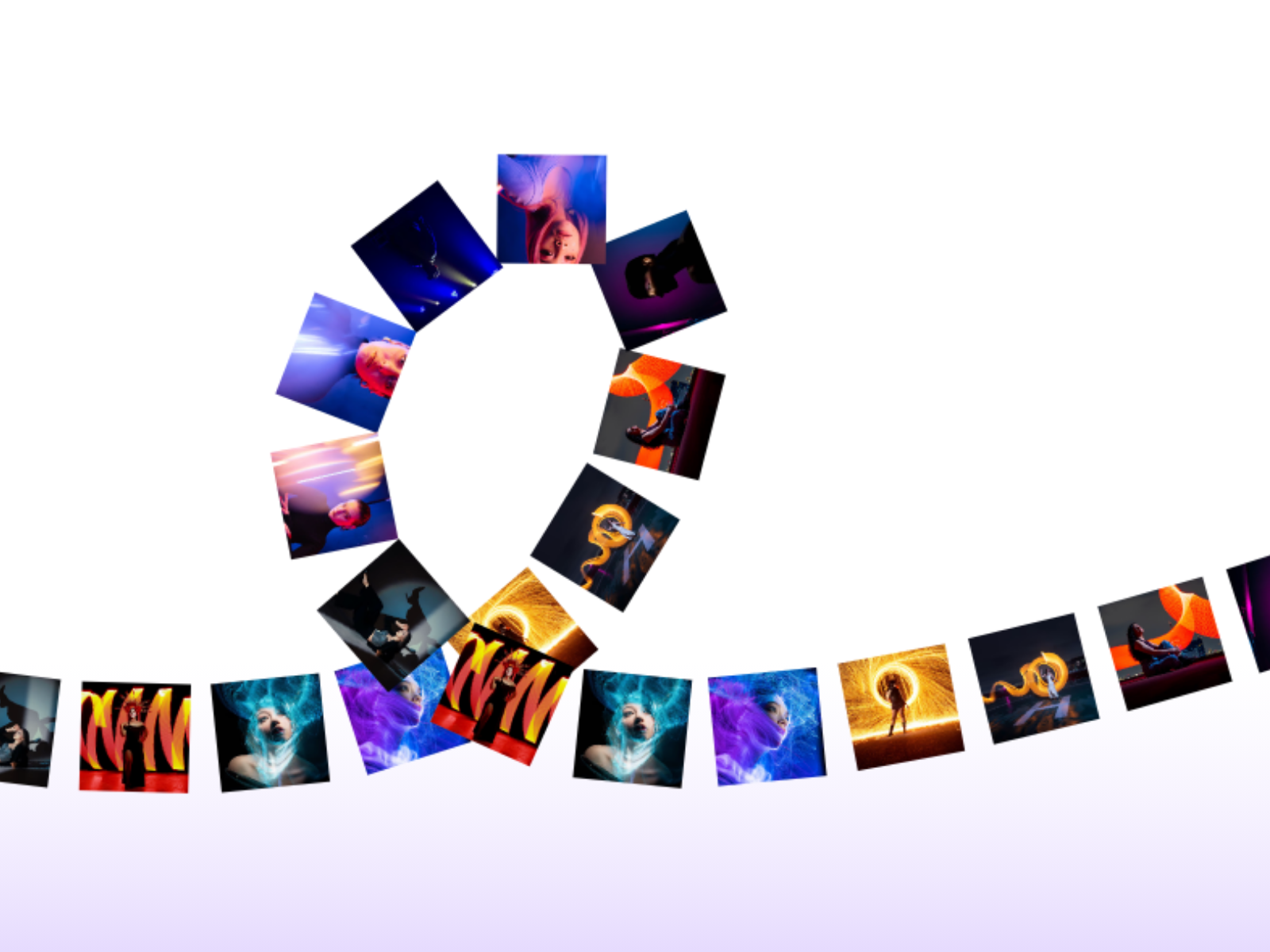
PathMarquee is a logo and image marquee for Framer that travels along any custom SVG path, not a straight line, so client logos, partner marks, or portfolio images flow in a curve, wave, loop, or any shape you draw. Every other logo marquee on the marketplace scrolls left to right in a flat strip. Curved marquee components exist for text, but nothing else lets images and logos ride an arbitrary path with real drag momentum and scroll-reactive speed. WHAT IT DOES Paste your own SVG path data and add images or logos, each optionally linking out. Items travel continuously along the path in a seamless loop, rotating to follow the path's direction if you choose. Visitors can drag to fling the marquee, and scroll velocity can boost the speed. KEY FEATURES Follows any custom SVG path, curves, waves, loops, or hand-drawn shapes Real drag interaction with momentum, fling it and let physics carry on Scroll-reactive speed, marquee accelerates with scroll velocity Optional rotation along the path direction for natural orientation Adjustable speed, direction, and repeat count for longer paths Hover-to-slow with configurable slowdown factor Auto-fit scales your path to any container size Optional visible guide line for easier path alignment Per-item outbound links, ideal for clickable partner logos Minimal dependencies, built on Framer Motion WHY IT WORKS Straight-line marquees are everywhere. A marquee that bends around a curve or follows your brand's own custom shape separates a template-feeling site from an art-directed one, and it works with real logos and images, not just text. PERFECT FOR Client and partner logo strips, portfolio image tickers, agency hero sections, and any Framer site that wants a marquee with a genuinely custom shape. WHAT'S INCLUDED A single drop-in component. Paste your SVG path, add images or logos, and tune speed, drag, scroll reactivity, and rotation through property controls. Drop it in, draw your path, and let it flow.
Introduction
Image marquee on a path
Rank history
Daily rank per list, from the first snapshot — lower is better.
- All · #2023