component
Pixel CTA Button
By Karim Saif
Details
- Karim SaifAuthor
- componentType
- $5.00Price
- 2026-08-25Published
- 2026-08-25Updated
- 2026-08-25Added
- ButtonsCategories
Summary
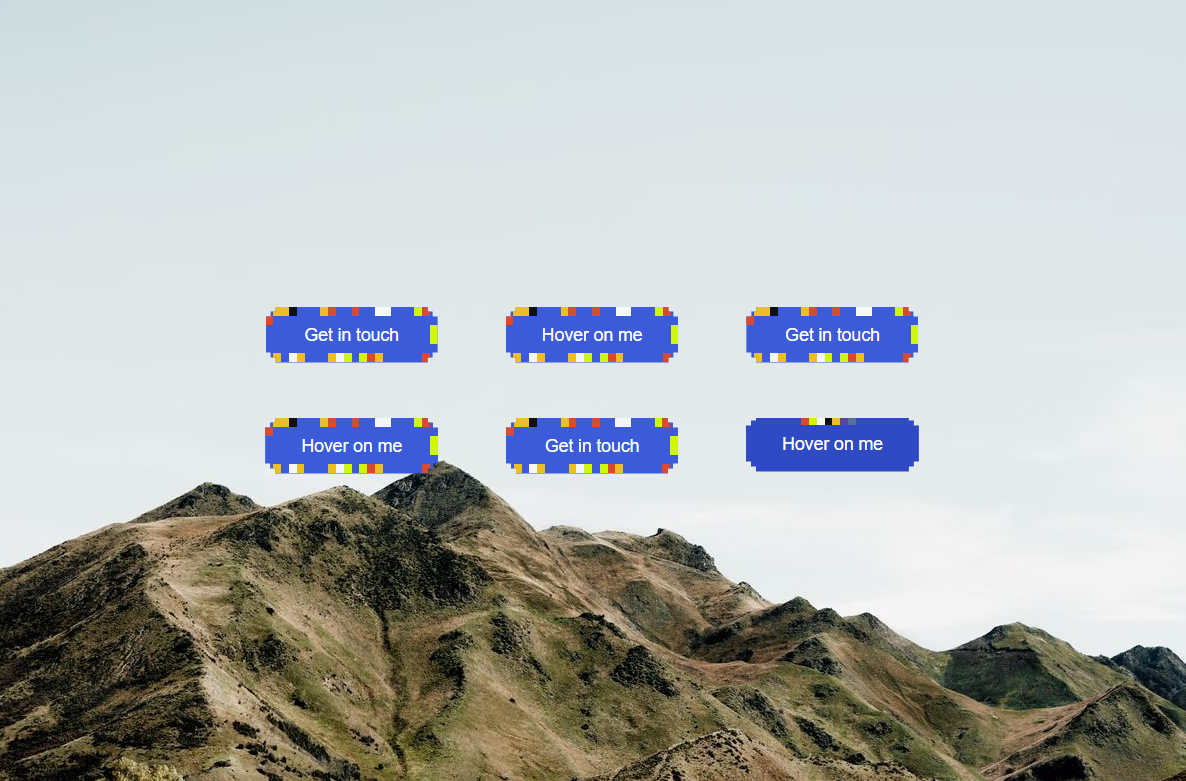
Bring a playful, retro-inspired interaction to your Framer projects with Pixel CTA Button, a high-performance call-to-action component featuring a dynamic pixel perimeter that…
Description
Bring a playful, retro-inspired interaction to your Framer projects with Pixel CTA Button , a high-performance call-to-action component featuring a dynamic pixel perimeter that reacts beautifully to hover and focus. Great For Portfolio websites Creative agency websites Product landing pages SaaS websites Developer portfolios Gaming and entertainment websites Experimental and interactive websites Personal websites Hero sections and conversion-focused CTAs Retro, pixel-art, and playful interfaces Features 🎮 6 Interactive Pixel Presets Choose from six built-in hover animations: Random Jitter — randomized pixel movement for an energetic feel Pixel Burst — a radial burst that expands toward the button perimeter Pixel Wave — flowing color movement around the button Pixel Blink — alternating pixel patterns for a sharp digital effect Pixel Pulse — smooth breathing opacity animation Pixel Chase — a moving pixel trail around the perimeter ⚡ Performance Focused The animation engine updates the pixel elements directly through DOM references and requestAnimationFrame , avoiding React re-renders during animation frames. Customize It Your Way Make the button fit your brand in seconds. Colors: Create your own pixel palette with up to five independent accent colors. Animation: Pick from six different interaction styles and control their intensity. CTA: Change the label, destination, new-tab behavior, and accessibility label. Cursor: Add a custom cursor tag for websites using custom cursor implementations. Support Need help, found a bug, or have an idea for an improvement? I'd love to hear from you. Email: karimsaif010@gmail.com X: @karimsaif0 Feel free to reach out with questions, feedback, or suggestions.
Introduction
Dynamic pixel perimeter
Rank history
Daily rank per list, from the first snapshot — lower is better.
- All · #2407