component
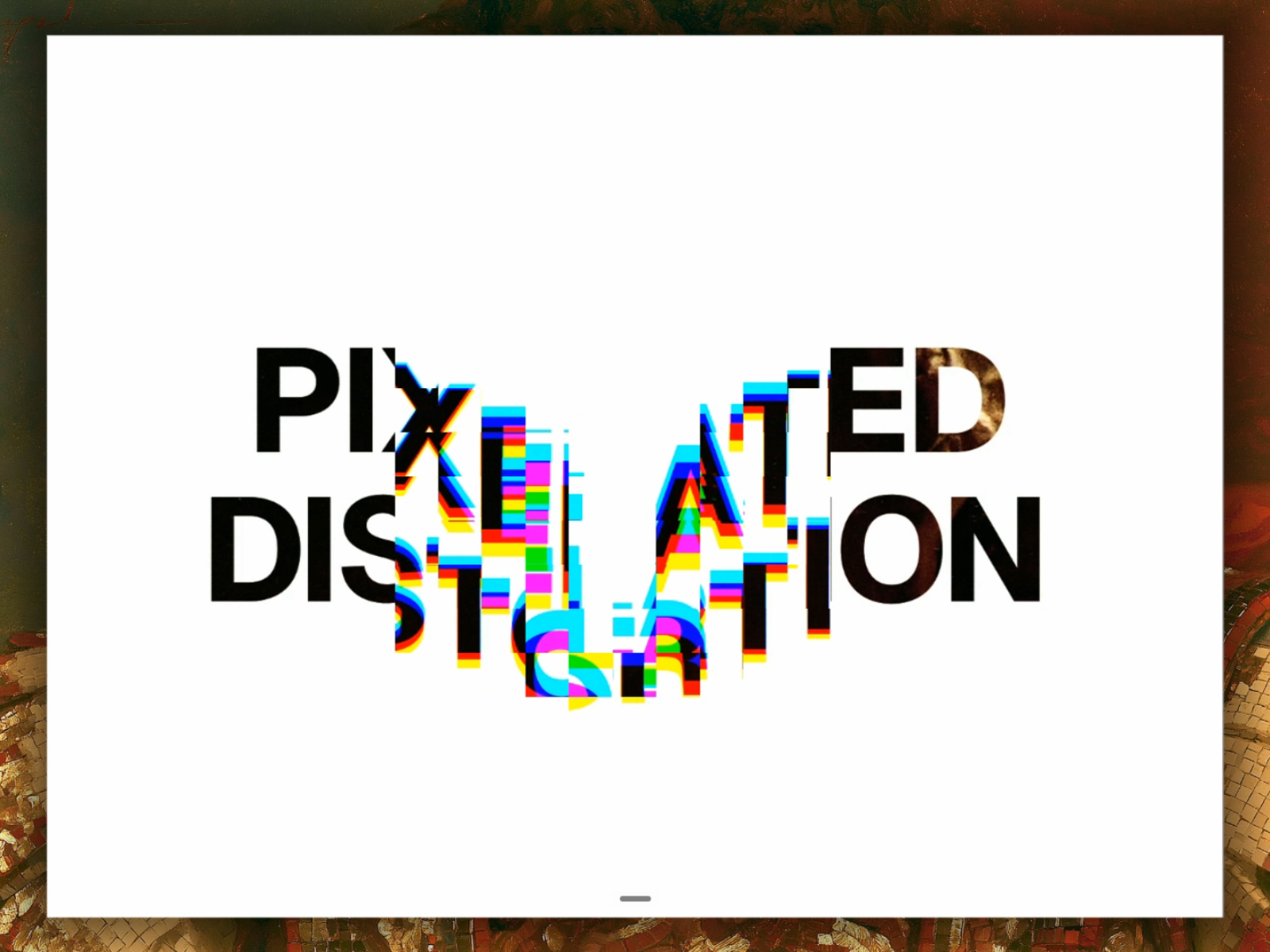
Pixel Distortion
By Munzir Kareem
Details
- Munzir KareemAuthor
- componentType
- $8.00Price
- 2026-07-03Published
- 2026-07-03Updated
- 2026-07-03Added
- EffectsCategories
Summary
Pixel Distortion breaks your image, video, or component into a grid of pixel blocks that shift and warp as the cursor moves across them.
Description
Pixel Distortion breaks your image, video, or component into a grid of pixel blocks that shift and warp as the cursor moves across them. How it works Each block near the pointer reacts to your mouse's velocity, pushing outward in blocky, low-res steps. The moment you stop moving, the blocks relax back into place. A subtle color channel split rides along the distortion, adding a faint red and blue fringe at the edges as the grid settles. Sources Works with three types of content: Image Video Any dropped-in Framer component (snapshotted to canvas, with an optional refresh interval for animated components) Controls Grid size — pixel density of the effect Mouse radius — how far the cursor's influence reaches Strength — how hard blocks push Relaxation — how quickly blocks settle back Displacement — how far pixels shift Aberration — intensity of the channel split Quality — pixel ratio cap for performance Behavior: The live WebGL effect runs in Preview and on your published site. On the editor canvas, it shows the plain source to keep things light. Toggle "Render on canvas" if you want to see the live effect while designing. Refund is not available. Component Demo
Introduction
Pixelated distortion on hover
Rank history
Daily rank per list, from the first snapshot — lower is better.
- All · #860