component
Pixel Scan Field
By Karim Saif
Details
- Karim SaifAuthor
- componentType
- $5.00Price
- 2026-07-23Published
- 2026-07-23Updated
- 2026-07-23Added
- TextCategories
Summary
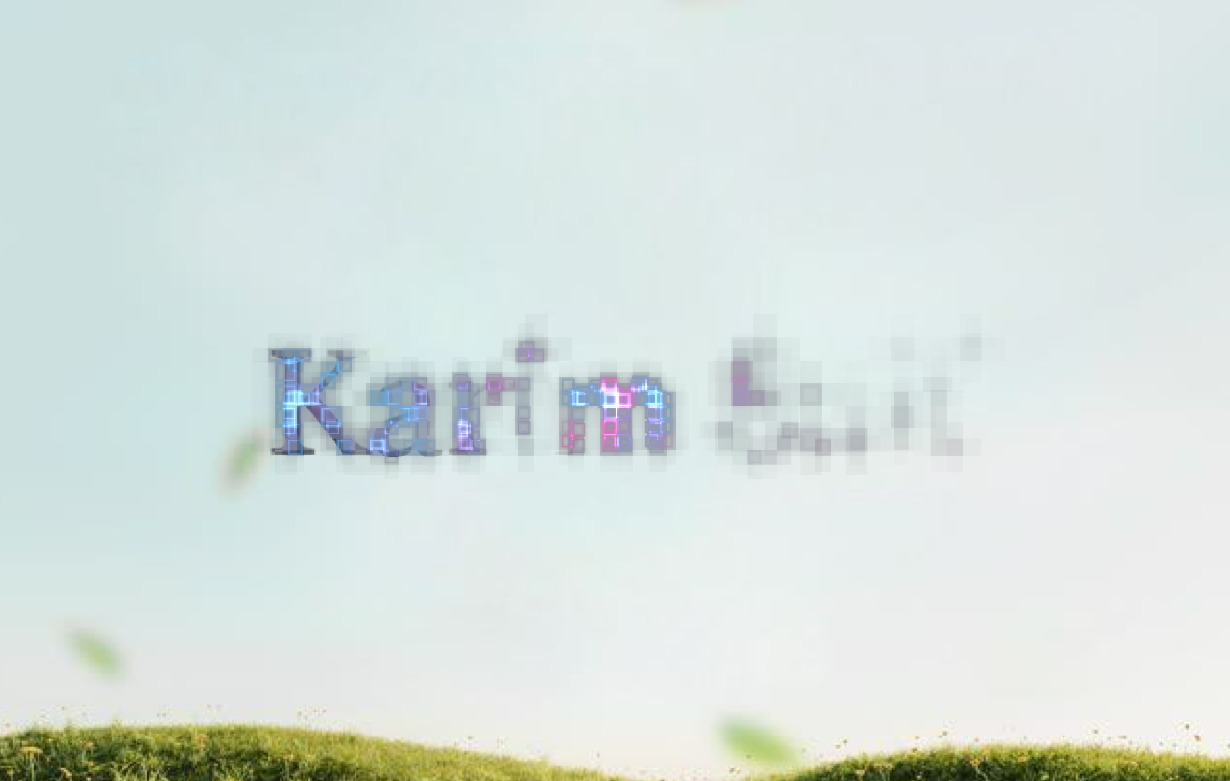
About Pixel Scan Field is a high-performance WebGL typography effect that transforms standard text into an illuminated field of reactive grid particles.
Description
About Pixel Scan Field is a high-performance WebGL typography effect that transforms standard text into an illuminated field of reactive grid particles. Sweeping light, cursor trails, and customizable shader presets give hero sections and display typography a futuristic, digital aesthetic. What it does GPU-Accelerated Particle Field: Converts text into dynamic, multi-layered pixel blocks powered by WebGL shaders. Interactive Cursor Trail: Leaves an organic trail of light particles across the text grid as visitors move their mouse. 16 Built-In Shader Presets: Includes themed color palettes like Cyber, Matrix, Vaporwave, Aurora, Neon, Gold, Sunset, and more. Keyboard & Touch Accessible: Triggers center-glow illumination on tab focus and direct mobile touch. Performance Optimized: Features automatic offscreen pausing ( IntersectionObserver ), dynamic pixel-ratio capping for mobile devices, and static preview rendering for Framer Canvas and SSG exports. What you can customize Everything is fully configurable directly from Framer’s right-hand property panel: Text & Font — Rasterize any custom word or custom typography family into WebGL. Presets or Custom Styling — Toggle between 16 ready-to-use color themes or fine-tune your own primary accents, base colors, and text tones. Sweep Direction — Choose how light scans across the grid: Horizontal, Vertical, Radial, or Diagonal . Motion & Field Settings — Adjust animation speed, scan width, particle intensity, and cursor glow radius. Quality Modes — Switch between Low, Medium, and High DPR scaling to balance visual fidelity and performance on lower-end devices. Need help? Have questions or feedback? Reach out anytime at karimsaif010@gmail.com or on X @karimsaif0 .
Introduction
WebGL typography effect
Rank history
Daily rank per list, from the first snapshot — lower is better.
- All · #2952