component
Premium MobileMockup
By ARUNVIKRAM S
Details
- ARUNVIKRAM SAuthor
- componentType
- $6.00Price
- 2026-08-10Published
- 2026-08-10Updated
- 2026-08-10Added
- InteractiveCategories
Summary
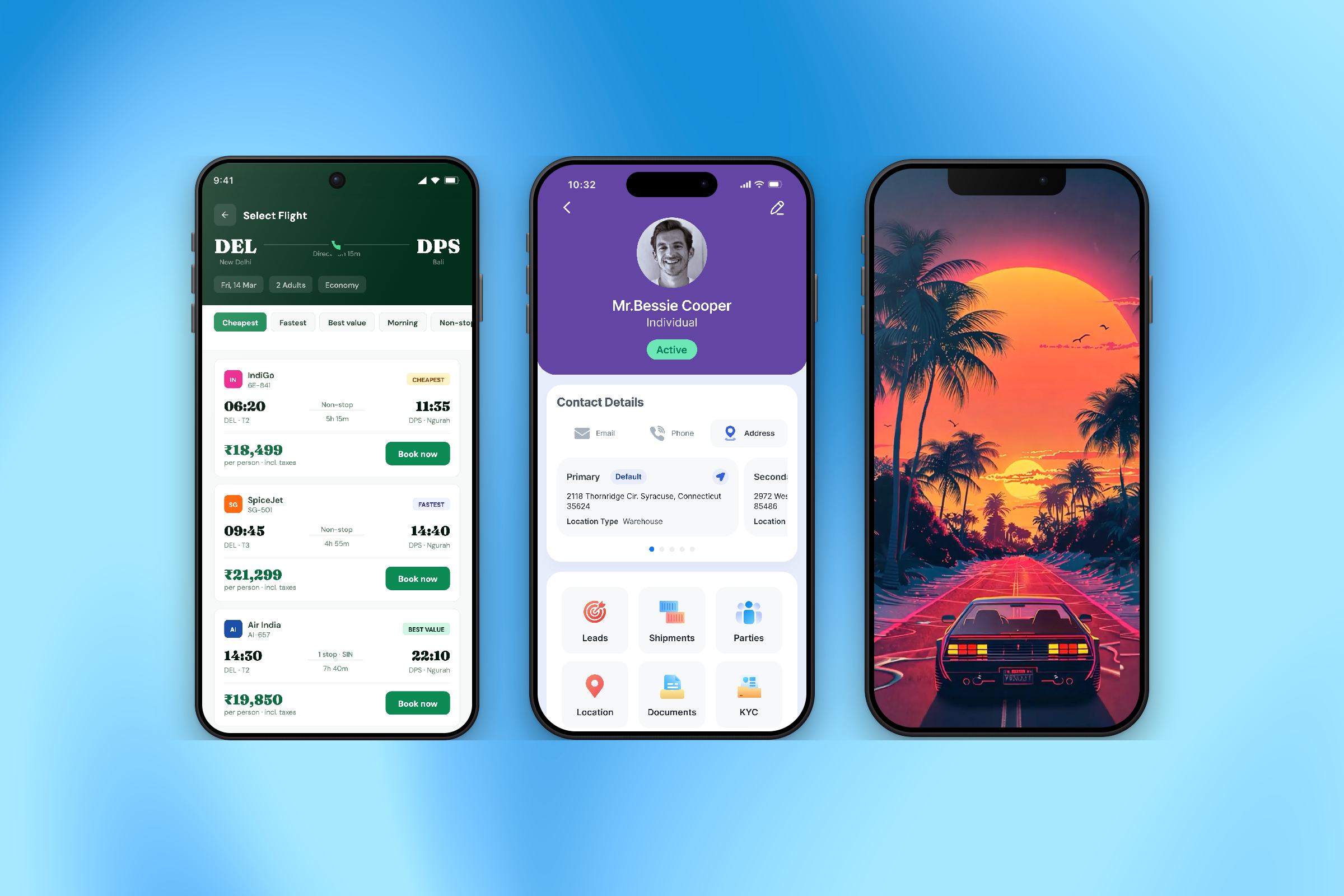
All in one Mockup (Video & Image
Description
Introduction Check how the component works Most mockups crop your screenshot to fit the frame. This one resizes the frame to fit the screenshot. Tall screens auto-scroll. Six presets, measured bezels, real metal finishes, iOS and Android status bars, image or video. $6. What you get Fit to media — frame sizes itself to your screenshot or video ratio Auto scroll — long screens scroll in view, with pause, reverse or loop, plus hover-pause and drag-to-scrub Status bar — clock, signal, wifi and battery, iOS layout on iPhone presets and Android on the rest Six presets — iPhone 17 Pro and Pro Max, 15 Pro Max, iPhone 14, Android, Generic Measured bezels — real teardown figures, with the metal rail and black bezel as separate layers Three finishes — Matte, Brushed with directional grain, Polished. Recolour the rail and the metal stays metal Reflection — length, strength, fade and gap as separate controls Video — native controls, mute toggle, volume, 0.5x–4x speed 3D tilt , shadow, glare, camera and side buttons, each toggleable. Setup. Drop it in, upload a screenshot, set Height to Fit. That is all. Width is fluid and everything inside scales with it, so set the width and the proportions hold. Accessibility. The mockup is labelled as a single image rather than announcing decorative chrome, auto-scroll and video stop for visitors who prefer reduced motion, and the sound toggle is keyboard reachable. Best for app landing pages, product heroes and feature sections. Not for multi-device compositions or perspective scenes, this is one device, rendered properly. Updates: New device presets on request; the device table is plain data, so adding one is a small change. Report a bug and it gets fixed.
Introduction
All in one Mockup (Video & Image)
Rank history
Daily rank per list, from the first snapshot — lower is better.
- All · #2815