component
Presentation
By Offset UI
Details
- Offset UIAuthor
- componentType
- 2026-06-19Published
- 2026-07-08Updated
- 2026-06-19Added
- CarouselsCategories
Summary
Connect your frames to the Slides property and get a polished presentation experience with zero configuration.
Description
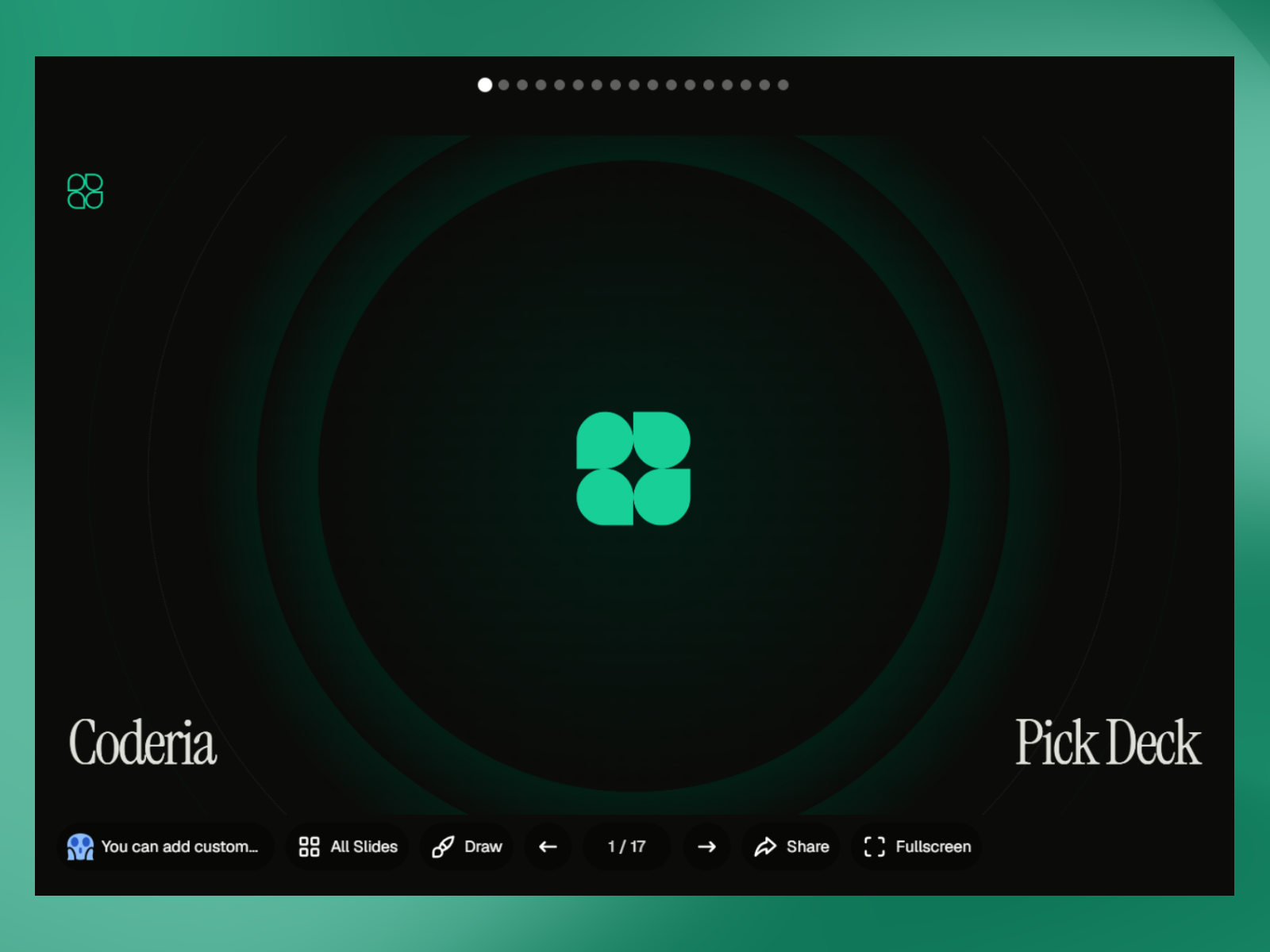
A production-ready slideshow component for Framer. Connect your frames to the Slides property and get a polished presentation experience with zero configuration. You can get the Pitch Deck that you see in the preview as part of Coderia AI Coding Agent Template . Navigation Arrow buttons, dot indicators, and click-to-advance Slide counter, optionally grouped with arrows Keyboard shortcuts: arrows, space, Home/End, number + Enter to jump, F for fullscreen, D for drawing Loop toggle Layout Scale to fit with native aspect ratio preserved Three-zone control bars (left, center, right) on top and bottom — center is always truly centered Responsive reflow below a configurable width threshold iOS/Android safe area support Features Fullscreen — native browser API with custom icon support Grid view — thumbnail overview of all slides, keyboard accessible, focus-trapped Drawing mode — annotate over slides with pen, brush, line, arrow, rectangle, oval, and eraser; per-slide memory, undo/redo Password protection — fully styled gate screen, toggle per canvas/preview Share — native Web Share API with configurable URL and title Custom buttons — add actions (link, go to slide, prev, next, share, grid) to any zone with custom SVG icons and labels Appearance & Accessibility Global and per-control styling: background, hover, icon size, radius, padding, font Numeric order control per zone Semantic buttons, full keyboard nav, configurable focus outline, aria-labels throughout Keywords: framer slideshow, presentation, carousel, pitch deck, fullscreen, drawing annotation, whiteboard, password protected, grid view, keyboard navigation, accessible, responsive, scale to fit, interactive slides
Introduction
Slide Decks
Rank history
Daily rank per list, from the first snapshot — lower is better.
- All · #1712