component
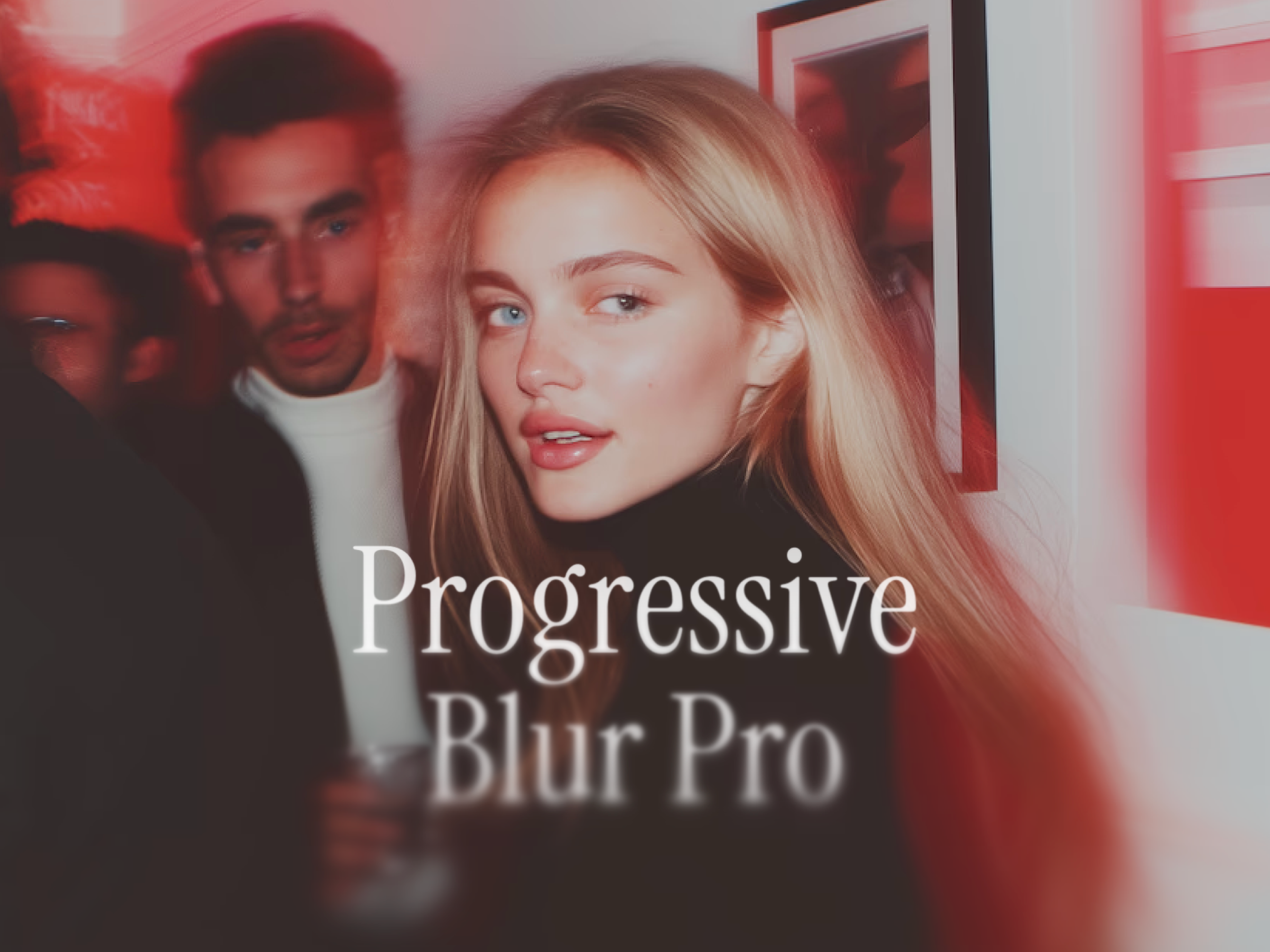
Progressive Blur Pro
By Ali Çorak
Details
- Ali ÇorakAuthor
- componentType
- $5.00Price
- 2026-06-26Published
- 2026-08-16Updated
- 2026-06-26Added
- EffectsCategories
Summary
Progressive Blur Pro creates a smooth blur gradient that improves readability while maintaining the content beneath, making it perfect for sticky headers, floating footers,…
Description
Unlock entire Depth library for $149. One price. Lifetime. Get Depth Add a beautiful Apple-inspired progressive blur to any edge of your layout. Progressive Blur Pro creates a smooth blur gradient that improves readability while maintaining the content beneath, making it perfect for sticky headers, floating footers, overlays, and modern interface designs. How to use Place the component over any content you want to blur, then choose the blur direction, adjust the intensity, set the number of blur layers, and optionally add a color tint. Everything is customizable directly from the properties panel—no code required. Features Progressive blur inspired by Apple's interface design Blur from Top , Bottom , Left , Right , or Top & Bottom Adjustable blur intensity Configurable blur layers for smoother gradients Optional tint color overlay Lightweight and fully responsive Easy drag-and-drop setup No code required Perfect for sticky navigation bars, floating footers, glass UI, overlays, drawers, modals, sidebars, and any layout that requires a smooth transition between content and interface elements. Refund Policy Due to the nature of digital products, all sales are final. Once purchased, this template is non-refundable. Please make sure it fits your needs before completing the checkout. Support: hi@alicorak.com
Introduction
Apple-inspired progressive blur
Rank history
Daily rank per list, from the first snapshot — lower is better.
- All · #4442