component
Readability Widget
By Kingsley
Details
- KingsleyAuthor
- componentType
- 2026-06-29Published
- 2026-06-30Updated
- 2026-06-29Added
- TextCategories
Summary
Comfort controls for every site
Description
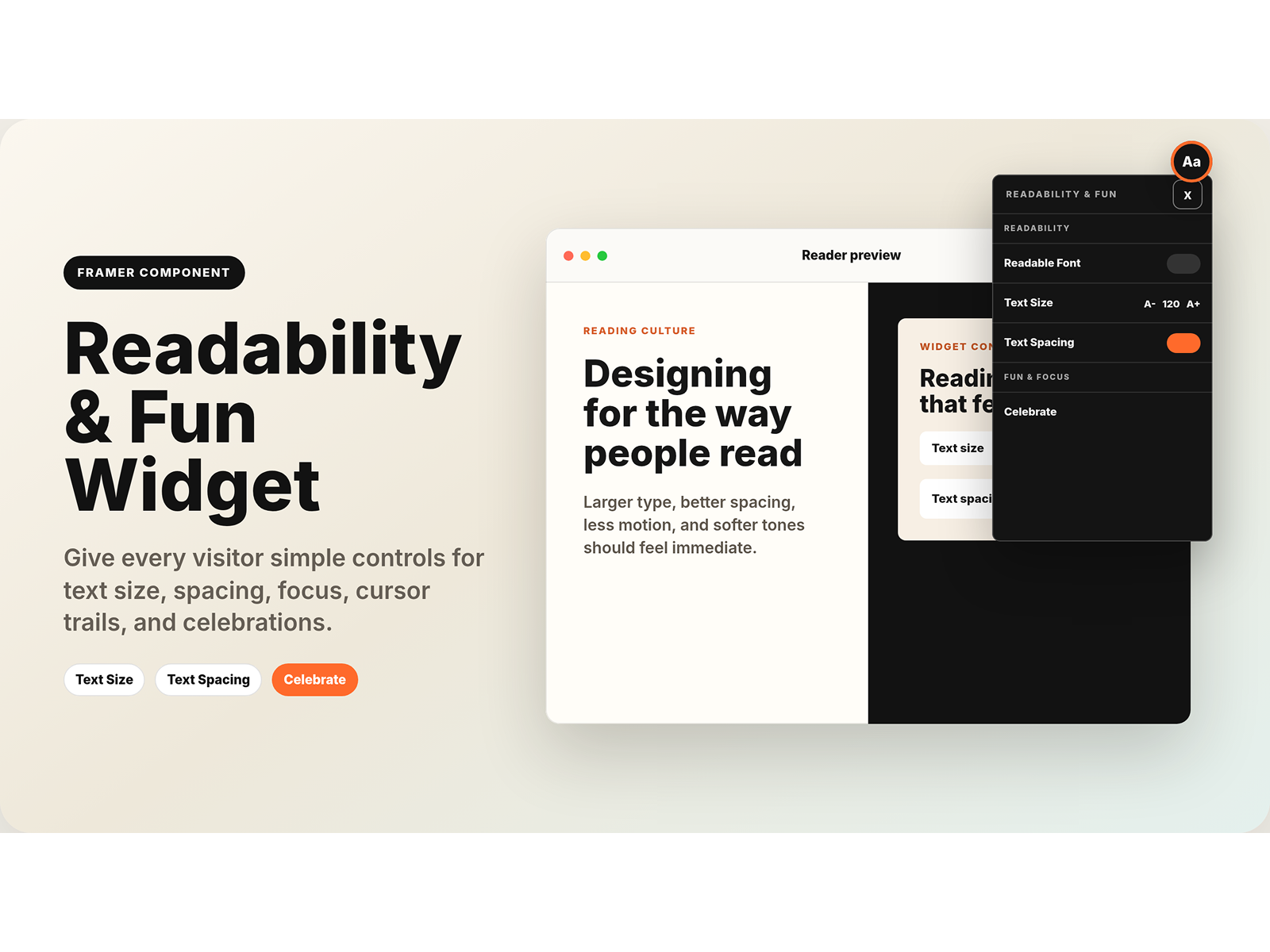
About Readability & Fun Widget gives visitors simple controls to make any Framer website easier and more enjoyable to read. It combines reading comfort tools with playful extras in one compact floating panel. Use Cases Portfolio websites Blogs and writing pages Resource libraries Accessibility-friendly landing pages Features Compact floating widget panel Light & dark styling Text size controls Readable font option Text spacing toggle Eye comfort mode Reduced motion option Cursor trail effect Celebration animation Customizable accent color Demo preview mode for showcasing the widget Targeted section control for safer site behavior How To Use Add the component to your Framer page. Select the section or frame you want the widget to affect. Rename that section/frame to Readability Scope . In the component properties, keep Target Name as Readability Scope . If you use a different section name, enter that exact name in Target Name . The widget will only apply text size, readable font, text spacing, color tone, and reduced motion to the section entered in Target Name . This keeps the component safe and prevents it from changing unrelated parts of the page. For real websites, set Preview to Closed before publishing. Use Open Panel or Demo Active only for previews, screenshots, or marketplace demos.
Introduction
Comfort controls for every site
Rank history
Daily rank per list, from the first snapshot — lower is better.
- All · #5000