Jamik
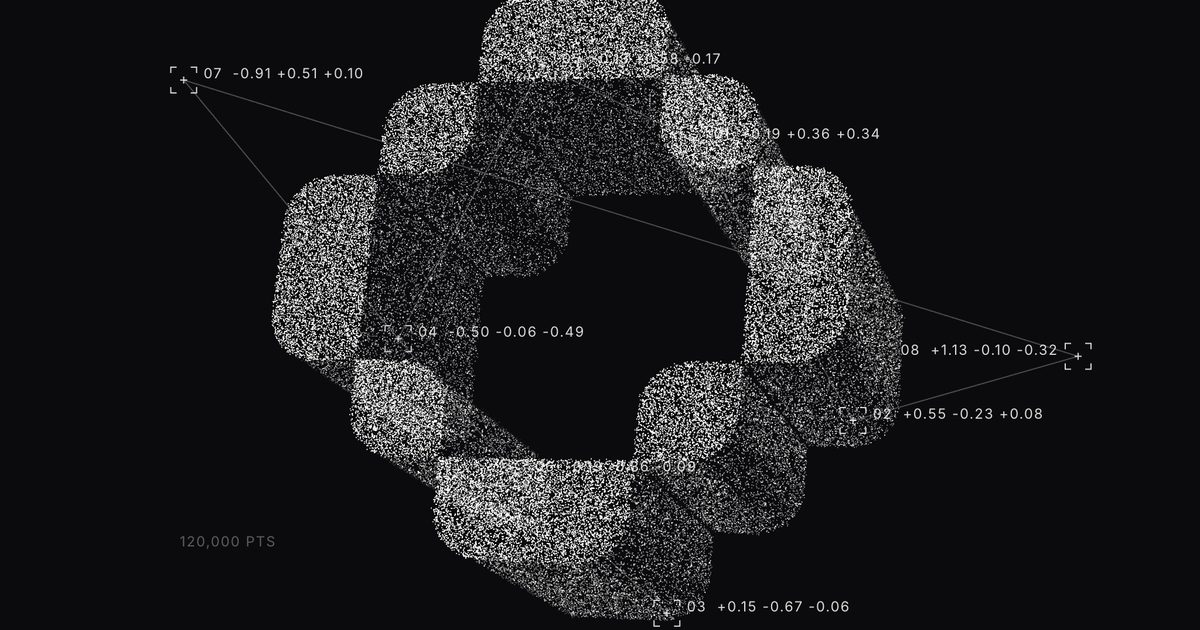
Particle Image
$12Logos and photos as 3D points
Searching…
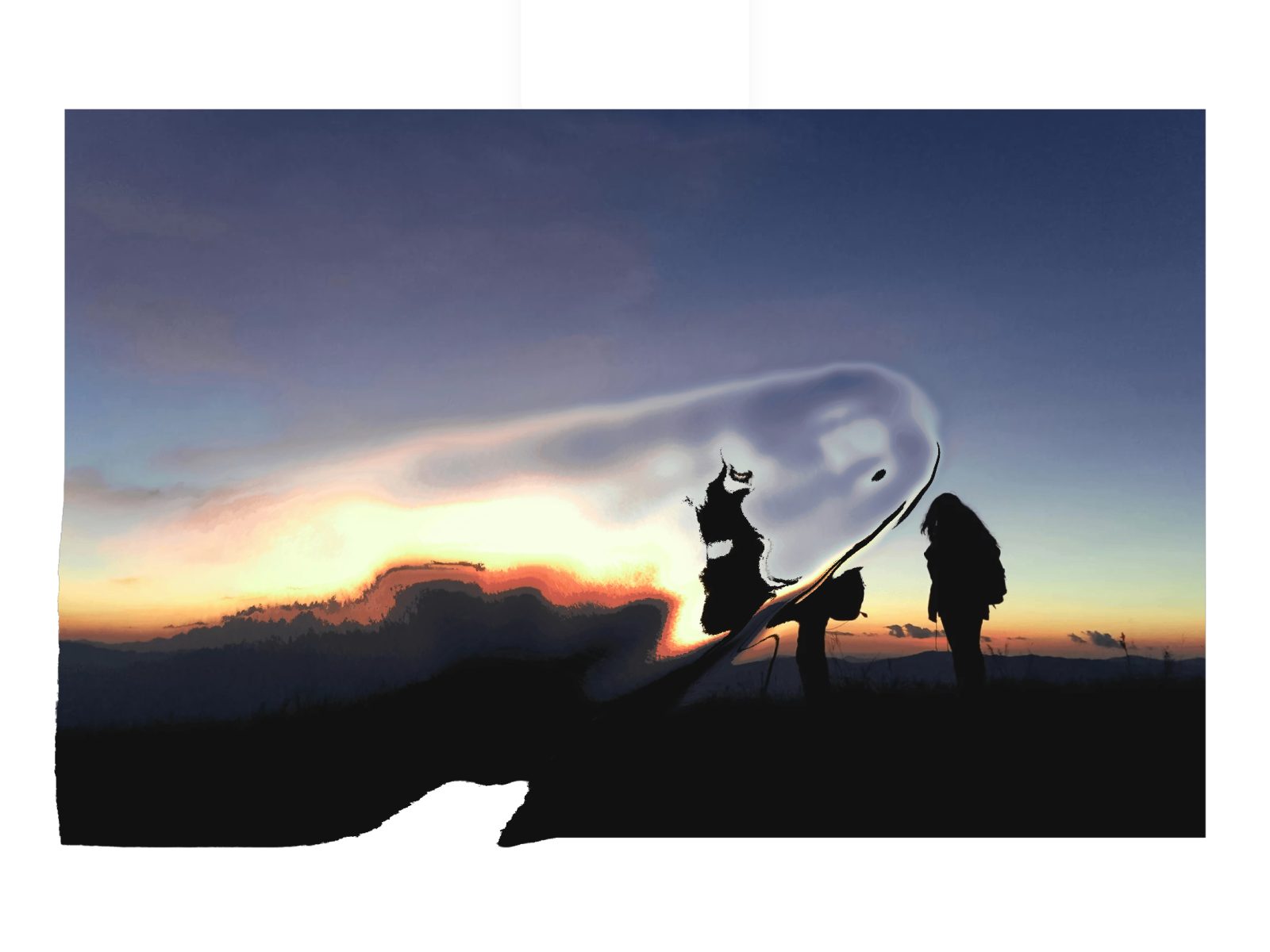
All you need to do is add the component to your page, and the effect will automatically be applied to all your media elements (images and videos).
All you need to do is add the component to your page, and the effect will automatically be applied to all your media elements (images and videos).
The component is fully responsive, ensuring the ripple effect adapts seamlessly to different screen sizes.
The effect is applied to all these elements, and that’s all you need to do.
You can tweak two properties: the intensity and the cursor size.
Example sites using this component: https://aerleum.com/
You can contact [email protected] for any questions